
2026 has been the biggest year for gaming mice in a long time. The new flagships are lighter than ever — under 50 grams — with 50,000 DPI sensors, true 8,000 Hz wireless polling and battery life measured in months rather than days. Logitech even replaced the mechanical mouse switch entirely with a haptic trigger system. The result is that there has never been a better time to upgrade, but also never a more confusing one: the spec sheets all look the same, and the mouse that wins on paper is not always the one that fits your hand.
We researched the current 2026 lineups from Razer and Logitech, compared weight, sensor, polling rate, battery life and price, and picked the seven gaming mice worth your money right now — from the 49-gram flagship every pro seems to use to the button-packed MMO specialist and the all-rounder that does everything well.
Best Gaming Mouse 2026 at a Glance
| Mouse | Best For | Weight | Sensor | Polling | Price |
|---|---|---|---|---|---|
| Razer Viper V4 Pro | Best overall | 49 g | Focus Pro 50K Gen-3 | 8,000 Hz | $159.99 |
| Logitech G Pro X2 Superstrike | Best click speed | 61 g | HERO 2, 44K | 8,000 Hz | $179.99 |
| Razer Viper V3 Pro | Best value flagship | 54 g | Focus Pro 35K | 8,000 Hz | ~$129.99 |
| Logitech G Pro X Superlight 2 | Best for most hand sizes | 60 g | HERO 2, 44K | 8,000 Hz | $159.99 |
| Razer DeathAdder V4 Pro | Best ergonomic / palm grip | 56 g | Focus Pro 45K Gen-2 | 8,000 Hz | $169.99 |
| Razer Naga V3 Pro | Best for MMO | 117 g | Focus Pro 50K Gen-3 | 8,000 Hz | $179.99 |
| Logitech G502 X LIGHTSPEED | Best all-rounder | 102 g | HERO 25K | 1,000 Hz | $139.99 |
1. Razer Viper V4 Pro — Best Overall
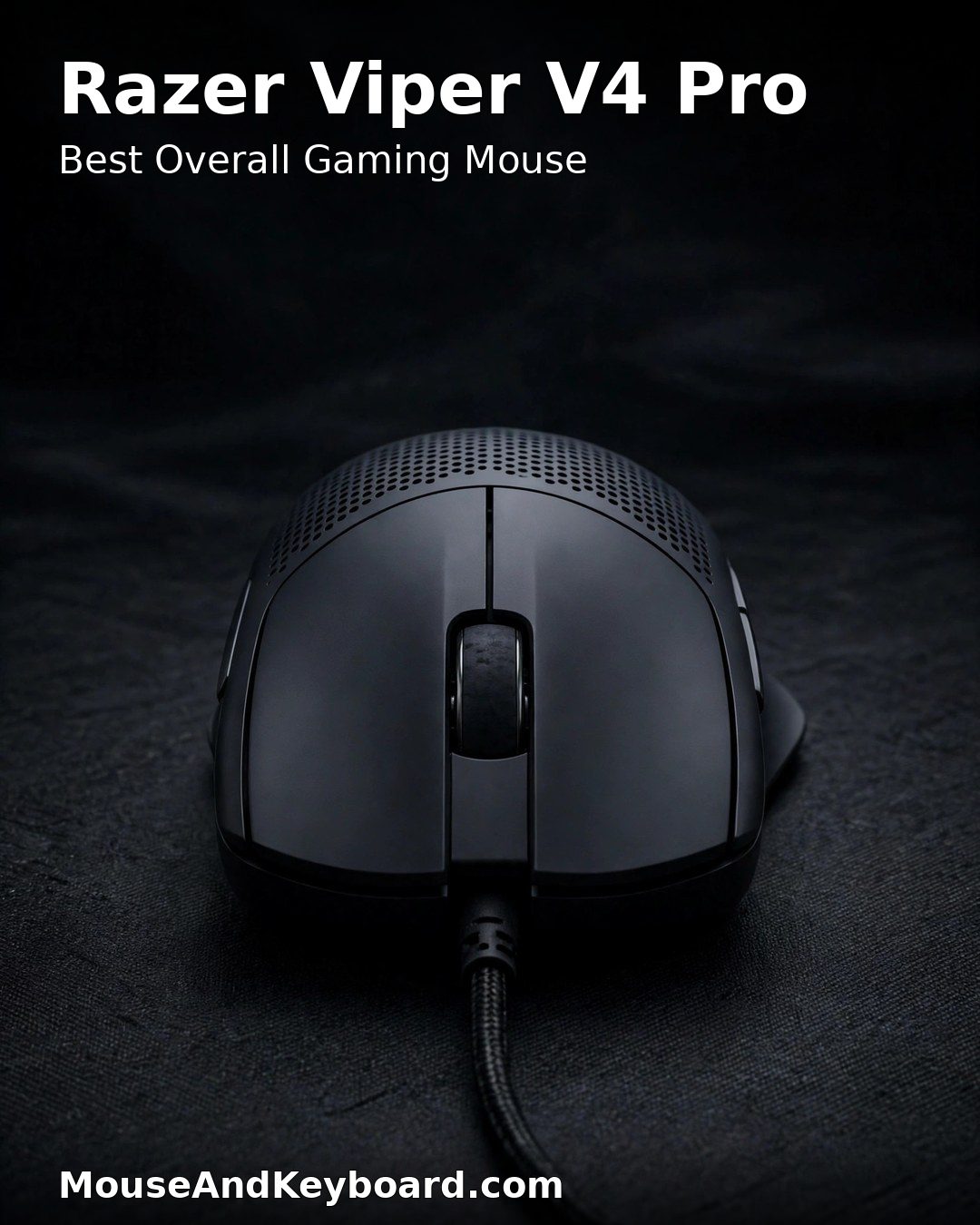
The Razer Viper V4 Pro is the mouse every other 2026 flagship gets measured against, and it wins on almost every number that matters. At 49 grams it is one of the lightest wireless mice ever made, the Focus Pro 50K Gen-3 sensor tracks up to 50,000 DPI with 930 IPS, and true 8,000 Hz wireless polling comes in the box — no paid dongle upgrade needed. Battery life is rated up to 180 hours at 1,000 Hz, or around 45 hours at full 8,000 Hz, so you can run it at maximum polling for a full week of play between charges.
The symmetrical shape suits claw and fingertip grips, and the Gen-3 optical switches are rated for 90 million clicks with a crisp, light actuation. It is the default pick for competitive FPS players in 2026 for a simple reason: nothing else combines this weight, this sensor and this battery life at this price.
Key specs: 49 g · Focus Pro 50K Gen-3 optical sensor, up to 50,000 DPI · 8,000 Hz wireless polling · HyperSpeed Wireless Gen-2 · Up to 180 hours battery at 1,000 Hz · Gen-3 optical switches, 90M clicks · $159.99
Pros: Lightest flagship in this list; best-in-class sensor; 8K dongle included; huge battery life; widely used by pros.
Cons: Symmetrical shape is not for palm grippers; no Bluetooth; premium price.
2. Logitech G Pro X2 Superstrike — Best Click Speed
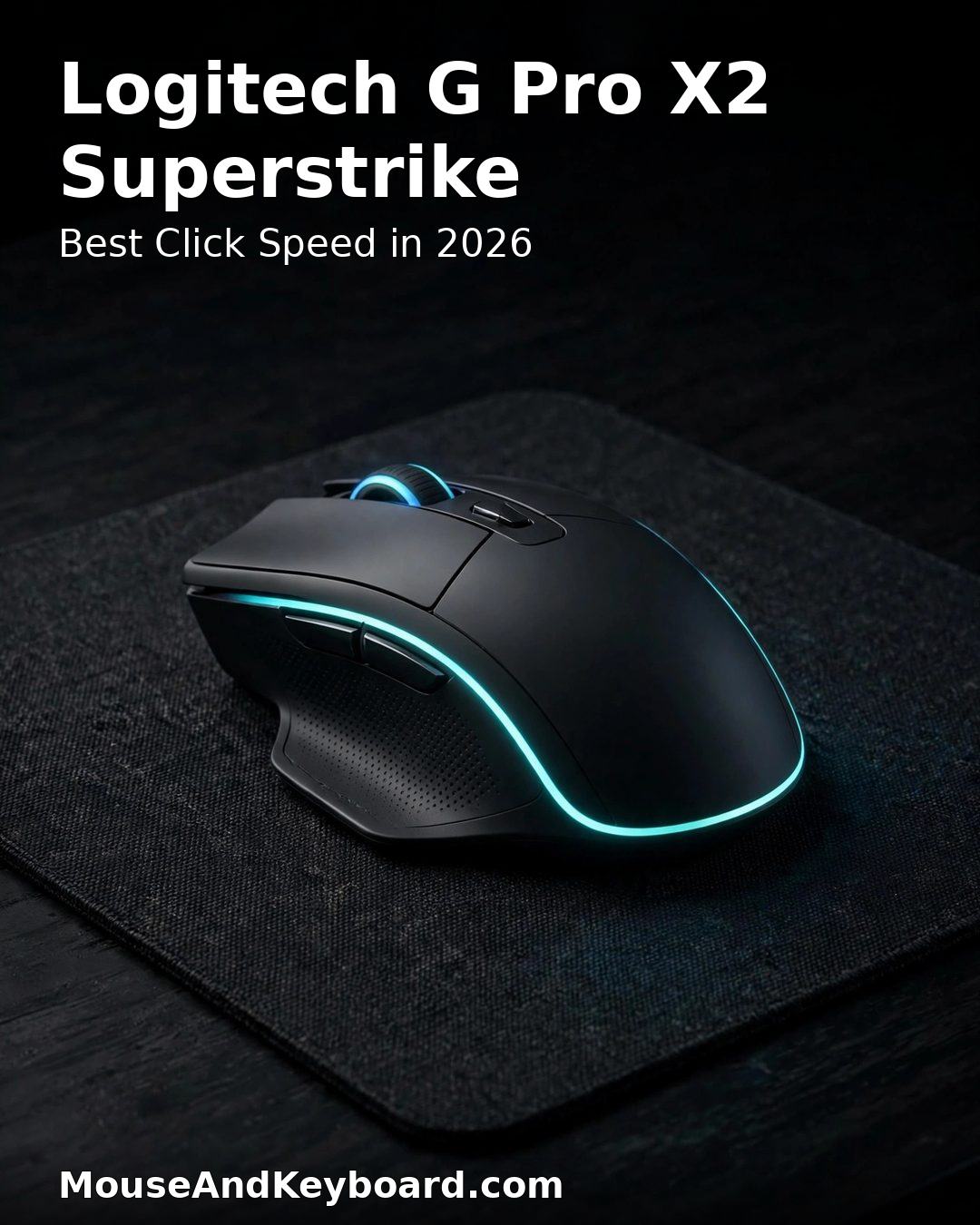
The Logitech G Pro X2 Superstrike is the most interesting gaming mouse of 2026 because it changes the click itself. Instead of a mechanical microswitch, it uses Logitech’s Haptic Inductive Trigger System (HITS): the click is produced by a haptic actuator, and you can adjust the actuation point and the feel of every click in software. Rapid Trigger works on the mouse buttons too, so a click can reset the instant you start releasing it — the same idea that made hall effect keyboards dominant, now applied to a mouse.
Underneath that, it is a serious flagship: a 61-gram shell, the HERO 2 sensor up to 44,000 DPI, 8,000 Hz LIGHTSPEED wireless polling and up to 90 hours of battery. The click feel takes a day or two to get used to — it is different, not worse — and once you tune the actuation to your taste, it is the fastest-feeling mouse here for games where click speed decides fights.
Key specs: 61 g · HERO 2 sensor, up to 44,000 DPI · Haptic Inductive Trigger System with adjustable actuation and Rapid Trigger · 8,000 Hz LIGHTSPEED wireless · Up to 90 hours battery · $179.99
Pros: Genuinely new click technology; adjustable actuation per click; elite sensor and polling; comfortable symmetrical shape.
Cons: Most expensive pick here; haptic click feel is unfamiliar at first; software tuning needed to get the best from it.
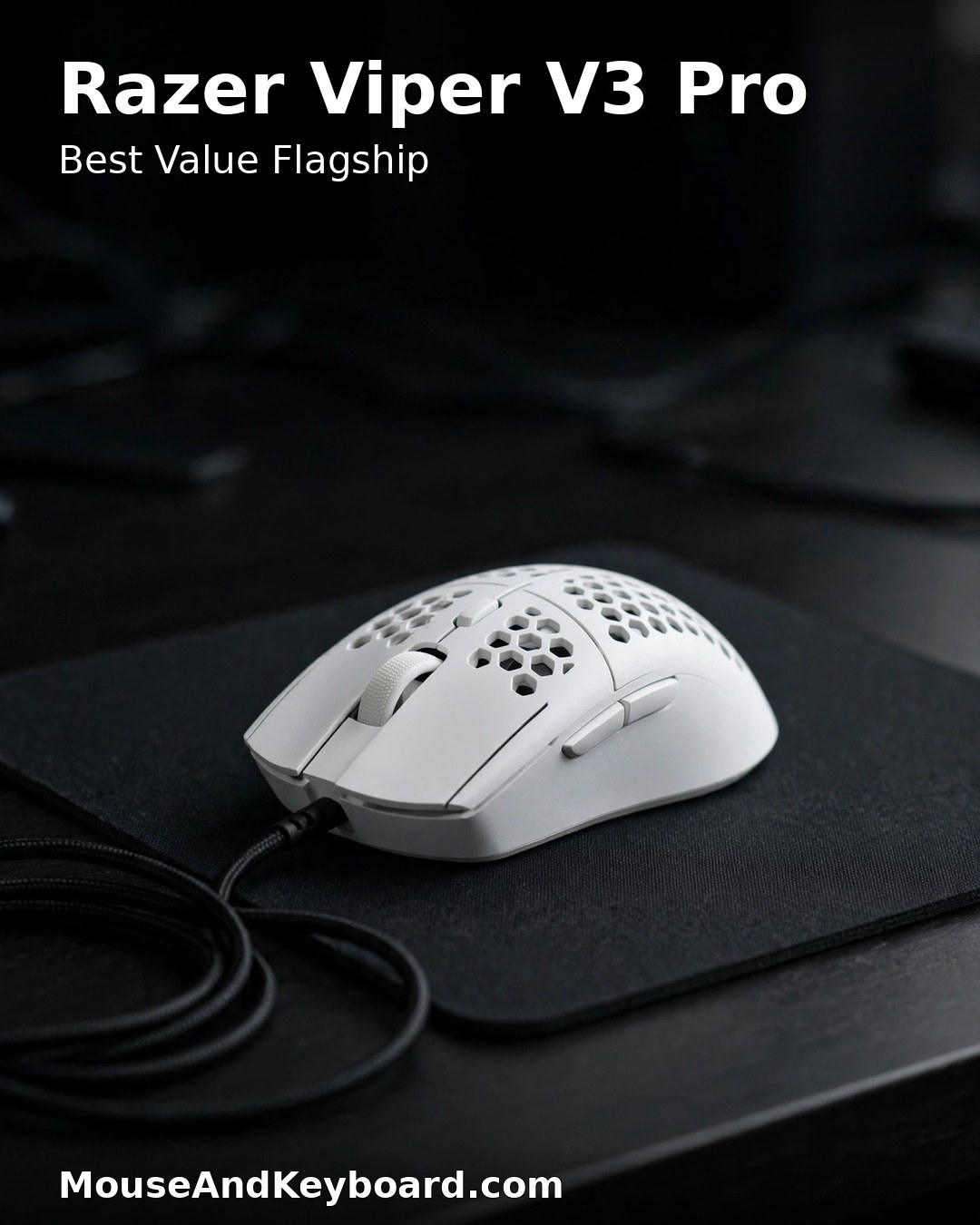
3. Razer Viper V3 Pro — Best Value Flagship
The Viper V3 Pro was the benchmark gaming mouse of 2024 and 2025, and in 2026 it is the smart buy: it now sells well below its original price while keeping nearly everything that made it great. The 54-gram symmetrical shell, the Focus Pro 35K sensor, the included 8,000 Hz HyperPolling dongle and 95 hours of battery are all still competitive — the V4 Pro is lighter and has a newer sensor, but in a blind test most players could not tell the difference in game.
If you want flagship performance without paying flagship price, this is the pick. The V3 Pro is the mouse competitive players measure everything else against, and at around $130 it is the best value in this entire list.
Key specs: 54 g · Focus Pro 35K optical sensor · 8,000 Hz wireless polling (dongle included) · HyperSpeed Wireless · Up to 95 hours battery · Gen-3 optical switches · ~$129.99
Pros: Near-flagship performance at a discount price; proven shape used by pros; 8K dongle included; excellent battery.
Cons: Older sensor than the V4 Pro; 5 grams heavier; no Bluetooth.
4. Logitech G Pro X Superlight 2 — Best for Most Hand Sizes
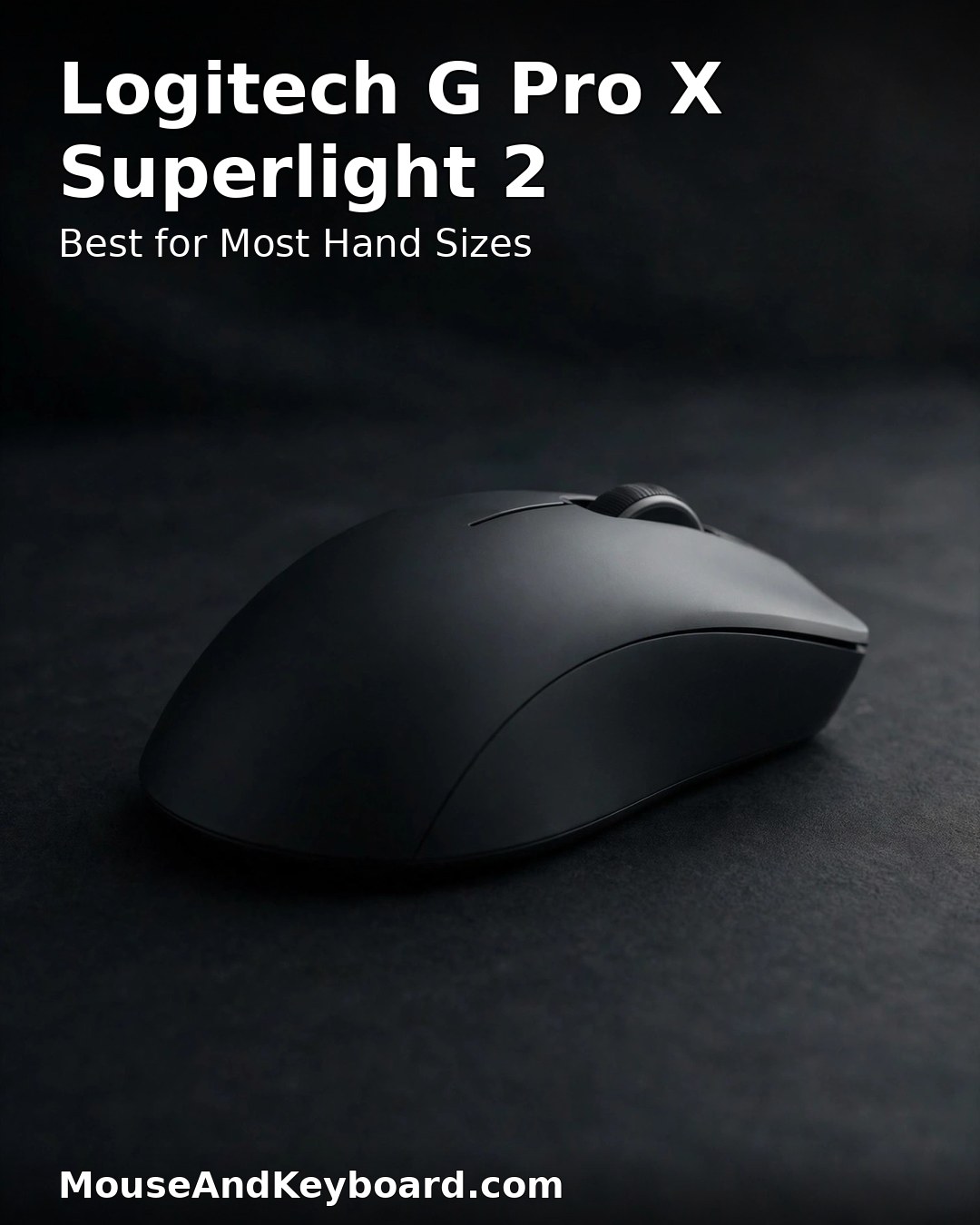
The Logitech G Pro X Superlight 2 remains the safest recommendation in gaming mice, and 2026 has only made it better: firmware updates have unlocked 8,000 Hz wireless polling and pushed the HERO 2 sensor to 44,000 DPI. At 60 grams it sits in the sweet spot — light enough for fast flicks, heavy enough to feel planted — and the simple, unaggressive shape works for claw, fingertip and even relaxed palm grips across small, medium and large hands.
It is also the most practical pick for players who switch between PC and Mac, because G Hub has a full-featured macOS version — something most gaming mouse software still lacks. If you do not want to think about your mouse and just want one that works for everything, this is it.
Key specs: 60 g · HERO 2 sensor, up to 44,000 DPI (after firmware update) · 8,000 Hz LIGHTSPEED wireless · Up to 95 hours battery · LIGHTFORCE hybrid switches · $159.99
Pros: Fits almost every hand and grip; excellent macOS software support; proven reliability; huge aftermarket of grips and skates.
Cons: Only two side buttons; no Bluetooth; side buttons can feel mushy compared to Razer’s optical switches.
5. Razer DeathAdder V4 Pro — Best Ergonomic / Palm Grip
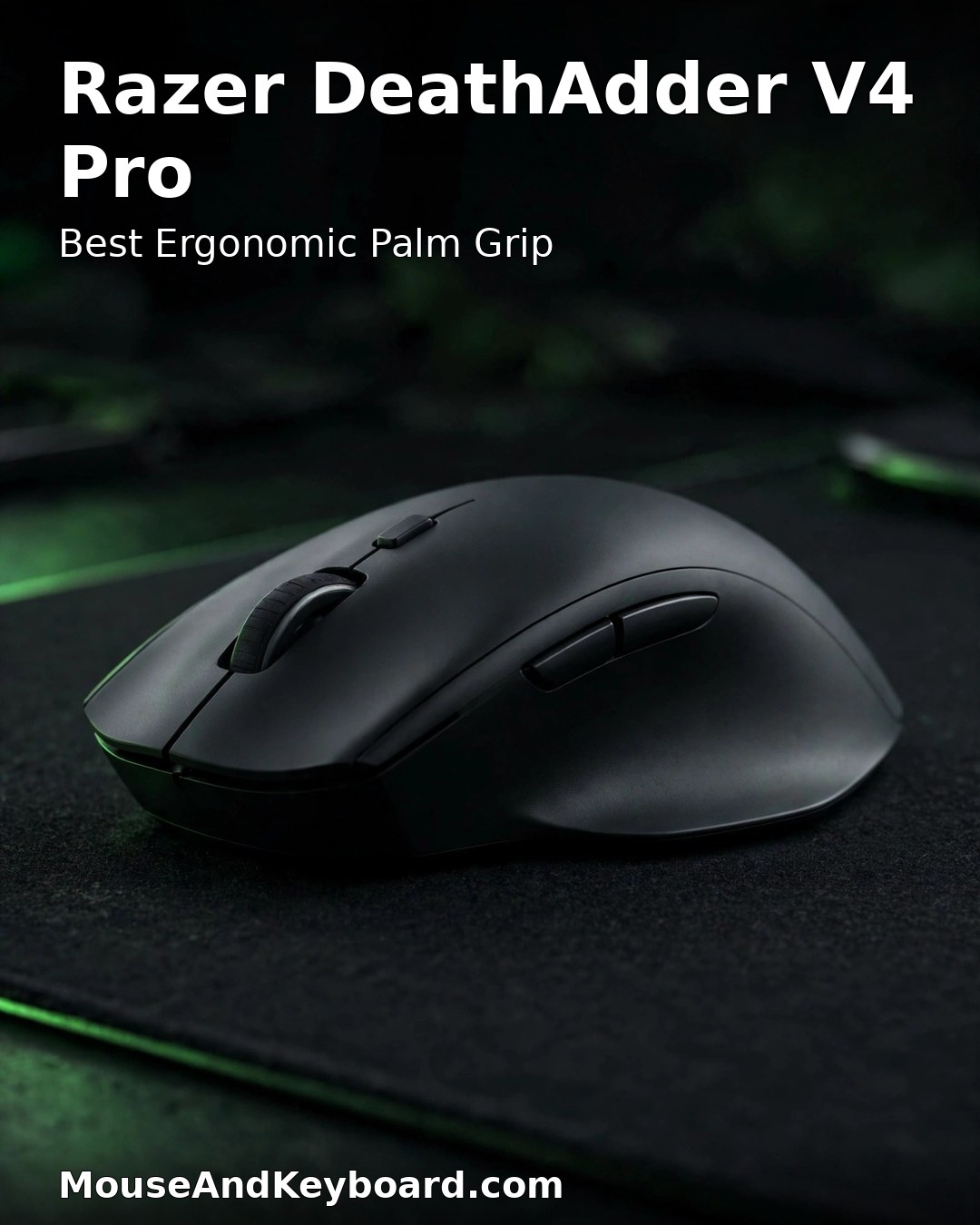
Not everyone plays claw or fingertip, and the DeathAdder V4 Pro is the answer for the rest of us. Razer re-engineered its most popular ergonomic shape and made it more than 10% lighter than the V3 Pro, down to 56 grams (57 g in white), while keeping the high rear hump and contoured thumb rest that fill the palm naturally and reduce fatigue over long sessions. The Focus Pro 45K Gen-2 sensor tracks up to 45,000 DPI with 900 IPS, polling runs at 8,000 Hz, and battery life reaches up to 150 hours at 1,000 Hz.
For larger hands in FPS games, the ergonomic shape advantage over a symmetrical mouse is significant: your hand rests instead of gripping, so aim stays steadier late in a session. If you palm-grip, this is the best competitive mouse you can buy in 2026.
Key specs: 56 g (57 g white) · Focus Pro 45K Gen-2 sensor, up to 45,000 DPI · 8,000 Hz wireless polling · HyperSpeed Wireless Gen-2 · Up to 150 hours battery at 1,000 Hz · Gen-4 optical switches, 100M clicks · $169.99
Pros: Best ergonomic shape for palm grip; much lighter than its predecessor; huge battery life; excellent sensor.
Cons: Right-handed only; only 6 programmable buttons; white edition is 1 gram heavier.
6. Razer Naga V3 Pro — Best for MMO
MMO and MOBA players need buttons, and the Naga V3 Pro has more of them than any other mouse here — up to 23 programmable controls. Three magnetic side plates swap in seconds: a 12-button grid for MMOs, a 6-button plate for MOBAs and battle royales, and a 2-button plate for FPS. A lockable HyperScroll tilt wheel and a ring-finger button add even more options, and the Focus Pro 50K Gen-3 sensor is the same flagship sensor as the Viper V4 Pro.
At 117 grams it is by far the heaviest mouse in this list, but that is the trade for 12 thumb buttons, and the weight is balanced well. Battery life is up to 155 hours on HyperSpeed or 280 hours on Bluetooth. If your game lives on macros and hotkeys, nothing else comes close.
Key specs: 117 g · Focus Pro 50K Gen-3 sensor, up to 50,000 DPI · 3 swappable side plates (12 / 6 / 2 buttons) · Up to 23 programmable controls · 8,000 Hz wireless polling · Up to 155 hours battery (HyperSpeed) · $179.99
Pros: Unmatched button count for MMOs; swappable side plates adapt to any genre; flagship sensor; excellent battery.
Cons: Heavy for FPS play; expensive; the 12-button grid takes practice to learn.
7. Logitech G502 X LIGHTSPEED — Best All-Rounder
The G502 X LIGHTSPEED is the mouse for everyone who plays a bit of everything. Thirteen programmable controls, a dual-mode scroll wheel that spins freely or clicks in steps, and the HERO 25K sensor cover FPS, strategy, productivity and everyday work in one body. At 102 grams it is heavier than the esports flagships, but the weight is the price of versatility — and for many players the extra buttons and the scroll wheel matter more than five grams.
It is also the most practical pick here for mixed use: the same mouse that wins a ranked match is genuinely good for spreadsheets and photo editing the next morning, and it is the only mouse in this list that regularly drops well below its list price on sale.
Key specs: 102 g · HERO 25K sensor · LIGHTSPEED wireless · 13 programmable controls · Dual-mode scroll wheel · Up to 140 hours battery · $139.99
Pros: Most versatile mouse here; excellent scroll wheel; lots of buttons without MMO bulk; often discounted.
Cons: Heavier than the esports picks; 1,000 Hz polling only; shape is love-it-or-hate-it.
How to Choose the Right Gaming Mouse
Start with your grip, not the spec sheet. Palm grippers should look at ergonomic shapes like the DeathAdder V4 Pro; claw and fingertip players are better served by symmetrical mice like the Viper V4 Pro or Superlight 2. A mouse that fights your hand will never feel fast, whatever its sensor says.
Weight matters more than DPI. No human can use 50,000 DPI — what matters is the sensor’s tracking accuracy at the 400–1,600 DPI most players actually use, and every mouse here is flawless at that range. The difference you will feel is 49 grams versus 102 grams, especially in fast flicks and long sessions.
8,000 Hz polling is real, but small. It shaves fractions of a millisecond off input latency and helps most on a fast PC with a high-refresh monitor. On a 60 Hz display you will not notice it. Do not pay a big premium for 8K alone — battery life and shape matter more.
Check the software before you buy. Razer Synapse and Logitech G Hub both handle DPI, polling and macros, but they feel very different, and only Logitech’s has a full macOS version. Make sure your settings save to the mouse itself if you switch between PCs.
Think about battery life honestly. A mouse rated for 180 hours at 1,000 Hz may only last 45 hours at 8,000 Hz. If you hate charging, run 1,000 Hz for everyday play and switch to 8,000 Hz for ranked matches — or pick the DeathAdder V4 Pro, which lasts longest at full polling.
Frequently Asked Questions
What is the best gaming mouse in 2026?
The Razer Viper V4 Pro is the best overall gaming mouse of 2026: 49 grams, a 50,000 DPI sensor, true 8,000 Hz wireless polling and up to 180 hours of battery. The Logitech G Pro X2 Superstrike is the best pick if you want the newest click technology, and the Viper V3 Pro is the best value flagship.
Is a wireless gaming mouse as fast as a wired one?
Yes. Modern 2.4 GHz wireless from Razer and Logitech has sub-1 ms latency, and with 8,000 Hz polling the wireless flagships are as fast as — or faster than — most wired mice. Battery life is the only real trade-off, and at 1,000 Hz polling the best mice here last for weeks.
How much should I spend on a gaming mouse?
Around $130 to $180 buys a flagship sensor, 8,000 Hz polling and a sub-60-gram body in 2026. Below $60 you can still get a very capable mouse, but you give up the newest sensors, the highest polling rates and the lightest shells. Above $180 you are paying for niche features like haptic triggers or MMO button grids.
Does mouse weight really matter?
Yes, especially in FPS games. The difference between 49 grams and 102 grams is easy to feel in fast directional changes and flick shots, and lighter mice cause less fatigue over long sessions. That said, shape and grip matter more than weight alone — a comfortable 60-gram mouse beats an awkward 49-gram one.
What is 8K polling, and do I need it?
Polling rate is how often your mouse reports its position to your PC: 8,000 Hz means 8,000 times per second, versus 1,000 Hz on a standard mouse. It reduces input latency slightly and makes movement smoother on high-refresh monitors, but the difference is small and it drains battery faster. It is a nice bonus, not a reason to choose one mouse over another.
Which gaming mouse is best for palm grip?
The Razer DeathAdder V4 Pro is the best palm-grip gaming mouse of 2026. Its ergonomic shape fills the palm, it weighs only 56 grams, and it has the same 8,000 Hz polling and long battery life as the symmetrical flagships.
Final Verdict
For most gamers in 2026, the Razer Viper V4 Pro at $159.99 is the gaming mouse to buy — the lightest body, the best sensor, 8,000 Hz wireless in the box and battery life that lasts for weeks. Competitive players who want the newest click technology should get the Logitech G Pro X2 Superstrike, value hunters should grab the Viper V3 Pro while it is discounted, and palm grippers should choose the DeathAdder V4 Pro. Whichever you choose, you are getting a mouse that is faster, lighter and longer-lasting than anything from a few years ago.
If you are building a full setup around your new mouse, our best wireless gaming mouse guide covers the wider wireless field, and if you want the same 2026 technology on your keyboard, our best hall effect keyboards guide is the place to start.
Last updated: November 2026. Prices are typical US list prices at the time of writing and may change.