
Best Keyboard for Mac 2026: 7 Top Picks for MacBook, Mac Mini & iMac
Any keyboard will type on a Mac. The best keyboard for Mac is a different thing entirely. macOS puts Command where Windows puts Alt, its top row expects brightness and Mission Control instead of plain function keys, and exactly one feature — Touch ID — is locked to Apple’s own hardware. Buy a Windows board and you spend the first week remapping keys and wondering why nothing feels right.
We compared the current 2026 line-up — Apple’s own board, Keychron’s Mac-first mechanicals, Logitech’s Mac editions and the new low-profile boards — and picked seven keyboards that ship with a real Mac layout, Mac keycaps in the box and stable macOS support. Whether you type on a MacBook at a desk, a Mac mini or an iMac, one of these fits.
Best Keyboard for Mac at a Glance
| Keyboard | Best for | Type | Price |
|---|---|---|---|
| Apple Magic Keyboard with Touch ID | Best overall | Scissor, wireless | ~$149 |
| Keychron Q1 Max | Best mechanical | Mechanical, 75% | ~$190–210 |
| Logitech MX Keys S for Mac | Best multi-device | Scissor, wireless | ~$130 |
| Keychron K3 Pro | Best budget | Low-profile mechanical, 75% | ~$89 |
| NuPhy Air75 V3 | Best for MacBook users | Low-profile mechanical, 75% | ~$140 |
| Keychron K2 Max | Best 75% wireless mechanical | Mechanical, 75% | ~$125 |
| Logitech MX Mechanical Mini for Mac | Best compact mechanical | Low-profile mechanical | ~$150 |
Short on time? Get the Apple Magic Keyboard with Touch ID if you want the simplest Mac setup and fingerprint unlock. Get the Keychron Q1 Max if you type all day and want the best-feeling board. Get the Logitech MX Keys S for Mac if you switch between a Mac, an iPad and a Windows PC.
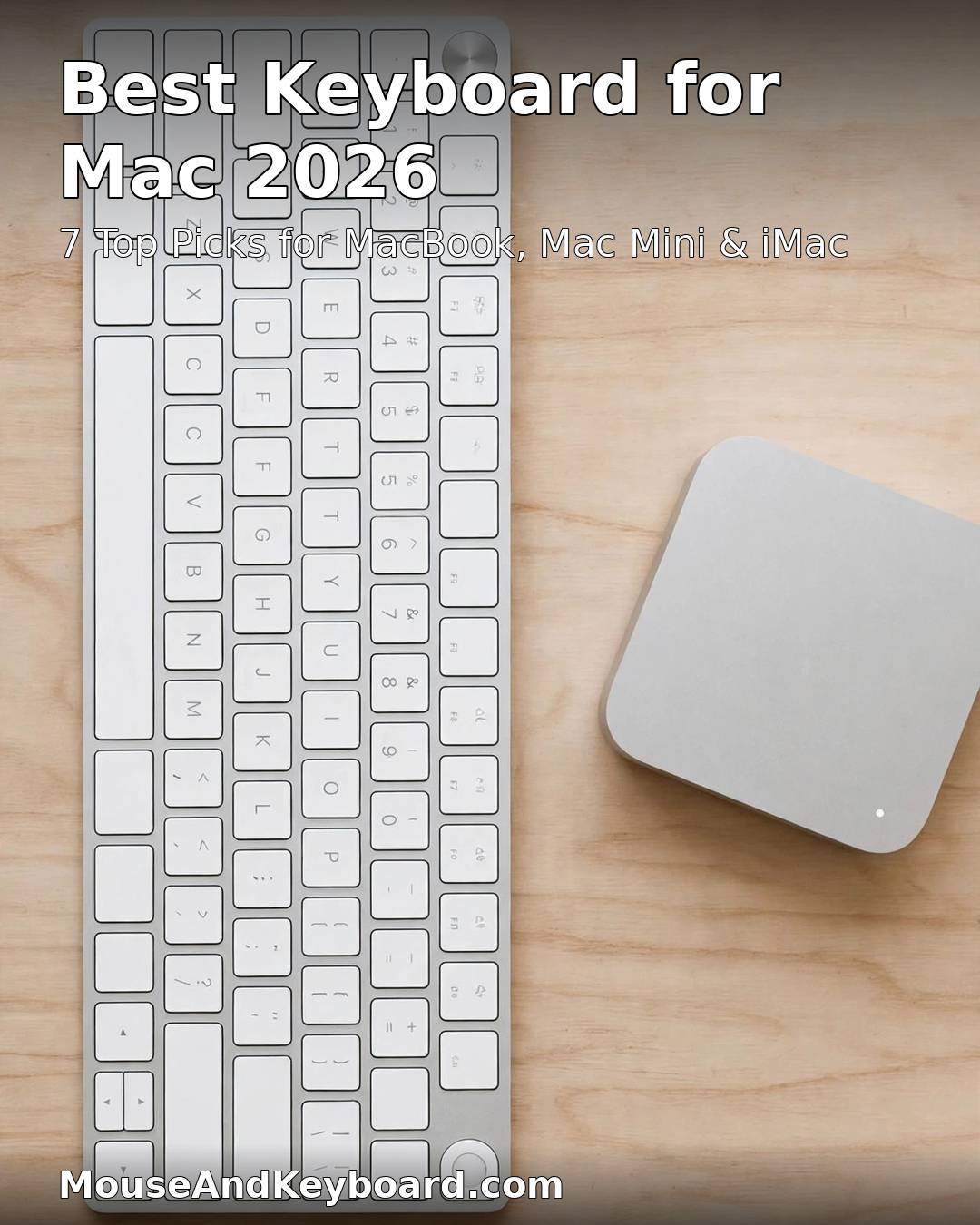
What Makes a Keyboard Good for Mac?
Before the picks, here is the checklist we used. A keyboard earns a place on this list only if it passes all of it.
1. A real Mac layout, not a remap
Command and Option must sit where macOS expects them, with the legends printed on the keycaps. Boards that ship Windows keycaps and ask you to swap them in software fail this test. Every pick below ships with Mac keycaps fitted or in the box, plus a physical Mac/Windows toggle.
2. A macOS function row
On a Mac the top row should control brightness, Mission Control, Spotlight, media and volume without a Fn-key dance. Apple’s and Logitech’s Mac editions print those functions on the keys. Keychron boards handle it with a Mac mode switch and QMK/VIA remapping that works on macOS.
3. Touch ID is Apple-only
Apple does not license Touch ID to any third-party keyboard maker. Only the Magic Keyboard with Touch ID unlocks an Apple silicon Mac with a fingerprint, and it needs an M-series Mac to do it. On an Intel Mac it works as a plain Bluetooth keyboard and the sensor does nothing.
4. Bluetooth that survives a restart
One honest caveat: if you use FileVault full-disk encryption, no Bluetooth keyboard can type at the login screen. Keep a cable handy for restarts, or use a wired connection for that first unlock. This applies to every wireless board on this list, not just one brand.
5. Stable macOS software
Remapping and lighting software must actually run on macOS. Keychron’s QMK/VIA configurator and Logitech Options+ both do. Boards whose companion app is Windows-only did not make the list.
1. Apple Magic Keyboard with Touch ID — Best Overall Keyboard for Mac
Price: ~$149 (compact) / ~$179 (with numeric keypad) | Switches: Scissor | Connection: Bluetooth, USB-C | Battery: about a month per charge
This is the simplest answer to “what is the best keyboard for Mac?” and the only board that can do Touch ID. A fingertip unlocks your Mac, fills saved passwords and approves Apple Pay — small daily niceties you stop noticing because they work so well. The current scissor-switch version is quiet, low-profile and comfortable for hours, a world away from the butterfly era nobody misses.
The compact version suits a MacBook on a stand or a tidy desk. If you live in spreadsheets, the numeric keypad version is worth the extra $30. Both charge over USB-C now, and the aluminium enclosure matches a Mac mini or iMac exactly.
Pros: Touch ID on Apple silicon Macs; perfect macOS layout and function row; silent, low-profile typing; USB-C charging; matches Apple hardware.
Cons: No backlight; no multi-device switching; Touch ID is dead weight on Intel Macs; the keypad version costs $179.
Buy it if: you have an Apple silicon Mac and want the keyboard that simply works with macOS, no setup required.
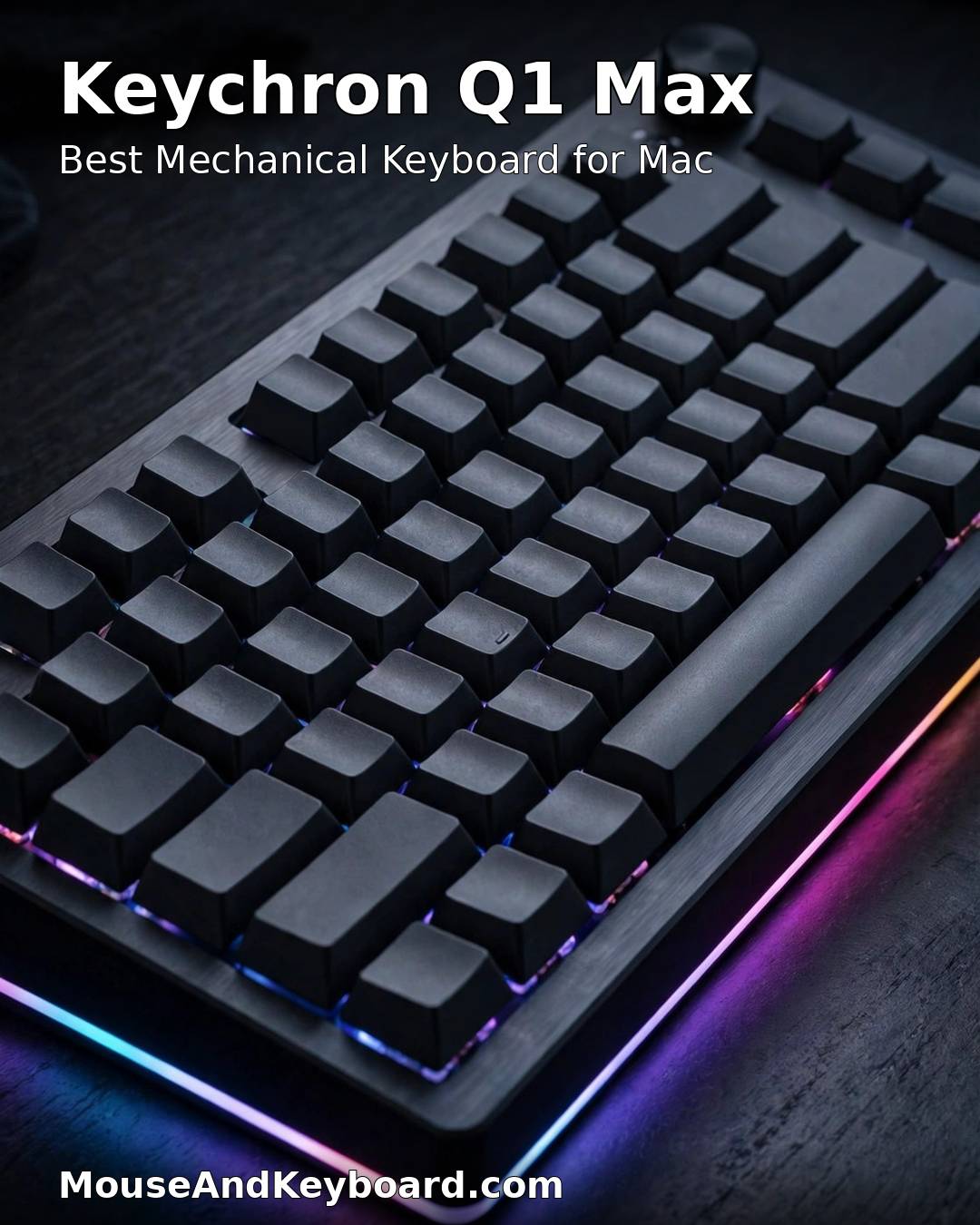
2. Keychron Q1 Max — Best Mechanical Keyboard for Mac
Price: ~$190–210 assembled | Switches: Hot-swappable mechanical | Layout: 75% with knob | Connection: 2.4 GHz, Bluetooth, wired
If you type for a living, the Q1 Max is the board to buy. It is a heavy, all-aluminium 75% keyboard with a gasket mount that cushions each press, hot-swappable switches you can change without soldering, and Mac keycaps fitted out of the box. The QMK/VIA firmware lets you remap any key on macOS, and the 2.4 GHz connection polls at 1,000 Hz — fast enough for gaming as well as work.
Keychron launched the Q Ultra 8K line in early 2026 with 8,000 Hz wireless polling and up to 660 hours of battery, but the Q1 Max remains the sweet spot: the same Mac-first design and typing feel for less money, with stock you can actually buy today.
Pros: Superb typing feel and build; Mac keycaps and Mac/Windows toggle in the box; hot-swappable; tri-mode connectivity; QMK/VIA remapping on macOS.
Cons: Heavy — not a travel board; no Touch ID; louder than a scissor board unless you fit silent switches.
Buy it if: you want the best-feeling mechanical keyboard for Mac and you type for hours every day.
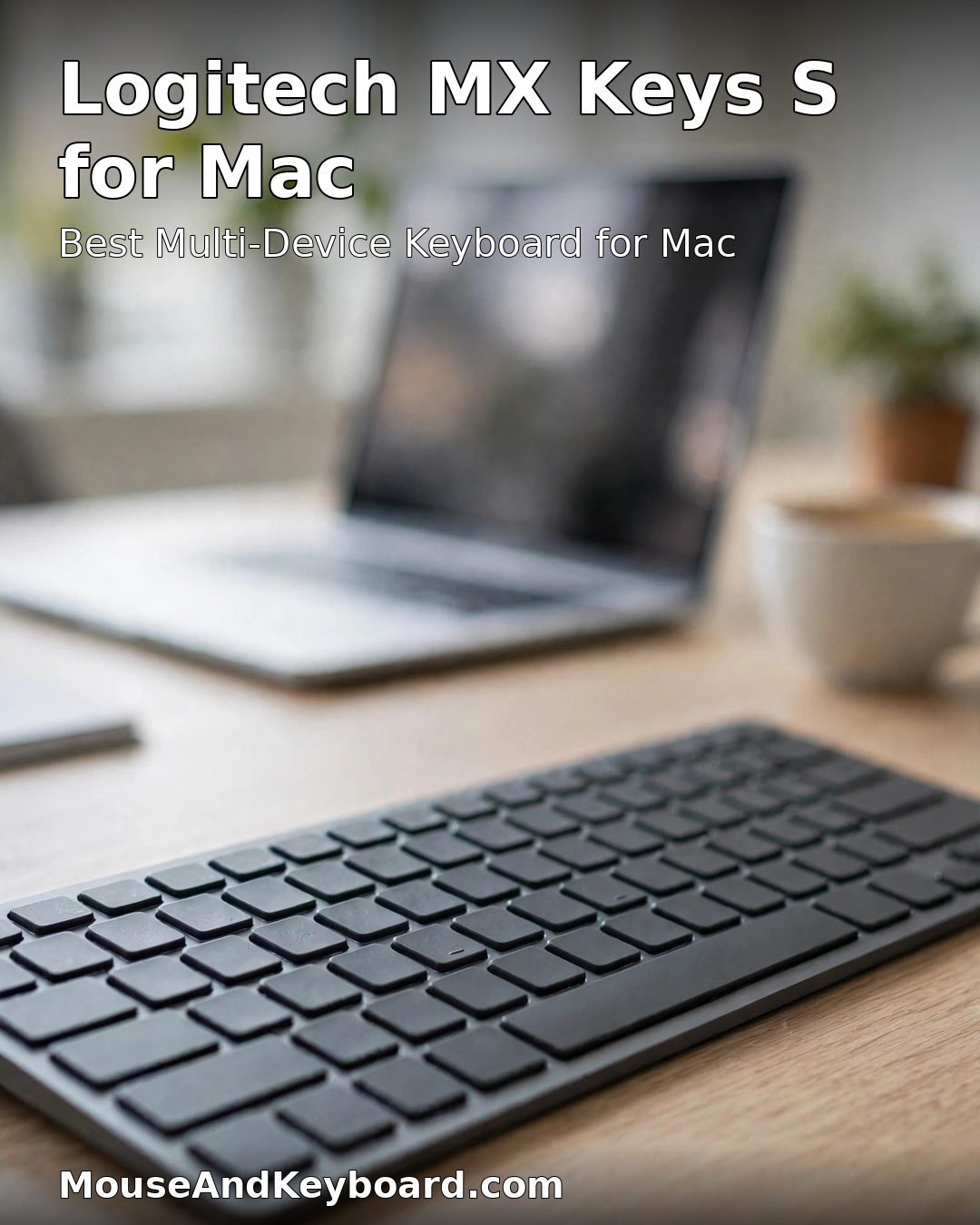
3. Logitech MX Keys S for Mac — Best Multi-Device Keyboard for Mac
Price: ~$130 (often discounted to $95 or less) | Switches: Scissor, backlit | Connection: Bluetooth, Logi Bolt | Battery: up to 10 days with backlight on, 5 months with it off
The MX Keys S for Mac is the pick for anyone whose desk holds more than one machine. It pairs with three devices and switches between them with a keypress — Mac, iPad and a Windows PC if you have one. The keys are spherically dished to fit your fingertips, the backlight brightens as your hands approach, and the Mac legends are printed on the keys, not stuck on.
It is also the most discounted board on this list. Deal trackers have caught it at $95 in early 2026 and as low as $59.99 during Prime Day, so rarely pay full price. Logitech Options+ on macOS handles remapping, Flow and the backlight.
Pros: Three-device switching; backlit Mac layout; comfortable low-profile keys; frequent deep discounts; smart illumination.
Cons: No Touch ID; backlight drains the battery fast; full-size only — no compact version in the Mac edition.
Buy it if: you switch between a Mac and other devices all day and want one keyboard for all of them.
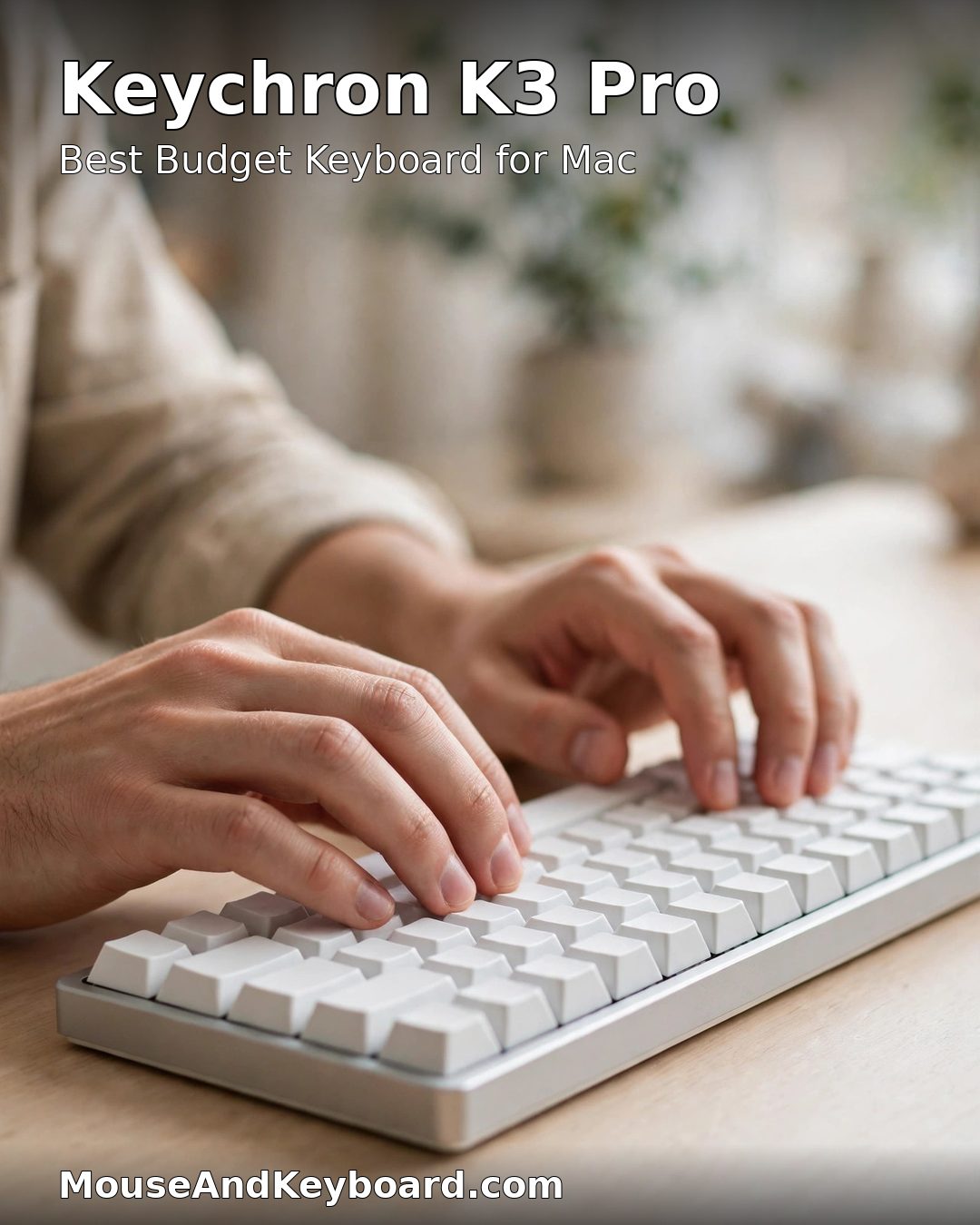
4. Keychron K3 Pro — Best Budget Keyboard for Mac
Price: ~$89 | Switches: Hot-swappable low-profile mechanical | Layout: 75% | Connection: Bluetooth, wired
The K3 Pro is the cheapest way into a proper mechanical keyboard for Mac without buying a Windows board and fighting the layout. It ships with Mac keycaps fitted, a Mac/Windows toggle, QMK/VIA support and hot-swappable low-profile switches, all under $90. At 75% it keeps the function row and arrows while taking up far less desk than a full-size board.
The low-profile switches feel closer to a MacBook keyboard than a tall mechanical board, which makes it an easy switch for MacBook owners. Battery life is solid for Bluetooth use, and it charges over USB-C.
Pros: Under $90; Mac layout out of the box; hot-swappable; QMK/VIA on macOS; compact 75% size.
Cons: Bluetooth only (no 2.4 GHz); no backlight on the base model; low-profile switches feel different from full-height mechanicals.
Buy it if: you want a mechanical keyboard for Mac on a budget and you like a low, laptop-like key height.
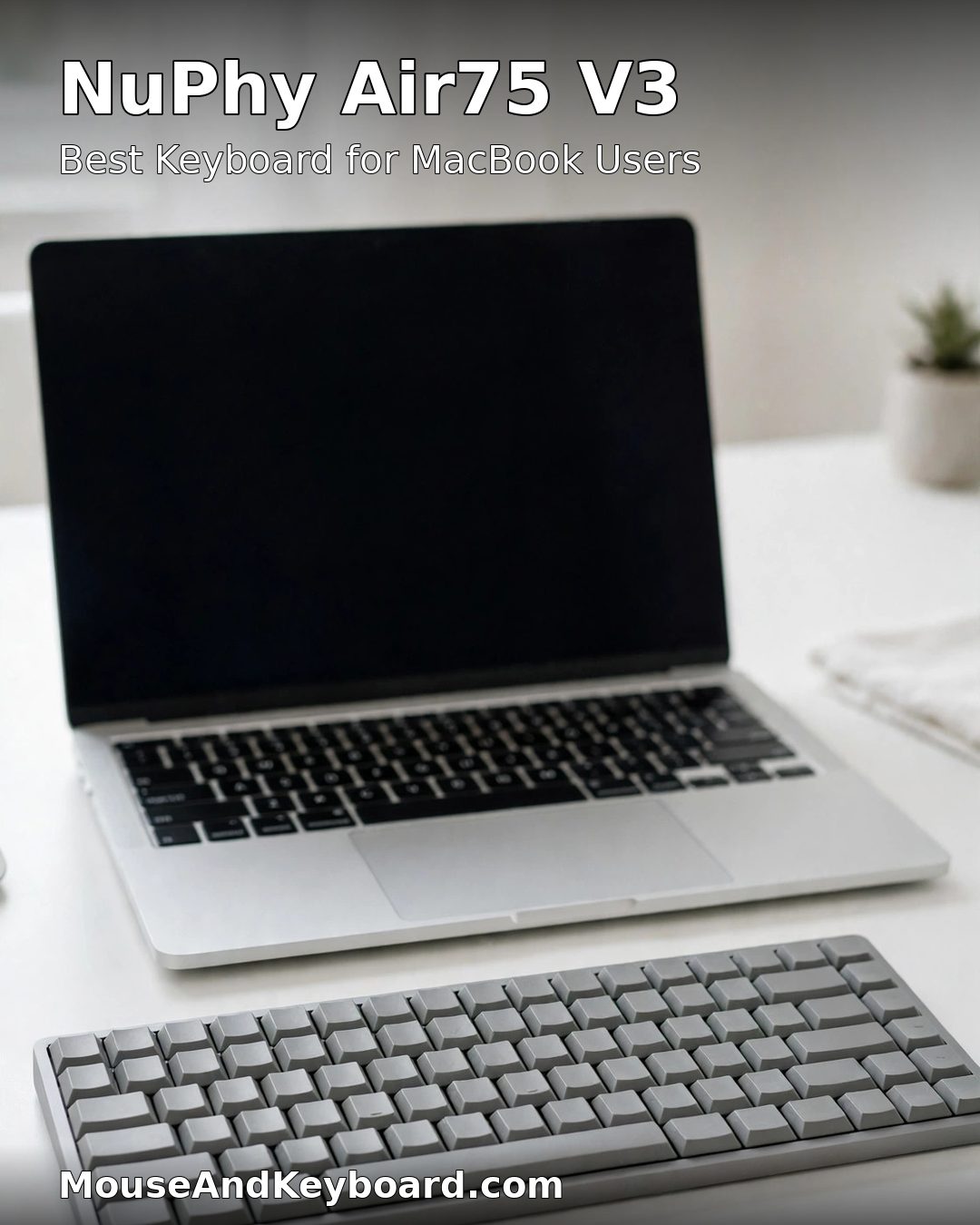
5. NuPhy Air75 V3 — Best Keyboard for MacBook Users
Price: ~$140 | Switches: Hot-swappable low-profile mechanical | Layout: 75% | Connection: 2.4 GHz, Bluetooth, wired
If you use a MacBook on a stand or closed with a monitor, the best keyboard is one that feels close to the built-in one. The Air75 V3 is low, light and quiet, with Mac keycaps and a Mac mode, and it switches between three devices. It is the board most MacBook owners pick when they want mechanical feel without a tall, clattery desk board.
NuPhy has quietly become the genuine alternative to Keychron for Mac users, and the V3 adds tri-mode connectivity and a cleaner stabiliser design over the older V2. It is also one of the few low-profile mechanical boards that looks at home next to a MacBook.
Pros: MacBook-like low profile; tri-mode connectivity; hot-swappable; quiet for a mechanical board; light enough to carry.
Cons: No Touch ID; 75% layout means no numpad; smaller brand, so fewer replacement keycap options.
Buy it if: you dock a MacBook and want an external keyboard that feels like the one built in.
6. Keychron K2 Max — Best 75% Wireless Mechanical Keyboard for Mac
Price: ~$125 | Switches: Hot-swappable mechanical | Layout: 75% | Connection: 2.4 GHz, Bluetooth, wired
The K2 Max is Keychron’s best-value full-height mechanical for Mac. It ships with Command and Option keycaps fitted, connects over 2.4 GHz, Bluetooth or USB-C, and runs QMK firmware for remapping on macOS. The 75% layout keeps the function row while saving desk space, and the hot-swappable sockets mean you can try silent, linear or tactile switches later without buying a new board.
Choose the K2 Max over the Q1 Max if you want the same Mac-first mechanical experience in a lighter, cheaper package and you do not need the Q1’s aluminium case and gasket mount. Choose the Q1 Max if typing feel is everything.
Pros: Great value; tri-mode wireless; Mac keycaps fitted; hot-swappable; QMK on macOS.
Cons: Plastic case flexes more than the Q1 Max; no knob on the base model; louder than low-profile boards.
Buy it if: you want a full-height mechanical keyboard for Mac around $125 with wireless freedom.
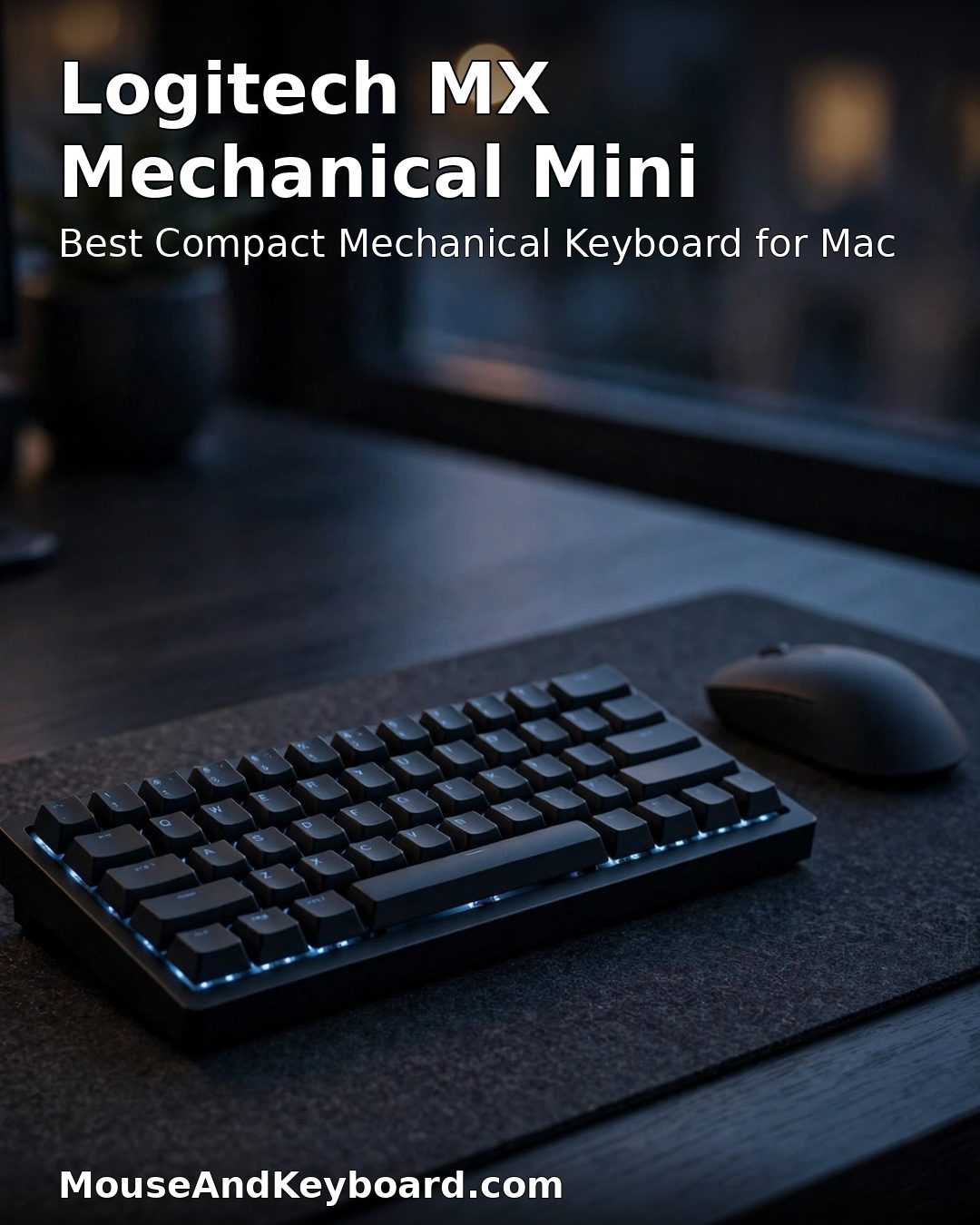
7. Logitech MX Mechanical Mini for Mac — Best Compact Mechanical Keyboard for Mac
Price: ~$150 | Switches: Tactile Quiet low-profile mechanical | Layout: Compact, no numpad | Connection: Bluetooth, Logi Bolt, USB-C
The MX Mechanical Mini for Mac is the easy option: a compact mechanical board with a Mac layout, Logitech’s Tactile Quiet switches and three-device switching, in a package barely bigger than a MacBook keyboard. It is the most polished low-profile mechanical on this list, and the quiet switches make it the best mechanical pick for shared offices.
It pairs naturally with the Logitech MX Master mouse, which is the best all-round desktop mouse to put next to a Mac — and the combination is the setup most Mac professionals end up with. The Mini’s backlight and Logitech Options+ support round out a board that needs no tinkering.
Pros: Quiet Tactile Quiet switches; Mac legends and layout; three-device switching; backlit; compact footprint.
Cons: No Touch ID; switches are not hot-swappable; premium price for a compact board.
Buy it if: you want mechanical feel and quiet clicks in a compact Mac keyboard that works the moment you switch it on.
How to Choose the Best Keyboard for Mac
MacBook, Mac mini or iMac?
MacBook on a stand: pick a low-profile board — the Magic Keyboard, NuPhy Air75 V3 or MX Mechanical Mini. A tall mechanical board with no wrist rest feels very different from a laptop deck. Mac mini or iMac on a desk: any board works; the Magic Keyboard with Touch ID is the natural match, and the Keychron Q1 Max is the upgrade if you type all day.
Mechanical or scissor?
Scissor boards (Magic Keyboard, MX Keys S) are quiet, low and familiar. Mechanical boards (Keychron Q1 Max, K2 Max, K3 Pro, Air75 V3, MX Mechanical Mini) give you deeper travel, a more satisfying keypress and switches you can change. If you share an office, pick a scissor board or a mechanical with quiet switches.
Do you need Touch ID?
Only Apple’s own Magic Keyboard with Touch ID has it, and only on Apple silicon Macs. If fingerprint unlock and Apple Pay approval matter to you, that decides the purchase. If they do not, every other board on this list types better for the money.
Budget
Under $100, the Keychron K3 Pro is the pick. Around $130, the MX Keys S for Mac (often discounted) or the Keychron K2 Max. At $150, the Magic Keyboard with Touch ID or the MX Mechanical Mini. At $200 and up, the Keychron Q1 Max is the best-feeling board here.
What to Pair With Your New Mac Keyboard
A keyboard is only half the desk. The mouse matters just as much, and the same Mac-layout logic applies: look for macOS-native buttons, a proper scroll wheel and multi-device switching. Our guide to the best gaming mouse for a Mac covers the fastest options for Mac gamers, and if you also use a Windows PC at the same desk, our best wireless keyboards buyer guide compares the top multi-device boards in more depth.
Frequently Asked Questions
What is the best keyboard for Mac in 2026?
The Apple Magic Keyboard with Touch ID is the best keyboard for Mac overall in 2026, because it is the only external keyboard that unlocks an Apple silicon Mac with a fingerprint. If you want the best typing feel instead, the Keychron Q1 Max is the best mechanical keyboard for Mac, and the Logitech MX Keys S for Mac is the best multi-device pick.
What is the best keyboard for a MacBook?
The best keyboard for a MacBook is a low-profile one that feels close to the built-in keyboard: the Apple Magic Keyboard, the NuPhy Air75 V3 or the Logitech MX Mechanical Mini for Mac. Low height matters most when your MacBook sits on a stand or closed with a monitor.
What is the best mechanical keyboard for Mac?
The Keychron Q1 Max is the best mechanical keyboard for Mac in 2026. It ships with Mac keycaps fitted, a Mac/Windows toggle, hot-swappable switches, a gasket-mounted aluminium case and QMK/VIA remapping that works on macOS. The Keychron K2 Max is the best value alternative at around $125.
Can any keyboard work with a Mac?
Almost any USB or Bluetooth keyboard will type on a Mac, but a Windows board puts the wrong key where Command belongs and prints the wrong symbols across the top row. For full compatibility, buy a Mac-specific keyboard or a remappable one with Mac keycaps in the box, like the Keychron and Logitech Mac editions on this list.
Does Touch ID work on third-party keyboards?
No. Apple does not license Touch ID to any third-party keyboard maker, and the fingerprint sensor only works on Apple silicon Macs. Third-party Mac keyboards can match Apple on layout, switches and wireless, but fingerprint unlock stays exclusive to the Magic Keyboard with Touch ID.
Is the Apple Magic Keyboard worth it for Mac?
Yes, if you have an Apple silicon Mac and value Touch ID, a perfect macOS layout and silent low-profile typing with zero setup. It is not the best value if you type all day — a mechanical board like the Keychron Q1 Max feels better — and it has no backlight and no multi-device switching.
Final Verdict
The best keyboard for Mac in 2026 depends on what you value most. The Apple Magic Keyboard with Touch ID is the simplest, most Mac-native choice and the only one with fingerprint unlock. The Keychron Q1 Max is the best keyboard for Mac if typing feel matters most. The Logitech MX Keys S for Mac wins for multi-device desks, the Keychron K3 Pro wins on budget, and the NuPhy Air75 V3 is the best partner for a MacBook.
Whichever you pick, buy a board with a real Mac layout — Command and Option where macOS expects them, a macOS function row and software that runs on your Mac. That one choice is worth more than any switch or spec on the box.