

A good work mouse is the tool you touch more than anything else on your desk, and most people still use whatever came free with their laptop. That is a mistake. A proper wireless mouse for work gives you a shape that fits your hand for eight-hour days, a scroll wheel that flies through long documents, quiet clicks that do not annoy everyone on your calls, and a battery you forget about for months. In 2026 the choice is better than ever: Logitech’s new MX Master 4 adds haptic feedback and a shortcut ring to the best-selling work mouse of the last decade, while rivals like Razer and Keychron now match the MX line on sensors and battery life for far less money.
The difference between a work mouse and a gaming mouse comes down to priorities. Work mice trade ultra-high polling rates and featherweight shells for ergonomics, extra buttons you can program for your apps, multi-device switching, and silent clicks. DPI still matters — a sensor that tracks on glass and at high resolution keeps the cursor precise on big monitors — but a 125 Hz polling rate is fine for spreadsheets and design work, and battery life is measured in months, not hours.
We compared the current 2026 lineup and picked the seven best wireless mice for work you can buy right now — from the $120 flagship that does everything to a $35 quiet mouse that covers the basics brilliantly. Every pick below is in production today, with its weight, sensor, battery life, and price listed so you can compare them at a glance.
Last updated: November 2026
Best Wireless Mouse for Work 2026 — Quick Picks
| Mouse | Weight | Sensor / Max DPI | Battery | Price |
|---|---|---|---|---|
| Logitech MX Master 4 | 150 g | Darkfield / 8,000 | Up to 70 days | ~$120 |
| Logitech MX Master 3S | 141 g | Darkfield / 8,000 | Up to 70 days | ~$100 |
| Logitech MX Anywhere 3S | 99 g | Darkfield / 8,000 | Up to 70 days | ~$80 |
| Logitech Lift | 125 g | Optical / 4,000 | Up to 24 months | ~$80 |
| Razer Pro Click V2 | 110 g | Focus Pro / 30,000 | Up to 3.5 months | ~$100 |
| Keychron M6 8K | 86 g | PixArt 3950 / 30,000 | Up to 120 hours | ~$70 |
| Logitech Signature M650 L | 111 g | Optical / 4,000 | Up to 24 months | ~$35 |

1. Logitech MX Master 4 — Best Overall Wireless Mouse for Work
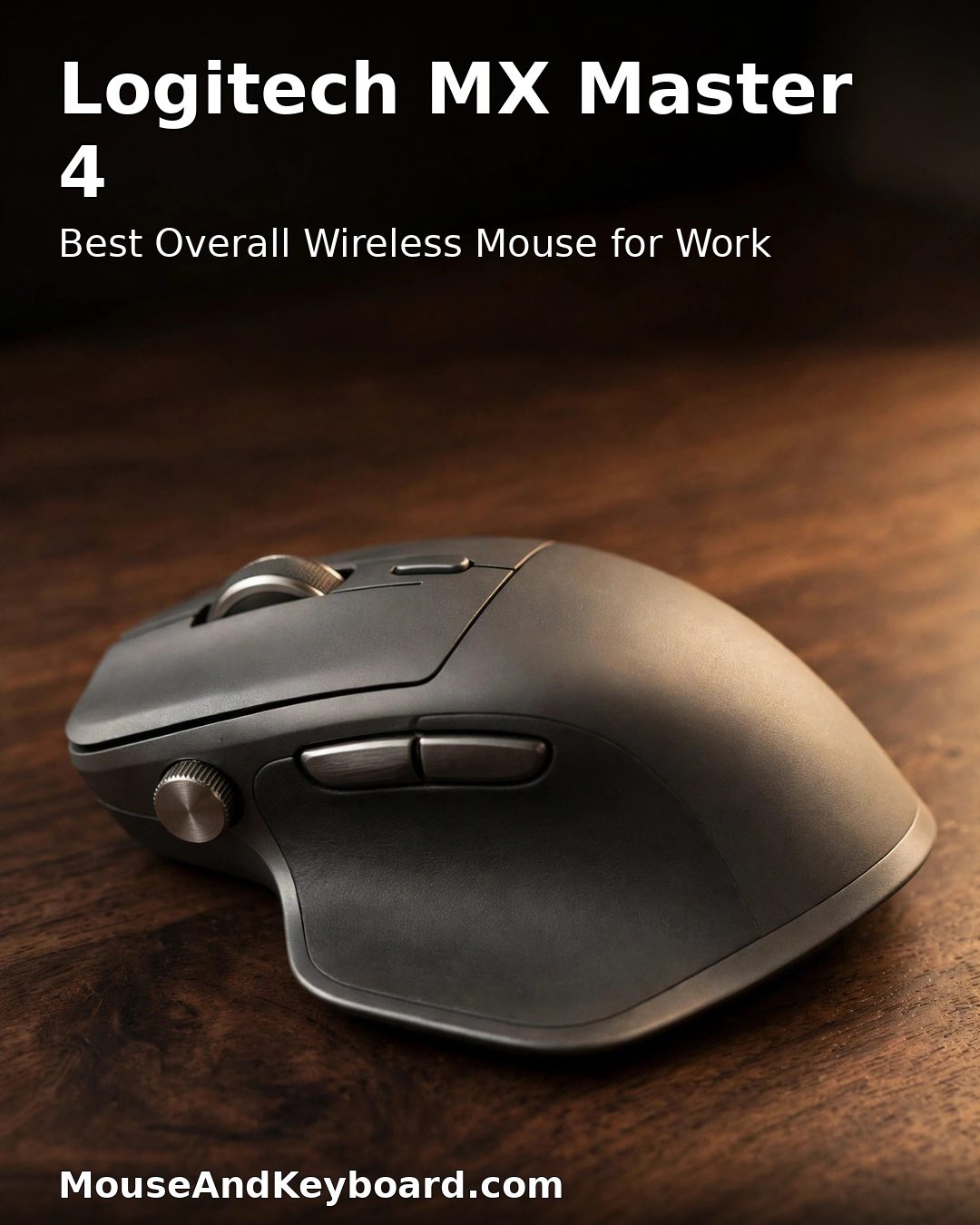
The MX Master 4 is the new flagship of the best-selling work mouse line ever made, and it earns the top spot here. Logitech kept everything that made the MX Master 3S great — the sculpted right-handed shape, the MagSpeed wheel that scrolls 1,000 lines per second, the thumb wheel for horizontal scrolling, quiet clicks, and an 8,000 DPI Darkfield sensor that tracks on glass — and added a Haptic Sense Panel under your thumb that vibrates for feedback, plus an Actions Ring shortcut menu that puts your favourite app commands at the cursor.
It is also built to last longer than its predecessor: a harder textured finish with silicone grips replaces the soft-touch rubber that could go sticky with age, the battery is bigger at 650 mAh (still rated up to 70 days, with a one-minute charge giving three hours of use), and the standard model now ships with a USB-C Logi Bolt receiver. At 150 grams it is a big, heavy mouse, and it is right-handed only — but for desk-bound work, nothing else is as complete.
Key specs: 150 g · Darkfield sensor, 8,000 DPI · MagSpeed wheel + thumb wheel · up to 70-day battery · 8 buttons (6 programmable) · Bluetooth + Logi Bolt · ~$120
Best for: anyone who works at a desk all day and wants the best productivity mouse money can buy in 2026.
Pros: haptic feedback and Actions Ring shortcuts; toughest MX finish yet; tracks on glass; 70-day battery; USB-C receiver included.
Cons: heavier than the 3S at 150 g; no charging cable in the box; best new features need Logi Options+; right-handed only.
2. Logitech MX Master 3S — Best Value Work Mouse
The MX Master 3S is the smart buy in 2026. It has the same 8,000 DPI Darkfield sensor, the same MagSpeed wheel and thumb wheel, the same quiet clicks, and the same 70-day battery as the new MX Master 4 — and it is lighter at 141 grams and now regularly sells for $20–40 less. Reviewers still rate it as highly as its successor, and for most desk work you will never notice the missing haptics or Actions Ring.
What you give up is the new model’s tougher finish and USB-C receiver, and the 3S’s soft-touch coating is known to get sticky after a couple of years of heavy use. That is a fair trade for the saving. If you want the proven MX Master experience without paying flagship money, this is the one to buy — and it is still one of the best-rated mice on Amazon.
Key specs: 141 g · Darkfield sensor, 8,000 DPI · MagSpeed wheel + thumb wheel · up to 70-day battery · 7 buttons · Bluetooth + Logi Bolt · ~$100 list, often ~$80 on sale
Best for: buyers who want the MX Master experience at the best price — the best value wireless mouse for work in 2026.

Pros: same sensor and wheels as the MX Master 4 for less money; lighter at 141 g; quiet clicks; 70-day battery; proven for years.
Cons: soft-touch finish can get sticky with age; no haptics or Actions Ring; older micro-USB-era design language.
3. Logitech MX Anywhere 3S — Best Travel Mouse for Work
The MX Anywhere 3S packs the MX line’s best ideas into a compact mouse you can actually carry. At 99 grams it is a third lighter than the MX Master 4, yet it keeps the same 8,000 DPI Darkfield sensor that tracks on glass, the same MagSpeed wheel, quiet clicks, and the same 70-day battery. It pairs with up to three devices over Bluetooth or the Logi Bolt receiver, and charges over USB-C.
The trade-off is the size: the low, compact shape suits small and medium hands and short sessions, but it is not as comfortable as the full-size MX Master for a full eight-hour day at one desk. If you work from coffee shops, airports, and hot desks, though, this is the travel mouse to get — it is the same MX quality in a bag-friendly body.
Key specs: 99 g · Darkfield sensor, 8,000 DPI · MagSpeed wheel · up to 70-day battery · 6 buttons · Bluetooth + Logi Bolt · USB-C charging · ~$80 list, often ~$70 on sale
Best for: hybrid and travelling workers who want MX performance in a compact, pocketable mouse.

Pros: full MX sensor and scrolling in a 99 g body; tracks on glass; 70-day battery; great for travel and small hands.
Cons: too small for all-day comfort with large hands; no thumb wheel; fewer buttons than the MX Master.
4. Logitech Lift — Best Vertical Ergonomic Mouse
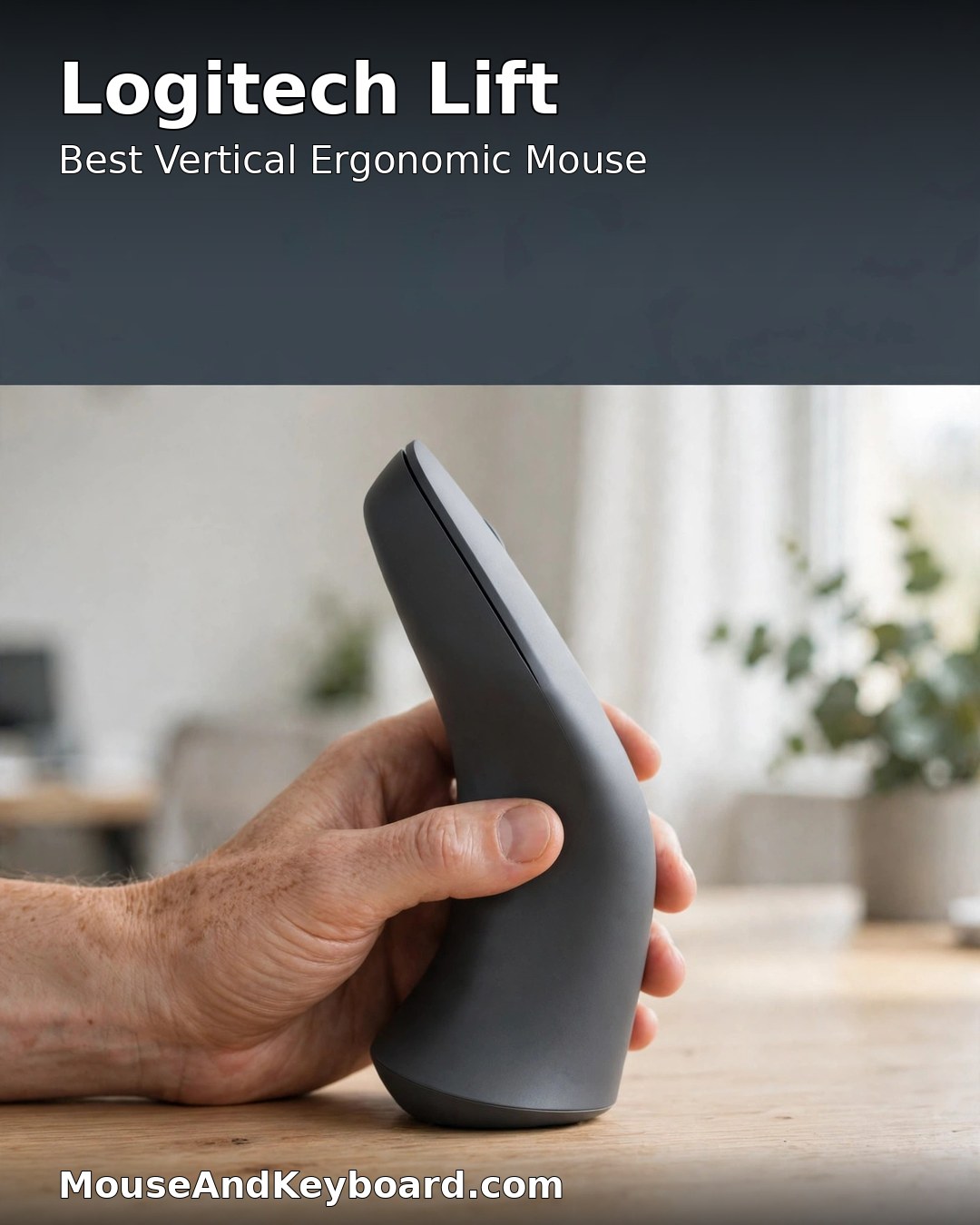
If your wrist aches by the end of the day, the Logitech Lift is the fix. Its 57-degree vertical shape holds your hand in a natural handshake position instead of flat on the desk, which reduces the forearm twisting that causes strain during long sessions. It is sized for small to medium hands, runs up to two years on a single AA battery, and still gives you quiet clicks, a 4,000 DPI sensor, and three-device switching over Bluetooth or Logi Bolt.
The Lift is not a precision tool — 4,000 DPI is plenty for office work but modest next to the MX line’s 8,000 — and large-handed users should look at the bigger MX Vertical instead. But for wrist comfort at this price, nothing else from a major brand comes close, and it is the ergonomic pick most reviewers recommend first.
Key specs: 125 g · optical sensor, 4,000 DPI · 57-degree vertical shape · up to 24-month AA battery · 6 buttons · Bluetooth + Logi Bolt · ~$80 list, often ~$70 on sale
Best for: anyone with wrist pain or strain who wants a comfortable vertical mouse for all-day work.
Pros: 57-degree handshake grip eases wrist strain; up to 2-year battery; quiet clicks; sized for small to medium hands.
Cons: 4,000 DPI ceiling; too small for large hands; takes a few days to get used to the vertical grip.
5. Razer Pro Click V2 — Best Work Mouse That Can Also Game
The Razer Pro Click V2 is the work mouse for people who also play games after hours. It pairs a proper ergonomic work shape with a gaming-grade Focus Pro 30K sensor, 1,000 Hz HyperSpeed wireless, and nine programmable buttons — specs the MX line cannot match — while keeping quiet-ish mechanical switches, a dual-mode tilt scroll wheel, and a battery rated up to 3.5 months.
It is lighter than the MX Master 4 at 110 grams, connects to three devices over HyperSpeed or Bluetooth, and even has an AI Prompt Master button for quick AI shortcuts. The trade-offs are a louder click than Logitech’s SilentTouch mice and software (Razer Synapse) that is heavier than Logi Options+. If your mouse needs to handle both a workday and a gaming session, this is the most capable crossover on the list.
Key specs: 110 g · Focus Pro sensor, 30,000 DPI · 1,000 Hz HyperSpeed wireless · up to 3.5-month battery · 9 programmable buttons · tilt scroll wheel · ~$100
Best for: people who want one mouse for office work and gaming, with a sensor that beats the MX line on paper.
Pros: 30,000 DPI sensor and 1,000 Hz polling; 9 programmable buttons; 3.5-month battery; light at 110 g; works for gaming too.
Cons: clicks are louder than Logitech’s quiet mice; Synapse software is heavy; no MagSpeed-style infinite scroll.
6. Keychron M6 8K — Best MX Master Alternative
The Keychron M6 8K is the mouse for anyone who likes the MX Master shape but wants modern specs for half the price. At $69.99 it undercuts the MX Master 4 by $50, yet it is lighter at 86 grams, has a PixArt PAW3950 sensor with up to 30,000 DPI, polls at up to 8,000 Hz, and adds a metal scroll wheel with infinite scroll plus a thumb wheel — the same dual-wheel layout that makes the MX line so good for productivity.
Reviewers found it tracked flawlessly across every surface they tested, and the silent micro switches keep clicks quiet. Battery life is the compromise: up to 120 hours at 1,000 Hz polling (and far less at 8,000 Hz), so you will charge it every week or two over USB-C rather than every couple of months. For the price, though, it is the best-value ergonomic work mouse that is not made by Logitech.
Key specs: 86 g · PixArt PAW3950 sensor, 30,000 DPI · up to 8,000 Hz polling · up to 120-hour battery (800 mAh) · metal scroll wheel + thumb wheel · 2.4 GHz + Bluetooth + wired · ~$70
Best for: buyers who want MX Master-style ergonomics and dual wheels with a faster sensor, for about half the price.
Pros: 30,000 DPI sensor and 8K polling for $70; light at 86 g; dual wheels with infinite scroll; silent switches.
Cons: battery lasts weeks, not months; 8K polling drains it fast; newer brand with less track record than Logitech.
7. Logitech Signature M650 L — Best Budget Wireless Mouse for Work
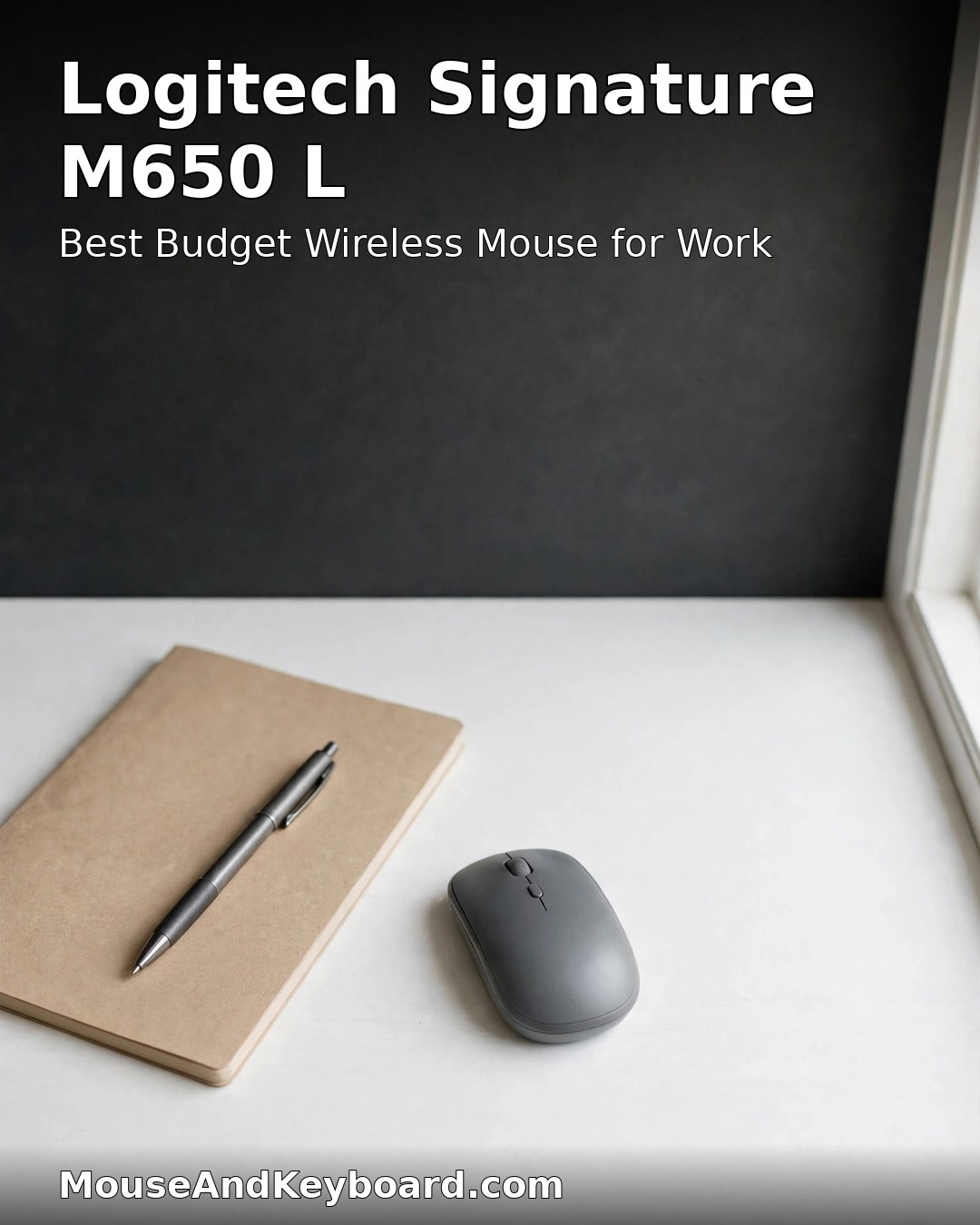
The Signature M650 L proves you do not need to spend $100 on a good work mouse. For around $35 you get Logitech’s SilentTouch technology — clicks that are 90% quieter than a standard mouse — a SmartWheel that switches between line-by-line precision and fast free-spin scrolling, a comfortable full-size shape for large hands, and a battery that lasts up to 24 months on a single AA.
It is a simpler mouse: 4,000 DPI, five buttons, and no app-driven customization beyond Logi Options+. There is no thumb wheel and no multi-device flow. But for everyday office work, email, and browsing, it covers the basics better than most mice costing twice as much, and it is the pick to buy in bulk for a whole office.
Key specs: 111 g · optical sensor, 4,000 DPI · SilentTouch quiet clicks · SmartWheel · up to 24-month AA battery · 5 buttons · Bluetooth + Logi Bolt · ~$35–40
Best for: budget buyers, quiet offices, and anyone who wants a comfortable everyday mouse for a third of the MX price.
Pros: 90% quieter clicks; 2-year battery; comfortable large size; SmartWheel; excellent value at ~$35.
Cons: no thumb wheel; no per-app customization; 4,000 DPI ceiling; plain looks.
How to Choose a Wireless Mouse for Work
Shape first. You will hold this mouse for thousands of hours, so ergonomics matter more than DPI. A sculpted right-handed mouse like the MX Master 4 suits palm grips and long days; a compact mouse like the MX Anywhere 3S suits travel and small hands; a vertical mouse like the Lift suits anyone with wrist pain. If you can, try the shape in a store before you buy.
Scroll wheel second. For long documents and spreadsheets, a wheel that free-spins — Logitech’s MagSpeed, the M650’s SmartWheel, or the M6’s metal wheel — saves more time than any other feature. A thumb wheel for horizontal scrolling is a bonus if you work in wide spreadsheets or video timelines.
Battery and connectivity third. Rechargeable mice like the MX line last up to 70 days per charge; AA-powered mice like the Lift and M650 L last up to two years. Bluetooth works everywhere, but a USB receiver (Logi Bolt or a 2.4 GHz dongle) is more stable for all-day use — and if you switch between two or three computers, make sure the mouse supports multi-device pairing. Independent comparisons of the MX Master 3S and MX Master 4 agree that the older model remains the value pick, while TechRadar’s Keychron M6 8K review and NotebookCheck’s M6 8K review both confirm the M6 as a genuine MX rival at half the price. For a head-to-head of the two Logitech flagships, see this MX Master 3S vs MX Master 4 comparison.
Best Wireless Mouse for Work 2026 — FAQs
What is the best wireless mouse for work in 2026?
The Logitech MX Master 4 is the best wireless mouse for work overall: a sculpted ergonomic shape, haptic feedback, an Actions Ring shortcut menu, a MagSpeed wheel, an 8,000 DPI sensor that tracks on glass, and a 70-day battery. If you want the same experience for less, the MX Master 3S is the best value pick.
Is the MX Master 4 worth it over the MX Master 3S?
It depends on your budget. The MX Master 4 adds haptic feedback, the Actions Ring, a tougher finish, a bigger battery, and a USB-C receiver — but the 3S has the same sensor, wheels, and battery life for $20–40 less, and reviewers rate it just as highly. Buy the 3S for value; buy the 4 if you want the newest features and the most durable finish.
What is the best wireless mouse for wrist pain?
The Logitech Lift is the best vertical wireless mouse for wrist pain: its 57-degree shape holds your hand in a natural handshake position, reducing forearm strain. It is sized for small to medium hands and runs up to two years on one AA battery. Large-handed users should consider the bigger Logitech MX Vertical instead.
How long does a wireless work mouse battery last?
Rechargeable work mice like the MX Master 4 and MX Anywhere 3S last up to 70 days per charge. AA-powered mice like the Logitech Lift and Signature M650 L last up to 24 months on one battery. Gaming-grade sensors and 8,000 Hz polling drain batteries much faster, which is why work mice use lower polling rates.
Is Bluetooth or a USB receiver better for a work mouse?
A USB receiver (Logitech’s Logi Bolt or a 2.4 GHz dongle) is more stable than Bluetooth for all-day work, with less lag and fewer dropouts. Bluetooth is more convenient when you switch between a laptop, tablet, and desktop. Most mice on this list offer both, plus multi-device switching.
Can one wireless mouse work with multiple computers?
Yes. The Logitech MX Master 4, MX Master 3S, MX Anywhere 3S, and Lift all switch between up to three devices, and Logitech Flow even lets you copy and paste between computers. The Razer Pro Click V2 and Keychron M6 also support three-device switching.
The bottom line: for most people, the Logitech MX Master 4 is the safest all-round pick, while the MX Master 3S is the best value and the MX Anywhere 3S is the best travel mouse for work. Wrist pain points to the Logitech Lift, a tight budget to the Signature M650 L, and anyone who also games to the Razer Pro Click V2 or the Keychron M6 8K — all seven picks here are current models you can buy right now, and any of them will serve you well for years.
Pair your new mouse with the right keyboard: our best wireless keyboards buyer guide covers the matching picks. And if wrist comfort is your main concern, our best ergonomic mouse for carpal tunnel relief guide goes deeper on vertical and ergonomic shapes.