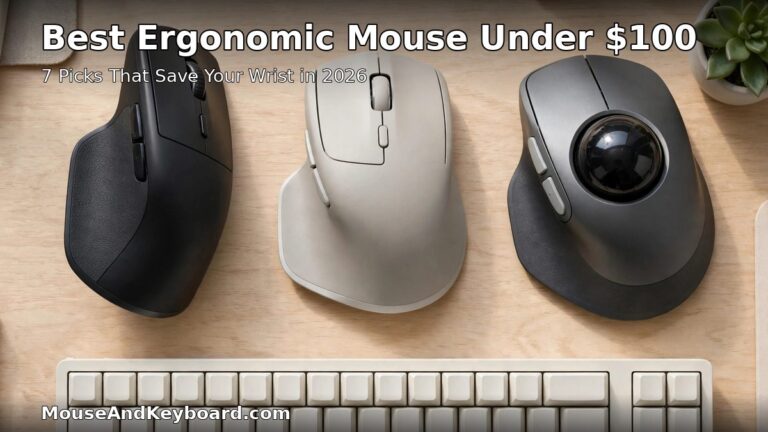

Best Ergonomic Mouse Under $100 in 2026: 7 Picks That Save Your Wrist
A flat mouse twists your forearm palm-down for eight hours a day, and your wrist pays for it. An ergonomic mouse fixes the angle — vertical, sculpted or trackball — so the hand sits closer to neutral while you work. The good news is you do not need to spend $150 or more to get a genuinely comfortable one. The best ergonomic mouse under $100 in 2026 is a proven, name-brand design with a real warranty, not a no-name shell with “ergonomic” printed on the box.
We compared the current 2026 line-up across the three ergonomic shapes — vertical, sculpted and trackball — and picked seven mice that cost $100 or less, are actually in stock, and cover every hand size and use case, from all-day office work to gaming. Every pick below comes from a major brand with published specs, and every price is the typical street price in November 2026, not a one-day sale.
If your wrist already hurts, start with our guide to the best ergonomic mouse for carpal tunnel relief for the medical side of the story, then come back here for the budget picks.
Best Ergonomic Mouse Under $100 at a Glance
| Mouse | Best for | Type | Price |
|---|---|---|---|
| Logitech MX Master 3S | Best overall | Sculpted | ~$80–100 |
| Logitech MX Vertical | Best for wrist pain | Vertical, 57° | ~$75–100 |
| Logitech Lift | Best for small hands | Vertical, 57° | ~$57–70 |
| Logitech Ergo M575 | Best trackball | Thumb trackball | ~$42–50 |
| Razer Basilisk V3 X HyperSpeed | Best gaming value | Sculpted gaming | ~$50 |
| Anker Vertical Ergonomic Mouse | Best budget | Vertical | ~$25–30 |
| Kensington Pro Fit Ergo Wireless | Best non-Logitech pick | Sculpted | ~$40–50 |
Short on time? Get the Logitech MX Master 3S if you want maximum comfort with no learning curve. Get the Logitech MX Vertical if wrist pain is the reason you are shopping. Get the Anker vertical mouse if you want to try the vertical shape for under $30 before committing to a premium one.
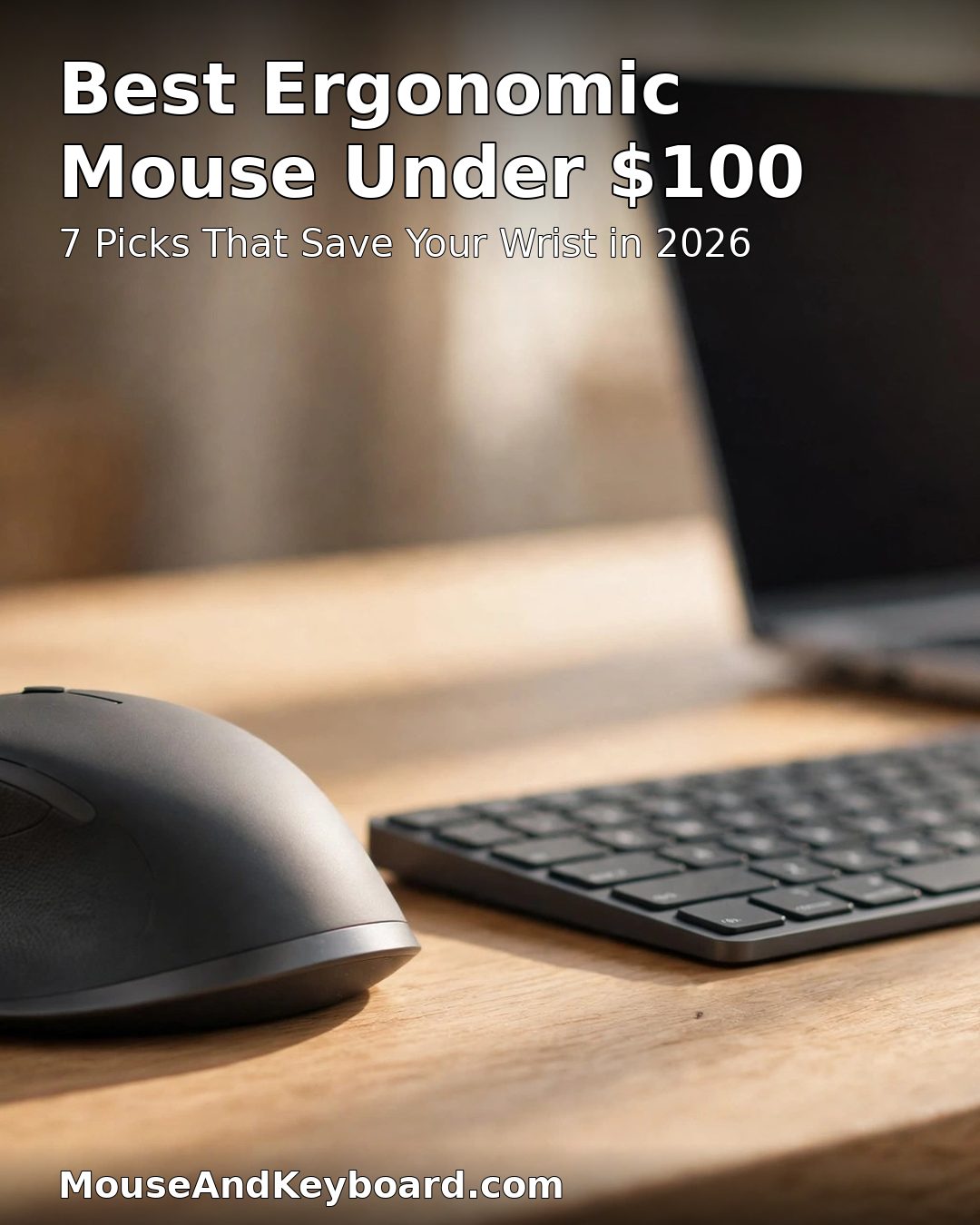
What Makes an Ergonomic Mouse Worth Buying Under $100?
Before the picks, here is the checklist we used. A mouse earns a place on this list only if it passes all of it — and the same tests separate a real ergonomic mouse from a cheap shell with a curved shape.
1. A shape that actually changes your wrist angle
Vertical mice hold the hand in a handshake grip at roughly 57 degrees instead of flat, which is the single biggest change you can make to your mousing posture. Sculpted mice like the MX Master 3S support the whole palm so the wrist stays straighter, and trackballs remove arm movement entirely. A mouse that is only slightly taller than a normal one does not count. The NIOSH ergonomics guidance is clear that sustained wrist extension above neutral raises pressure inside the carpal tunnel, so the angle is the whole point.
2. A sensor and buttons that do not fight you
An ergonomic shell is useless if the sensor stutters or the buttons need a hard press. Every pick here has at least 1,600 DPI and switches rated for millions of clicks. Quiet-click switches are a bonus in shared offices — Logitech rates its SilentTouch clicks at about 90% less noise — but they are not a requirement.
3. A price that stays under $100 in the real world
List prices lie. The MX Master 3S and MX Vertical both list at $99.99, and both are regularly discounted to $75–85. We used typical street prices from November 2026, and we excluded anything that only dips under $100 during a flash sale, like the MX Master 4 at around $120.
4. Real software and real support
Button remapping, DPI steps and multi-device pairing need software that actually runs on your operating system. Logitech Options+, Razer Synapse and KensingtonWorks all do. No-name vertical mice with no software and no warranty did not make the list, however cheap they are.
5. A fit for your hand size
Ergonomic mice are the most hand-size-sensitive product in this niche. A vertical mouse built for large hands will cramp a small hand, and a compact mouse will leave a large hand unsupported. Measure your hand from the wrist crease to the tip of your middle finger: under 17 cm is small, 17–19 cm is medium, over 19 cm is large. Each pick below states the hand size it suits.
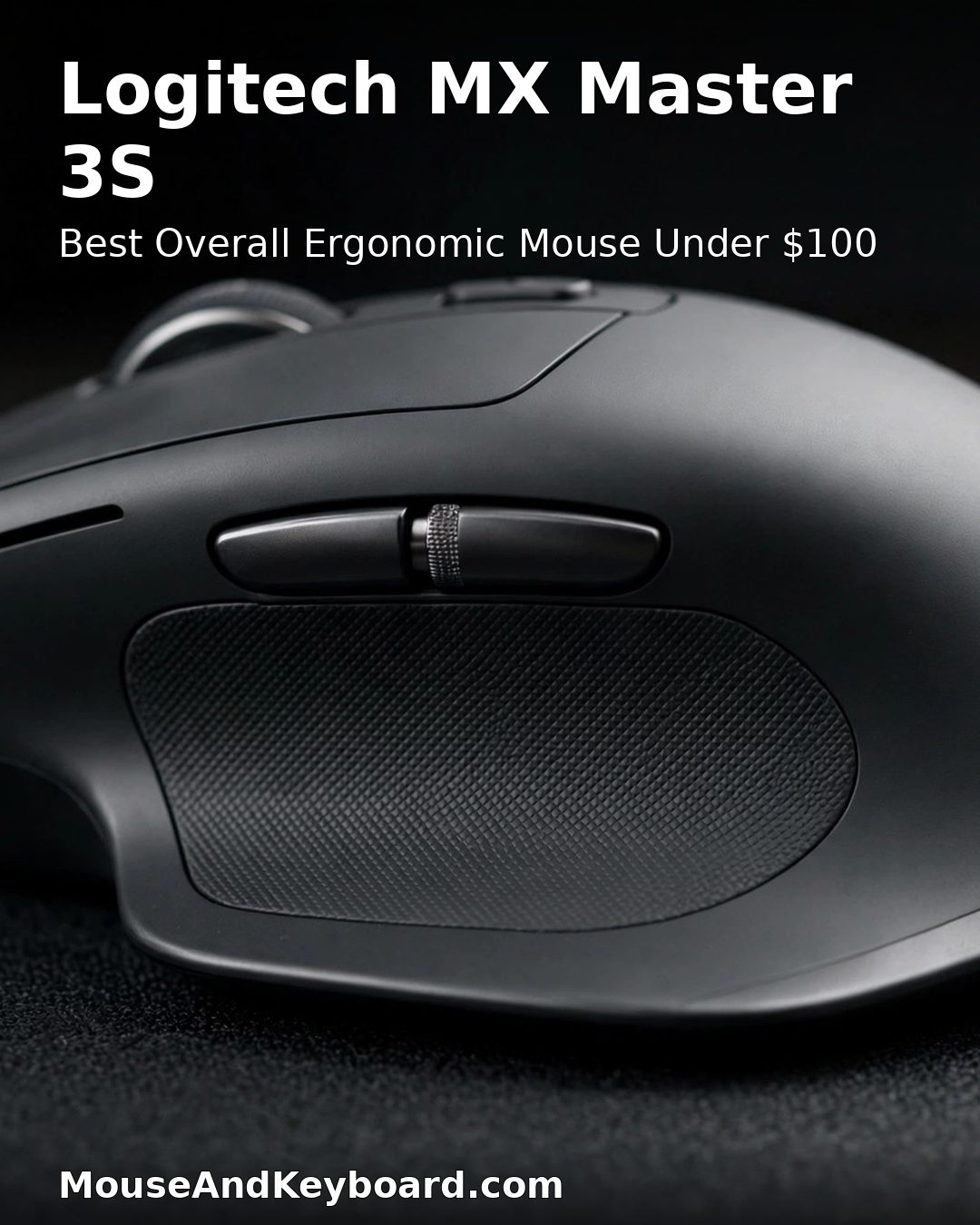
1. Logitech MX Master 3S — Best Overall Ergonomic Mouse Under $100
Price: ~$80–100 | Sensor: 8,000 DPI | Connection: Bluetooth, Logi Bolt | Battery: up to 70 days per charge
The MX Master 3S is the best ergonomic mouse under $100 for most people because it asks nothing of you. It is not a vertical mouse, so there is no learning curve — you pick it up and your hand simply rests better. The sculpted shell supports the whole palm, the thumb rest sits exactly where your thumb falls, and the electromagnetic MagSpeed wheel spins silently through long documents. Logitech rates the Quiet Clicks at about 90% less noise than a standard mouse, which matters in a shared office. See the full specs on Logitech’s MX Master 3S page.
It pairs with three devices, works on any surface including glass, and the USB-C rechargeable battery lasts up to 70 days. One honest caveat: the Bluetooth edition Logitech sells on Amazon ships with no USB receiver in the box, so buy the Logi Bolt receiver separately if your desktop has poor Bluetooth.
Pros: Maximum comfort with zero learning curve; quiet clicks and silent scroll wheel; 8,000 DPI sensor tracks on glass; three-device switching; 70-day battery.
Cons: No receiver in the Bluetooth edition box; right-handed only; at the top of the budget when not on sale.
Buy it if: you want the most comfortable mouse you can buy under $100 without relearning how to move a cursor.
Check the price of the Logitech MX Master 3S on Amazon
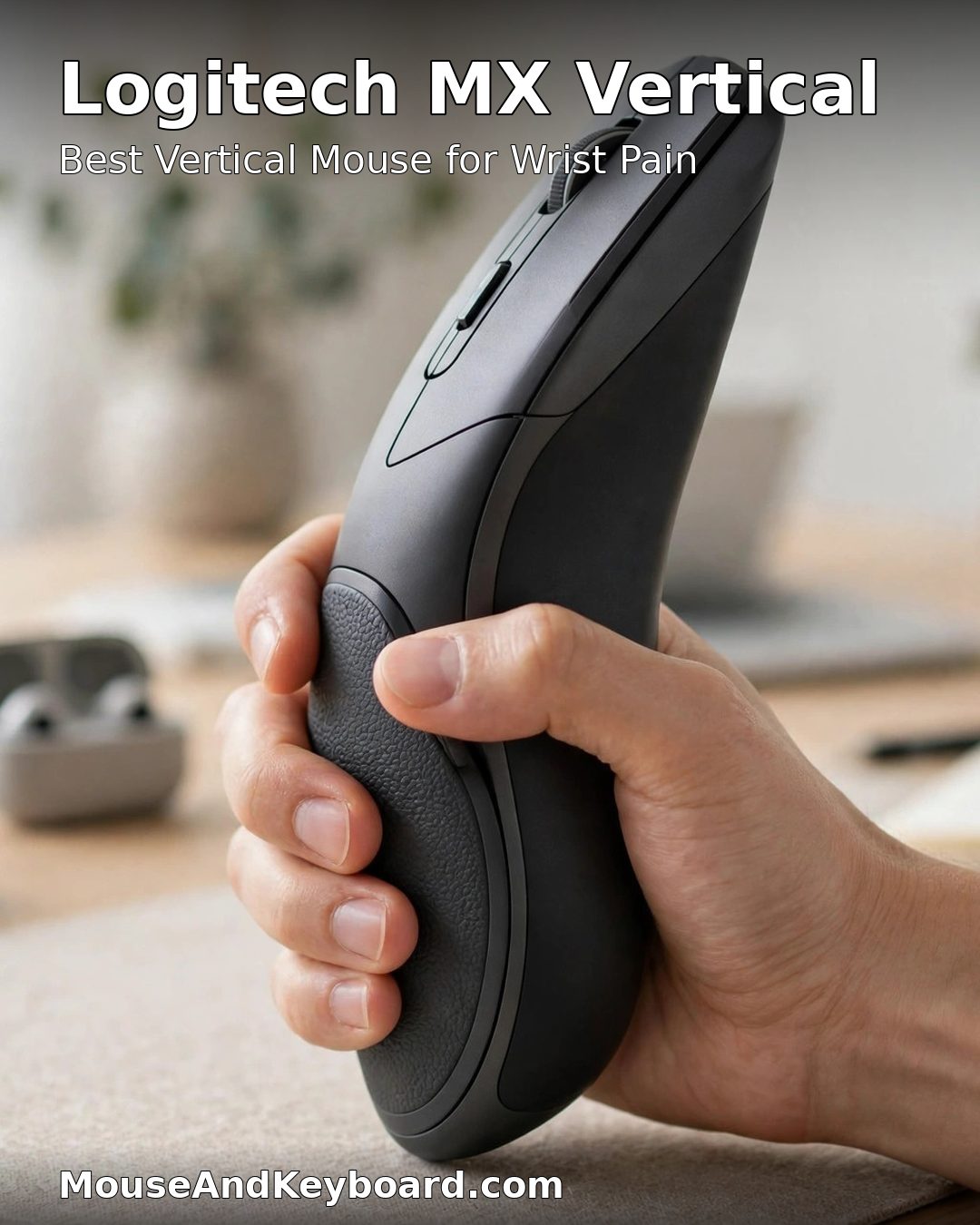
2. Logitech MX Vertical — Best Ergonomic Mouse for Wrist Pain
Price: ~$75–100 | Sensor: 4,000 DPI | Connection: Bluetooth, USB receiver, USB-C | Battery: up to 4 months per charge
If wrist pain is the reason you are shopping, buy the MX Vertical. Its 57-degree angle holds your hand in a near-neutral handshake position, and Logitech reports that the angle reduces overall muscular strain by up to 10% compared with a standard mouse. The 4,000 DPI sensor and cursor-speed switch mean you move the cursor further with less hand movement, which is exactly what a sore wrist needs. See the details on Logitech’s MX Vertical page.
The trade-off is real: expect one to two weeks of slower, less precise cursor control while your motor memory adapts. Give it that long before you judge it. The rechargeable battery lasts up to four months, and it works over Bluetooth, the included receiver or a USB-C cable.
Pros: The most proven vertical shape on the market; 57-degree neutral grip; 4-month battery; works wired or wireless.
Cons: One to two weeks of adjustment; right-handed only; medium-to-large hands only — small hands should buy the Lift instead.
Buy it if: wrist or forearm pain is your main problem and you are willing to spend two weeks adapting to the vertical grip.
Check the price of the Logitech MX Vertical on Amazon
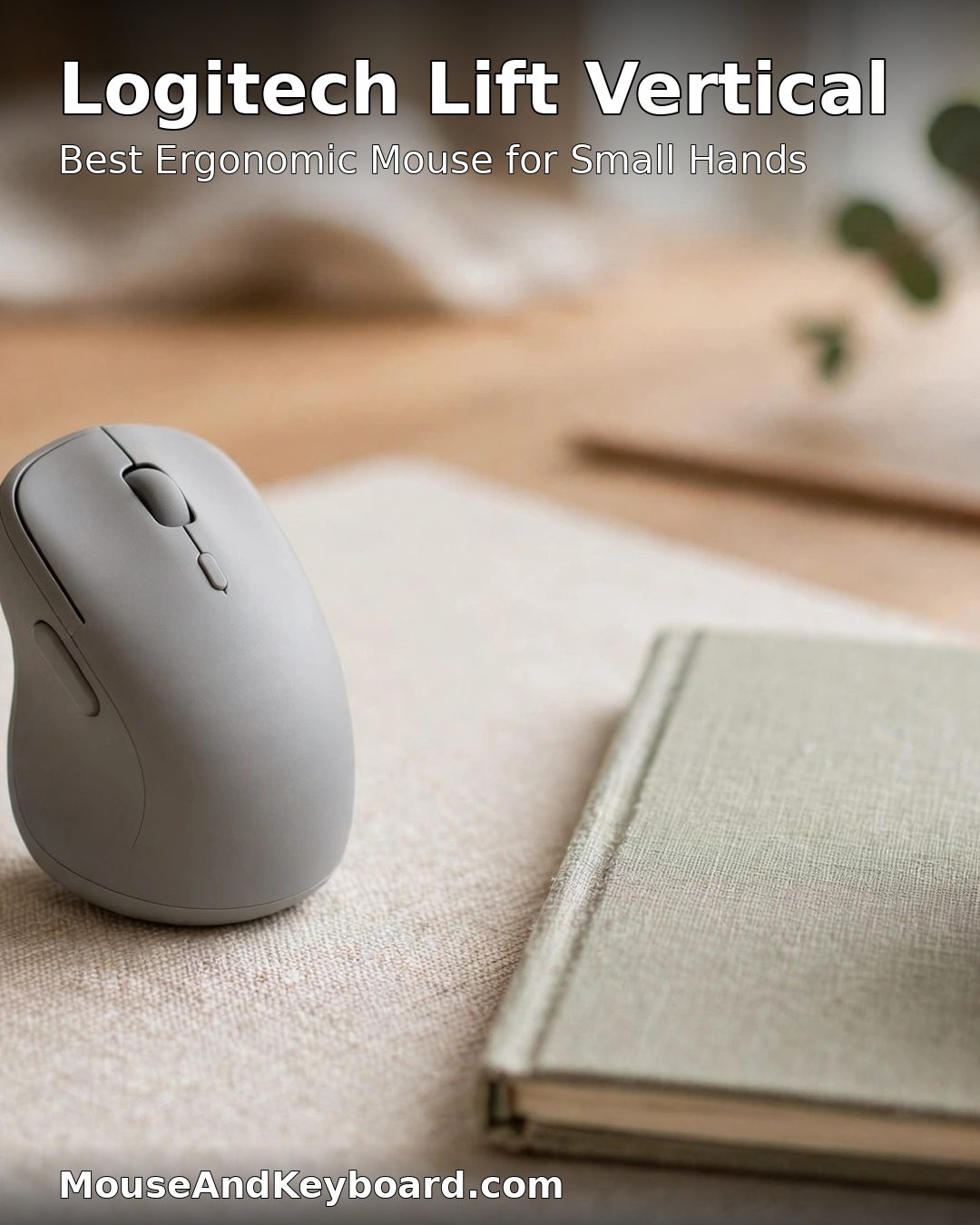
3. Logitech Lift — Best Ergonomic Mouse for Small Hands
Price: ~$57–70 | Sensor: 4,000 DPI | Connection: Bluetooth, Logi Bolt | Battery: up to 24 months on one AA
The Lift is the same 57-degree vertical design as the MX Vertical in a smaller shell built for small to medium hands — and it is the only pick on this list with a left-handed version. It was designed, developed and tested to criteria set by leading ergonomists, and the softly textured grip with a snug thumb rest is tuned for hands under about 19 cm. See Logitech’s Lift page for the left-handed edition.
It runs up to two years on a single AA battery, connects over Bluetooth or Logi Bolt, and its quiet clicks keep it office-friendly. The sensor is the same 4,000 DPI unit as the MX Vertical, so you give up nothing on precision for the smaller size.
Pros: Fits small and medium hands properly; left-handed version available; ergonomist-certified design; two-year battery life.
Cons: Too small for large hands; AA battery instead of rechargeable; no USB-C wired mode.
Buy it if: your hands measure under 19 cm, or you need a left-handed vertical mouse.
Check the price of the Logitech Lift on Amazon
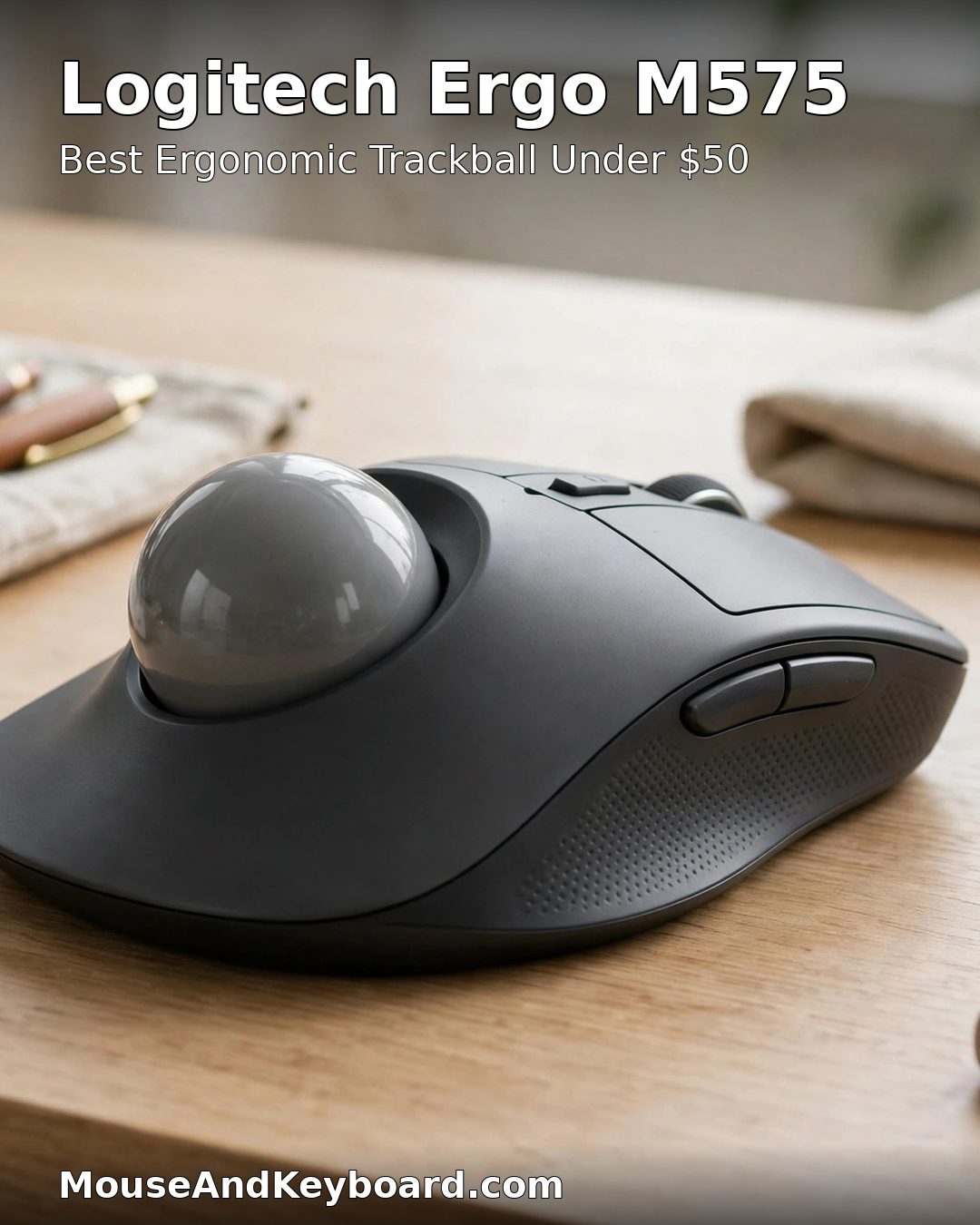
4. Logitech Ergo M575 — Best Ergonomic Trackball Under $100
Price: ~$42–50 | Sensor: 2,000 DPI trackball | Connection: Bluetooth, Unifying receiver | Battery: up to 24 months on one AA
A trackball solves a different problem from a vertical mouse: it removes arm movement entirely. Your hand stays still and your thumb rolls the ball, so it is the best choice for severe wrist or shoulder strain, or for a desk too cramped to move a mouse at all. The M575 is the affordable thumb trackball that has been in production for years for a reason — it works, the ball is smooth, and the sculpted shape keeps the hand relaxed.
Expect a steeper learning curve than a vertical mouse: two to four weeks before your productivity returns to normal. But once it clicks, many trackball users never go back. It connects over Bluetooth or the included Unifying receiver and runs up to two years on one AA battery.
Pros: Zero arm movement; best pick for cramped desks; proven design with years of production; 24-month battery.
Cons: Two to four weeks to adapt; thumb-only control is not for everyone; the ball needs regular cleaning.
Buy it if: moving your arm hurts, your desk is tiny, or you have tried vertical mice and they did not help.
Check the price of the Logitech Ergo M575 on Amazon
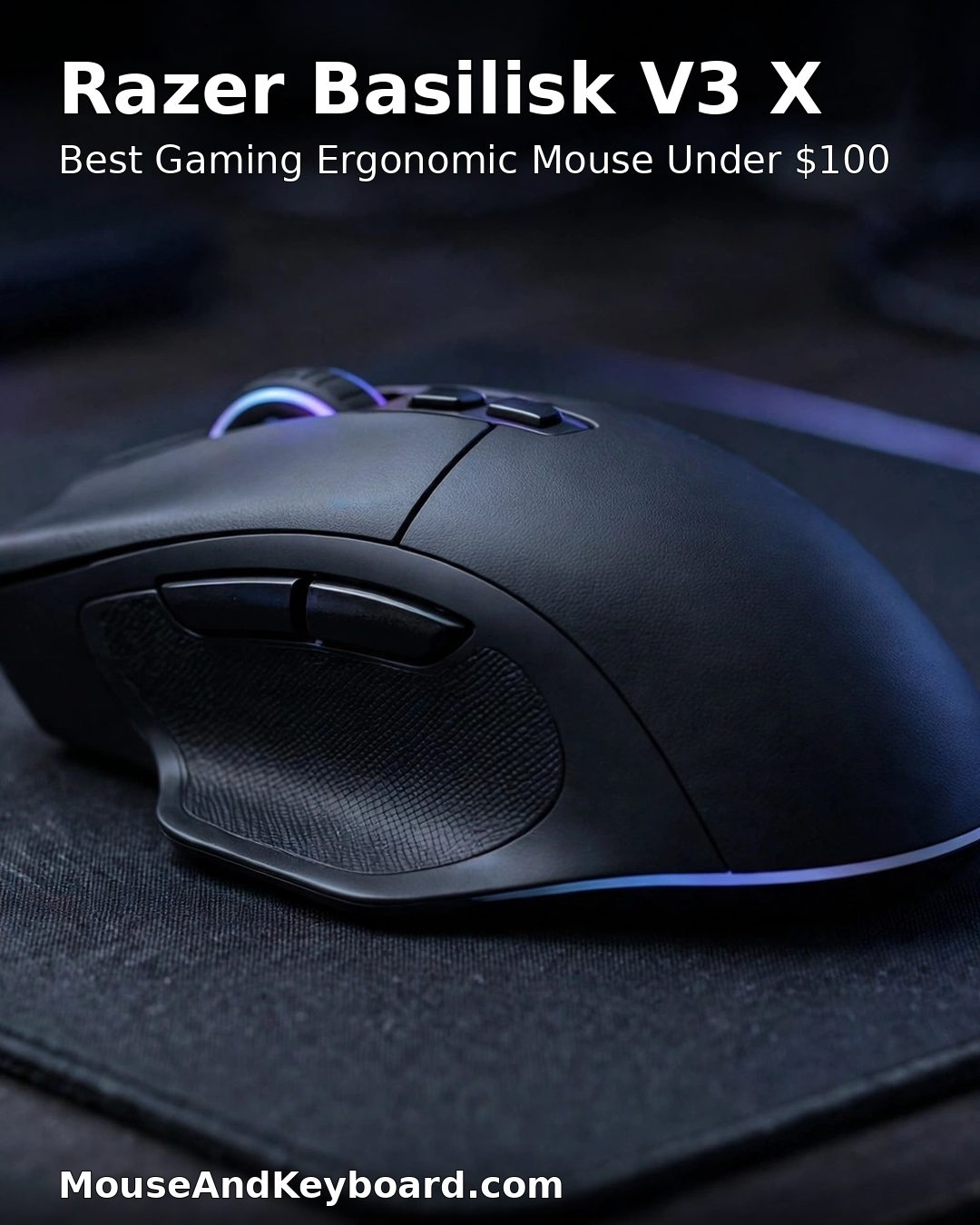
5. Razer Basilisk V3 X HyperSpeed — Best Gaming Ergonomic Mouse Under $100
Price: ~$50 | Sensor: 18K optical | Connection: HyperSpeed 2.4 GHz, Bluetooth | Battery: up to 285 hours on 2.4 GHz, 535 hours on Bluetooth
Ergonomic mice do not have to be office mice. The Basilisk V3 X is a sculpted right-handed gaming mouse with a thumb rest and a shape that supports the hand through long sessions, and it costs about half the budget. The 18K optical sensor and HyperSpeed wireless are genuine gaming hardware, not office parts in a gaming shell, and the six programmable buttons cover the usual MOBA and MMO bindings. Full specs are on Razer’s Basilisk V3 X page.
The trade-off is noise: gaming switches are louder than Logitech’s Quiet Clicks, so this is not the pick for a silent shared office. But if you game for hours and your wrist aches afterwards, it is the best ergonomic gaming mouse under $100 by a clear margin. For more gaming picks, see our best wireless gaming mouse roundup.
Pros: Real gaming sensor and wireless; 285-hour battery on 2.4 GHz; sculpted shape with thumb rest; about $50.
Cons: Louder clicks than office mice; right-handed only; no thumb scroll wheel like the MX Master 3S.
Buy it if: you want ergonomic comfort and genuine gaming performance in one mouse under $100.
Check the price of the Razer Basilisk V3 X on Amazon
6. Anker Vertical Ergonomic Mouse — Best Budget Ergonomic Mouse Under $100
Price: ~$25–30 | Sensor: 800 / 1,200 / 1,600 DPI | Connection: 2.4 GHz wireless | Battery: 2 AAA batteries, up to 3 months
If you want to try the vertical shape without spending $100, the Anker is the proven entry point. It is one of the best-selling ergonomic mice online, it holds the hand at a steep vertical angle, and at around $25–30 it delivers most of the ergonomic benefit for about 30% of the price of a Logitech MX Vertical. The 800/1,200/1,600 DPI switch covers office work fine, and five buttons handle forward, back and DPI switching.
Be honest about what you give up: the sensor is basic, the buttons feel cheaper, there is no software, and there is no Bluetooth — it needs the included 2.4 GHz receiver and a free USB-A port. Below $20 the unknown-brand vertical mice get much worse, with wobbly buttons and drifting sensors, so the Anker is the floor for a mouse worth buying.
Pros: Genuine vertical ergonomics for under $30; best-selling design with years of reviews; simple and light.
Cons: Basic 1,600 DPI sensor; no Bluetooth; no software; 2.4 GHz receiver only.
Buy it if: you want to test whether a vertical mouse suits you before spending $70–100 on a premium one.
Check the price of the Anker Vertical Ergonomic Mouse on Amazon
7. Kensington Pro Fit Ergo Wireless — Best Non-Logitech Ergonomic Mouse Under $100
Price: ~$40–50 | Sensor: 1,600 DPI | Connection: 2.4 GHz, Bluetooth | Battery: up to 18 months on one AA
Seven of the obvious picks in this category are Logitech, so the Kensington Pro Fit Ergo earns its place as the best ergonomic mouse under $100 from anyone else. It is a sculpted, contoured wireless mouse with quiet-click switches, a thumb rest and a shape that suits medium to large hands, and it connects over both 2.4 GHz and Bluetooth with a single AA battery lasting up to 18 months.
It does not match the MX Master 3S on sensor resolution or software — KensingtonWorks is functional but basic — and the 1,600 DPI ceiling is fine for office work but not for precision design. But at around $40–50 it is the cheapest way to get a quiet, sculpted ergonomic mouse from a major brand without buying into the Logitech ecosystem.
Pros: Quiet clicks; dual 2.4 GHz and Bluetooth; long battery life; the best non-Logitech option at the price.
Cons: 1,600 DPI ceiling; basic software; no multi-device switching as smooth as Logitech Flow.
Buy it if: you want a quiet ergonomic mouse under $50 and would rather not buy Logitech.
Check the price of the Kensington Pro Fit Ergo Wireless on Amazon
How to Choose the Best Ergonomic Mouse Under $100
Match the shape to the problem
Wrist twist and forearm pain point to a vertical mouse — the MX Vertical, Lift or Anker. General hand fatigue with no specific pain points to a sculpted mouse — the MX Master 3S, Basilisk V3 X or Kensington Pro Fit Ergo. Shoulder strain, a cramped desk or severe RSI points to a trackball — the Ergo M575. Buying the wrong shape is the most common mistake in this category, and it is why “ergonomic” mice get returned.
Measure your hand before you buy
Measure from the wrist crease to the tip of your middle finger. Under 17 cm: small hands — buy the Lift, the Ergo M575 or the Anker. 17–19 cm: medium hands — every pick on this list fits, and the MX Master 3S is the safest choice. Over 19 cm: large hands — buy the MX Master 3S, MX Vertical or Kensington Pro Fit Ergo, and skip the Lift and the Anker, which will cramp a large hand.
Left-handed buyers have one real option
Almost every ergonomic mouse is right-handed only, because the sculpted shells cannot be flipped. The Logitech Lift is the exception: it is sold in a dedicated left-handed version with the same 57-degree angle and 4,000 DPI sensor. Left-handed buyers who want a trackball can also use the Ergo M575, though its thumb ball is shaped for the right thumb.
Give it two weeks
Vertical mice and trackballs both cost you precision for the first one to two weeks — four for a trackball — while your motor memory adapts. That is normal, and it is the reason most ergonomic mice are returned too early. Keep your old mouse plugged in for precision work during the first week, then switch fully. If it still feels wrong after two weeks, the shape is wrong for you, not the brand.
What to skip
Skip any ergonomic mouse under $20 from an unknown brand: the failure mode is wobbly buttons, sensor drift and plastic that creaks, and there is no warranty to fall back on. Skip the MX Master 4 if your budget is strict — at around $120 it is a better mouse than the 3S, but it is not under $100. And skip a vertical mouse if you share one computer with someone who will not adapt to it; a sculpted mouse is the shared-desk compromise.
Frequently Asked Questions
What is the best ergonomic mouse under $100?
The Logitech MX Master 3S is the best ergonomic mouse under $100 for most people. It costs around $80–100, its sculpted shape supports the whole hand with no learning curve, it has quiet clicks, an 8,000 DPI sensor and a 70-day battery. If wrist pain is the reason you are shopping, the Logitech MX Vertical is the better pick for the same money.
Are vertical mice really better for your wrist?
Yes, for most people with wrist or forearm pain. A vertical mouse holds the hand in a handshake position at roughly 57 degrees instead of flat, which reduces forearm pronation — the twisting that loads the tendons in the carpal tunnel. Logitech reports the MX Vertical’s angle reduces muscular strain by up to 10%. Expect one to two weeks of slower cursor control while you adapt.
Is a cheap ergonomic mouse under $30 worth buying?
Yes, if you buy the right one. The Anker Vertical Ergonomic Mouse at around $25–30 is a proven design that delivers most of the ergonomic benefit of a $100 vertical mouse. Below $20, unknown-brand vertical mice are a false economy: wobbly buttons, drifting sensors and no warranty. The Anker is the floor for a mouse worth buying.
Do ergonomic mice help with carpal tunnel?
An ergonomic mouse can reduce the strain that aggravates carpal tunnel symptoms, but it is not a medical treatment. A vertical mouse or trackball changes the wrist angle and reduces repetitive movement, which helps many people. If you have numbness, tingling or pain that does not improve, see a clinician — and read our carpal tunnel mouse guide for the relief-focused picks.
What is the best ergonomic mouse for small hands under $100?
The Logitech Lift, at around $57–70. It is the MX Vertical’s design in a smaller shell built for small to medium hands, with the same 57-degree angle and 4,000 DPI sensor, and it is the only pick on this list with a left-handed version. Measure your hand first: under 17 cm is small, 17–19 cm is medium.
How long does it take to get used to an ergonomic mouse?
One to two weeks for a vertical mouse and two to four weeks for a trackball. Cursor precision drops at first while your motor memory adapts, which is normal. Keep your old mouse handy for precision work during the first week, then switch fully. If it still feels wrong after two weeks, the shape is wrong for you.
Our pick remains the Logitech MX Master 3S: the best ergonomic mouse under $100 for most desks, with the MX Vertical as the pick for real wrist pain and the Anker vertical mouse as the budget way in. Measure your hand, match the shape to the problem, and give the new mouse two weeks before you judge it.
Last updated: November 2026