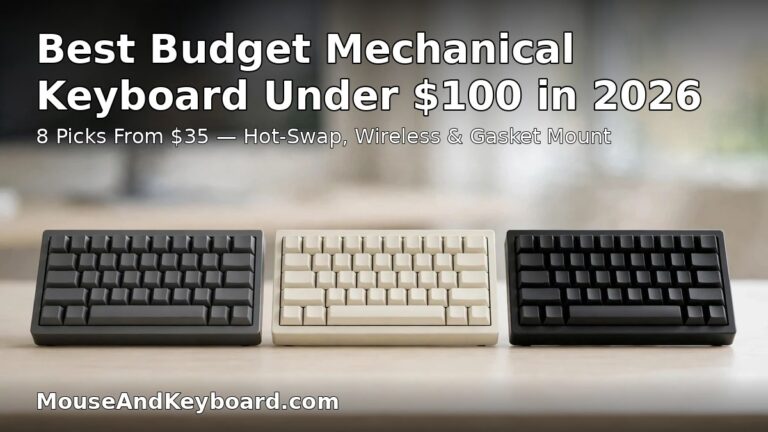

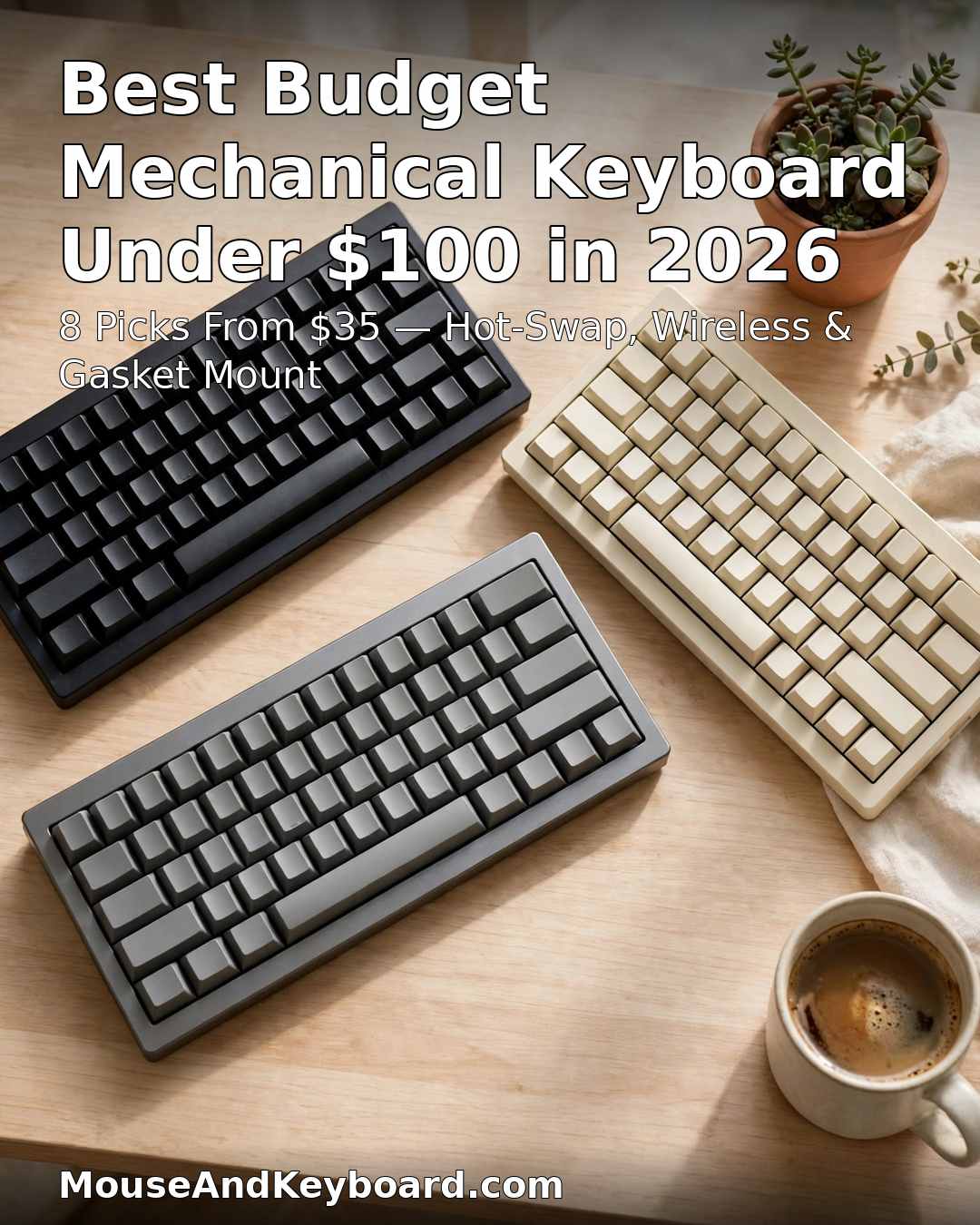
A good mechanical keyboard used to cost $150 or more. That is no longer true. In 2026, a $40 board ships with a gasket mount, sound-absorbing foam and hot-swap sockets — features that were enthusiast-only a few years ago — and spending $60 to $90 gets you tri-mode wireless, QMK/VIA remapping and PBT keycaps too. The budget tier has closed the gap with premium boards so completely that the hardest part of buying one is choosing between eight very good options.
This guide compares the eight best budget mechanical keyboards under $100 you can buy right now, from the $35 Redragon that gets you in the door to the $90 Keychron V3 Max that does nearly everything. Every pick is a current 2026 model, in stock at major retailers, with its layout, connection options, switch type and street price listed so you can pick the right one the first time.
We checked current prices, specs and independent reviews for every keyboard below, comparing the 2026 lineups from Keychron, Royal Kludge, Epomaker, Ajazz, Akko and Redragon. Whether you type all day, game at night, or need a quiet board for a shared room, there is a keyboard here under $100 that fits.
Last updated: November 2026
Best Budget Mechanical Keyboard Under $100 — Quick Picks
| Keyboard | Layout | Best For | Price |
|---|---|---|---|
| Keychron V3 Max | 80% | Best overall | ~$90 |
| Keychron C3 Pro | TKL | Best under $40 | ~$39 |
| Royal Kludge RK84 Pro | 75% | Best wireless | ~$60 |
| Epomaker TH80 Pro | 75% | Best for gaming | ~$75 |
| Ajazz AK820 Pro | 75% | Best features | ~$60 |
| Akko 5075B Plus | 75% | Best for typing | ~$86 |
| Redragon K552 Kumara | TKL | Cheapest entry | ~$35 |
| Epomaker x Aula F75 | 75% | Best sound | ~$75 |
1. Keychron V3 Max — Best Overall Budget Mechanical Keyboard
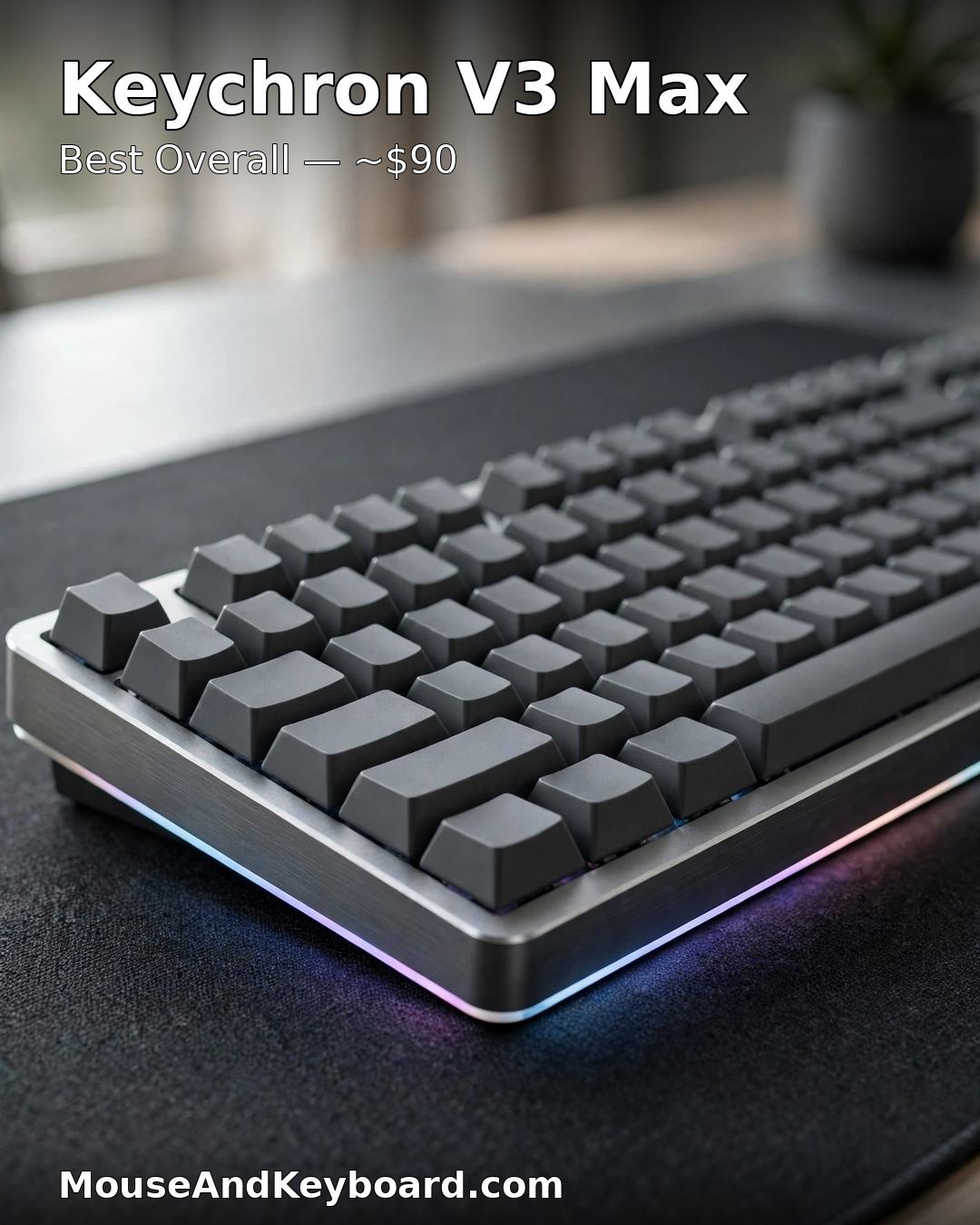
The V3 Max is the default recommendation in this price range for a reason. It is a compact 80% board with a gasket mount, double-layer foam, hot-swap sockets that take 3-pin and 5-pin switches, and double-shot PBT keycaps — the full enthusiast checklist — plus tri-mode connectivity (Bluetooth, 2.4 GHz and wired USB-C) and QMK/VIA firmware, so every key can be remapped and macros stored on the board itself. It sounds and feels far better than its price suggests, which is why it tops nearly every budget roundup of 2026.
Keychron sells it with pre-lubed linear or tactile switches, south-facing LEDs that will not interfere with Cherry-profile keycaps, and a 1,000 Hz polling rate over the 2.4 GHz dongle and cable. If you only buy one keyboard from this list, buy this one: it is the best all-rounder under $100, equally at home typing all day and gaming at night.
Pros: gasket mount and foam for a premium typing feel; tri-mode wireless with QMK/VIA; hot-swap sockets; double-shot PBT keycaps; the best all-rounder under $100.
Cons: wired-only rivals are cheaper; no rotary knob or screen; the 80% layout still takes up a fair amount of desk space.
2. Keychron C3 Pro — Best Budget Mechanical Keyboard Under $40
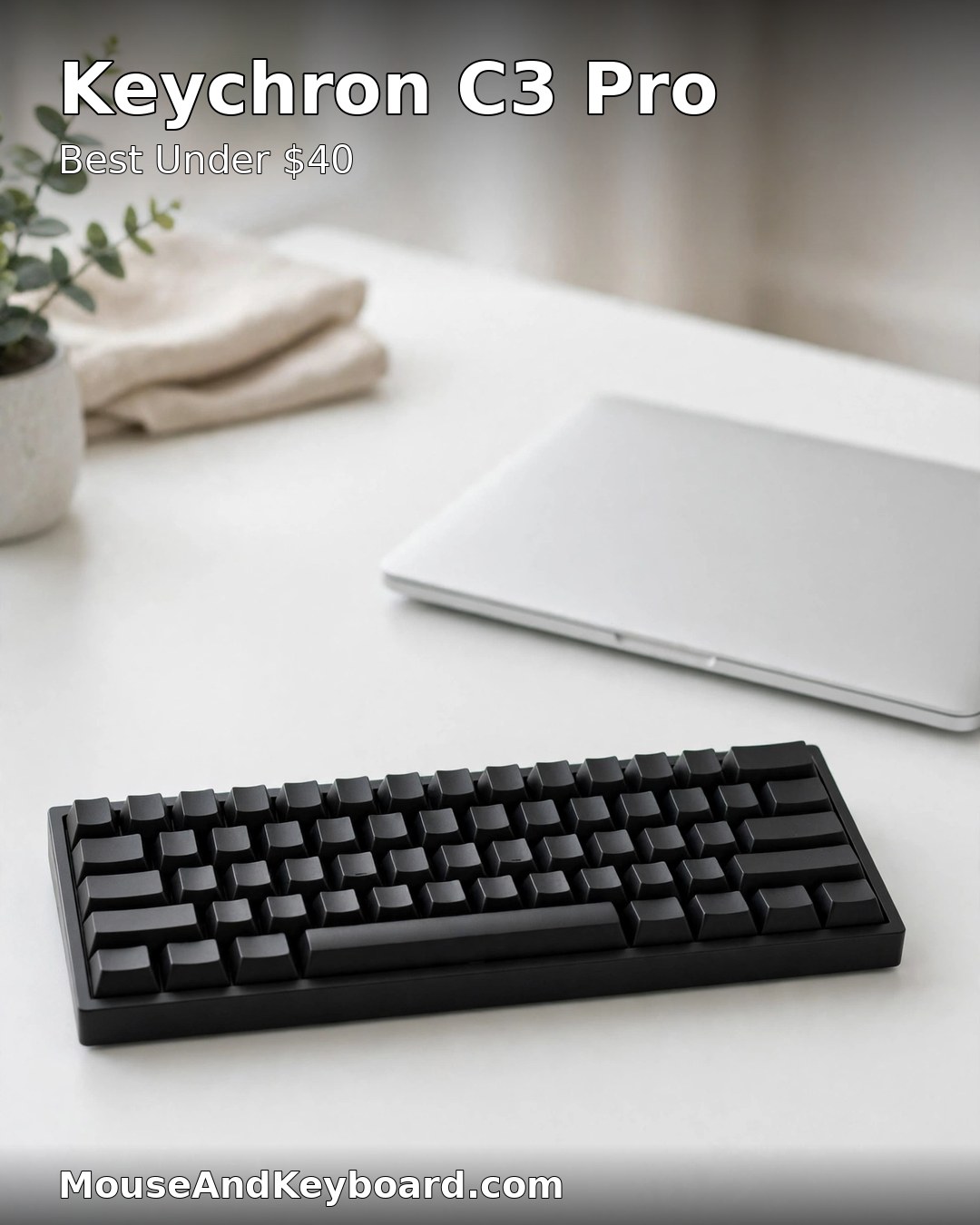
The C3 Pro is the cheapest real mechanical keyboard worth buying. For around $39 you get a gasket-mounted tenkeyless board with acoustic foam, PBT keycaps, Gateron Red or Brown switches, up to 8,000 Hz polling and QMK firmware support — a combination that simply did not exist at this price a few years ago. It is wired only, with no hot-swap sockets, but the typing feel is excellent for the money.
This is the board to buy if you are curious about mechanical keyboards and do not want to risk much finding out. It is also a genuinely good daily driver for typing: the TKL layout keeps the function row and arrows, the sound is muted rather than rattly, and the build is solid enough to last. If it had wireless and hot-swap, it would cost twice as much — and at this price, that trade is easy to accept.
Pros: the best typing feel under $40; gasket mount and acoustic foam; QMK support and 8,000 Hz polling; PBT keycaps; a low-risk first mechanical keyboard.
Cons: wired only, no wireless; switches are not hot-swappable; no volume knob or screen.
3. Royal Kludge RK84 Pro — Best Budget Wireless Mechanical Keyboard
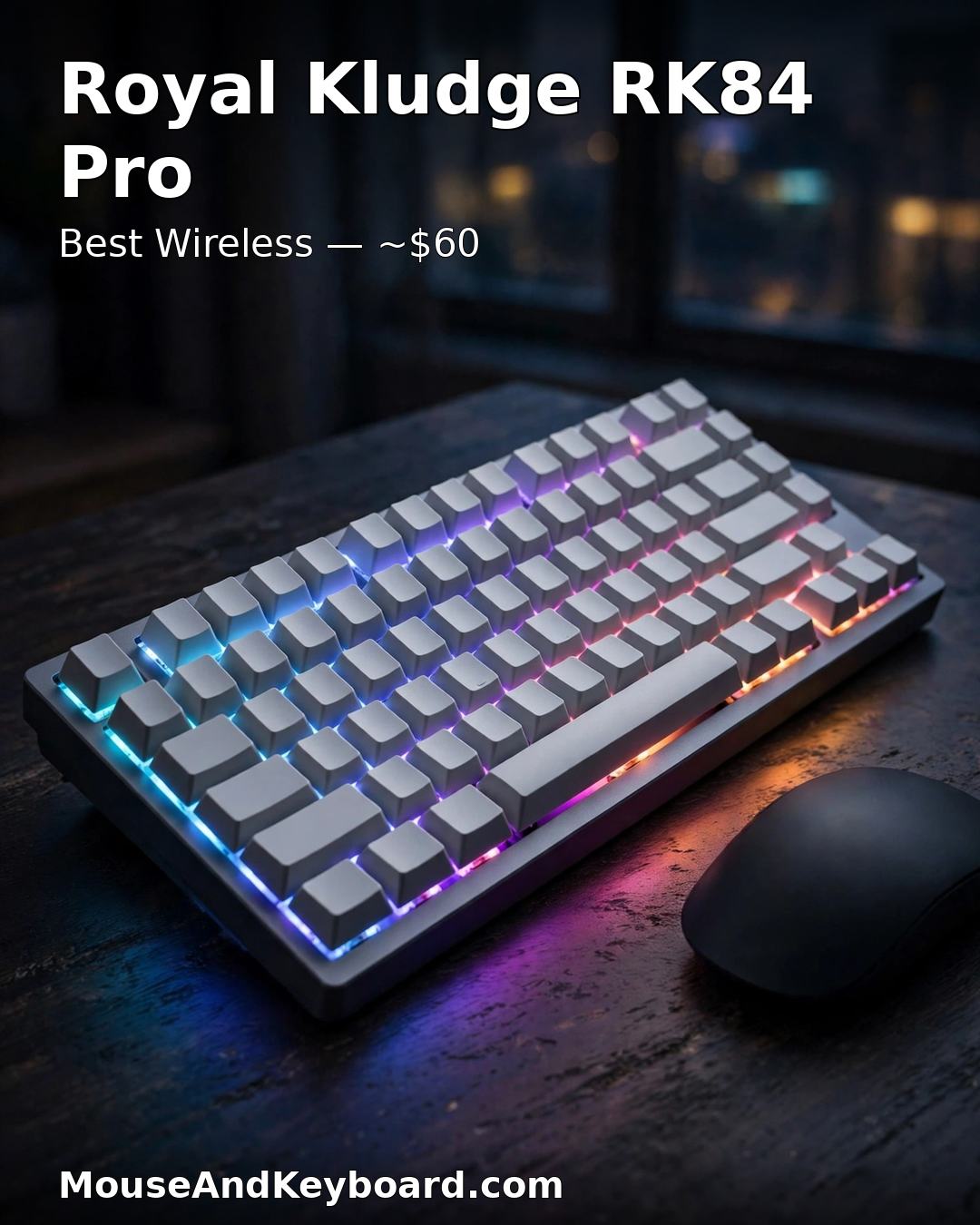
If you need wireless, the RK84 Pro is the pick. It is a 75% board with Bluetooth 5.1, a 2.4 GHz dongle and wired USB-C — all three modes — plus hot-swap sockets, RGB backlighting and a metal frame, for around $60. The battery lasts around 200 hours with the RGB off, so it will run for weeks between charges in normal use.
The stock stabilizers are decent rather than great, but you can lube them yourself in about twenty minutes, and everything else about the board punches above its price: the layout keeps the function row and arrow keys in a compact footprint, the build feels solid, and it pairs with up to three devices over Bluetooth. For a wireless keyboard that does everything the V3 Max does at two-thirds of the price, this is the one.
Pros: tri-mode wireless at around $60; hot-swap sockets; metal frame; around 200 hours of battery with RGB off; pairs with three devices.
Cons: stock stabilizers could be better; no QMK/VIA support; the software is basic compared to Keychron’s.
4. Epomaker TH80 Pro — Best Budget Mechanical Keyboard for Gaming
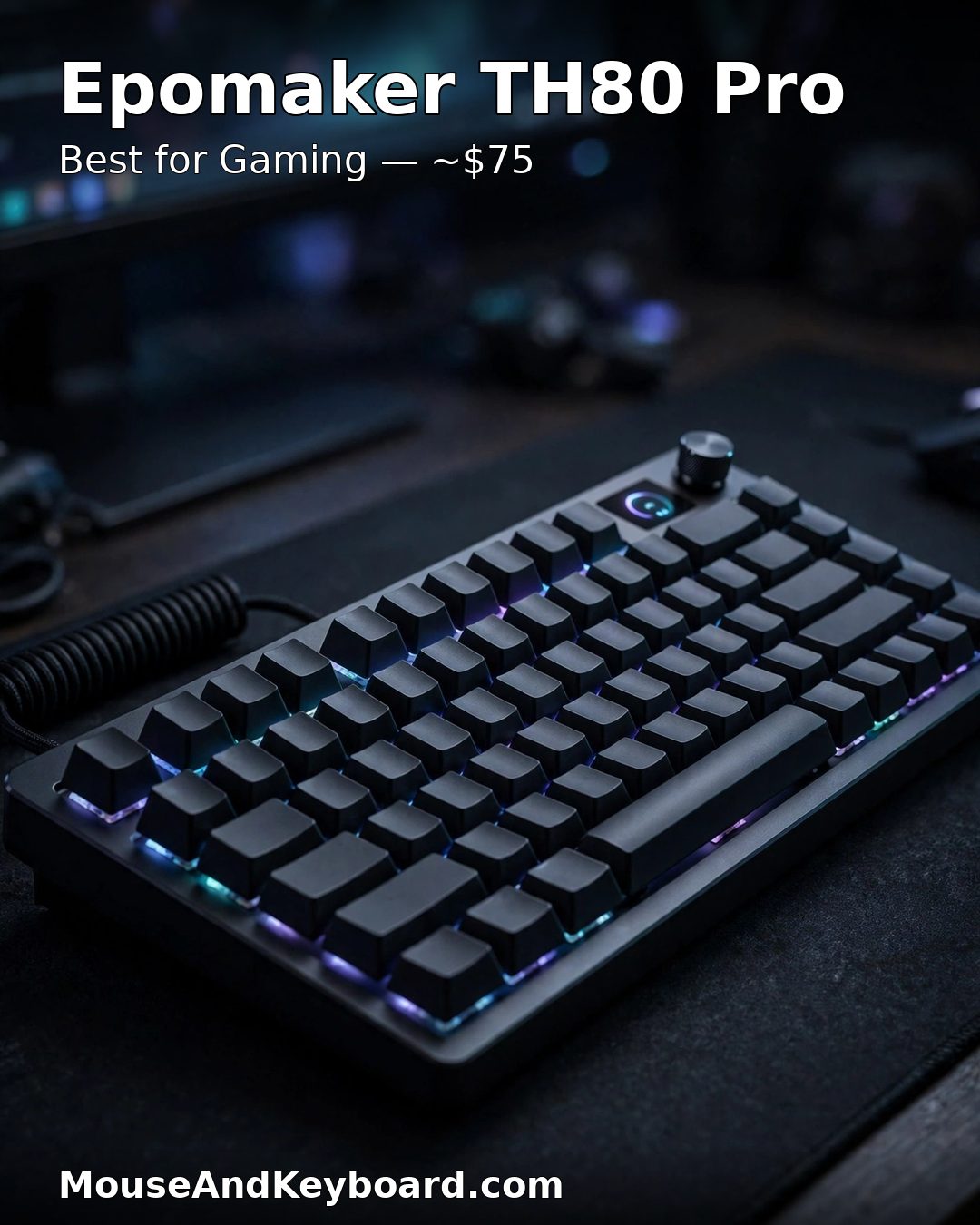
The TH80 Pro is the gaming pick of this list, and it earns the spot with features, not just looks. It is a 75% wireless board with a gasket mount, pre-lubed switches, solid stabilizers and hot-swap sockets, plus a small LCD screen on the top right that shows the time, your typing speed or a custom animation, and a rotary knob for volume control. Hall-effect versions of this board add adjustable actuation and rapid trigger — the features competitive players care about — at a price that still stays under $100.
Beyond the novelty of the screen, the typing experience is genuinely good: the gasket mount and foam give it a soft, dampened sound, and the tri-mode connection (Bluetooth, 2.4 GHz, wired) covers every setup. If you want one keyboard for work by day and games by night, this is the most versatile board here.
Pros: gasket mount and pre-lubed switches; LCD screen and rotary knob; Hall-effect versions add rapid trigger; tri-mode wireless; strong typing feel for a gaming board.
Cons: the screen is a novelty for most people; Hall-effect versions cost more than the standard one; no QMK/VIA on some versions — check the listing.
5. Ajazz AK820 Pro — Best Feature-Packed Budget Mechanical Keyboard
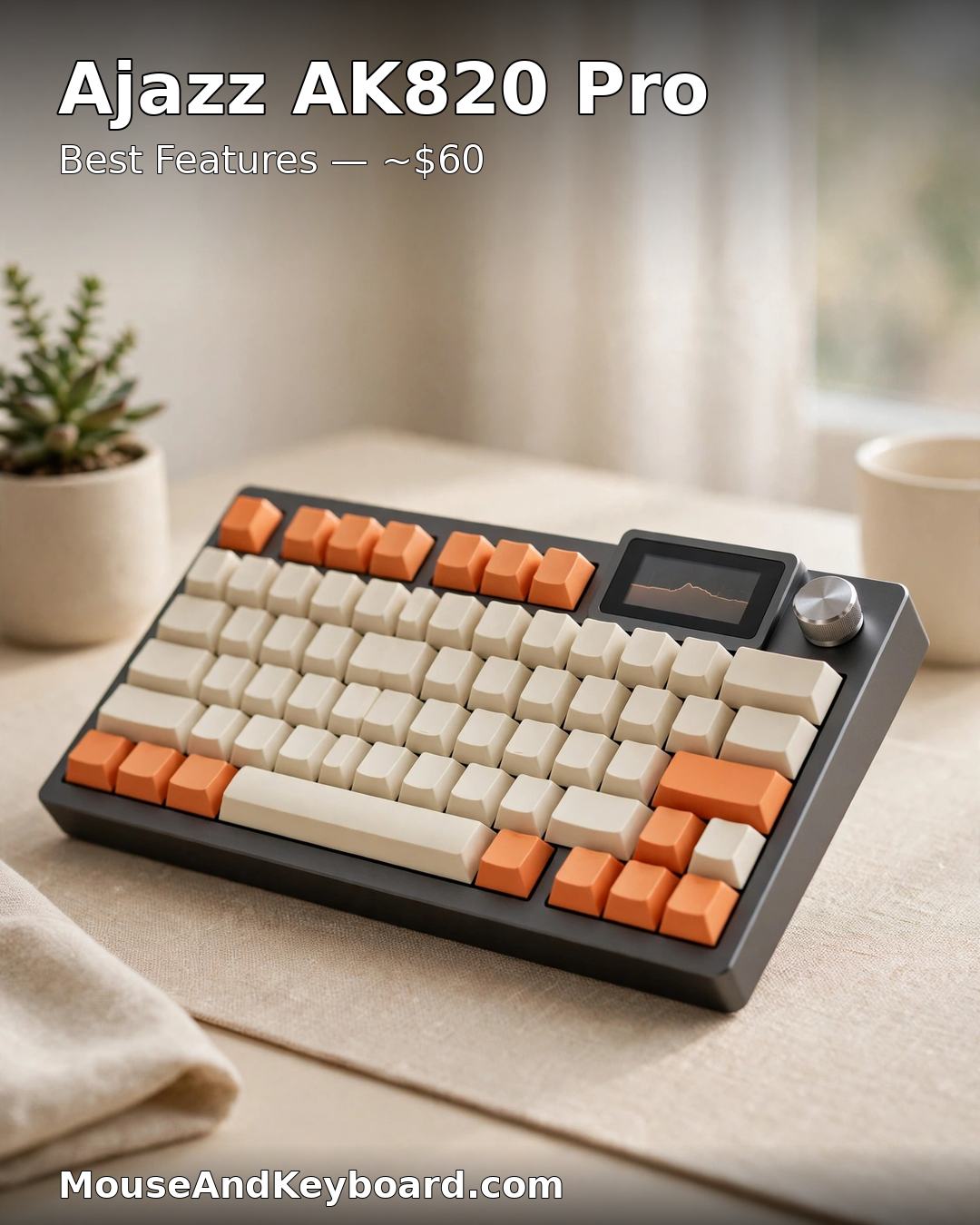
The AK820 Pro is the board for people who want the most features per dollar. For around $60 you get a 75% board with tri-mode wireless, a gasket mount, hot-swap sockets, PBT keycaps, a small display screen and a metal volume knob — a spec sheet that reads like a keyboard twice the price. It is one of the most complete packages under $100, and independent roundups of 2026 consistently call it the best feature-packed pick in the budget tier.
The typing feel is good out of the box, with foam layers and pre-lubed switches keeping the sound muted, and the screen and knob are genuinely useful rather than decorative — volume and connection status at a glance. If your budget is $60 and you want everything, this is the board that gives you the longest list.
Pros: a screen and a knob at around $60; tri-mode wireless; gasket mount and hot-swap; the most features per dollar on this list.
Cons: no QMK/VIA support; the brand is less established than Keychron; keycap legends are not the most durable.
6. Akko 5075B Plus — Best Budget Mechanical Keyboard for Typing
The 5075B Plus is the typing-first pick. It is a 75% board with tri-mode wireless (2.4 GHz, Bluetooth and wired), hot-swap sockets, PBT keycaps and Akko’s own tactile or linear switches, for around $86 — and it is light, quiet and comfortable for long typing sessions. If you write all day and want a board that feels good hour after hour without costing $150, this is the one.
It uses Akko’s own driver software rather than VIA, so check the listing carefully: Akko sells a separate 5075B VIA model if remapping in VIA matters to you. For pure typing, though, the standard model is the better buy — the switches are smooth, the stabilizers are solid, and the compact 75% layout keeps your mouse closer to your keyboard, which your shoulder will notice by the end of the day.
Pros: excellent typing feel for long sessions; tri-mode wireless and hot-swap; PBT keycaps; light and quiet; compact 75% layout.
Cons: no VIA support on the standard model — the VIA version is sold separately; Akko’s own software is basic; costs more than the RK84 Pro.
7. Redragon K552 Kumara — Cheapest Mechanical Keyboard Worth Buying
The K552 Kumara is the cheapest entry point on this list, and the one that proves you do not need to spend much to get a real mechanical keyboard. For around $35 you get a tenkeyless board with Outemu mechanical switches, a metal top plate, RGB backlighting and a solid, no-nonsense build. It is wired only and the switches are not hot-swappable, but it has been the default first mechanical keyboard for years because it simply works.
Buy it if you want to find out whether mechanical keyboards are for you before committing real money, or if you need a dependable spare board for a second desk. It will not match the Keychron boards for sound or feel, but at this price it does not have to — it gets you the mechanical typing experience for the cost of a dinner out.
Pros: the cheapest board on this list at around $35; metal top plate; RGB backlighting; a proven first mechanical keyboard; solid and dependable.
Cons: wired only; switches are not hot-swappable; louder and less refined than the gasket-mounted boards here; no software for remapping.
8. Epomaker x Aula F75 — Best Sounding Budget Mechanical Keyboard
If the deep, muted “thock” sound is what drew you to mechanical keyboards, the F75 is the board to buy. It is a 75% board with a gasket mount, multiple layers of foam and pre-lubed linear switches, built from the start to sound good — and independent reviewers consistently call it the best-sounding budget board of 2026. It also has hot-swap sockets and tri-mode wireless, for around $70 to $80.
The sound is the headline, but the rest of the package holds up: the build is solid, the keycaps are good quality, and the wireless modes cover desk and couch setups alike. If you type a lot and care about how your keyboard sounds as much as how it feels, this is the pick — and it is the board most likely to make you wonder why anyone pays $200 for the same experience.
Pros: the best sound in the budget tier; gasket mount with multi-layer foam; pre-lubed linear switches; hot-swap and tri-mode wireless; great value at $70–80.
Cons: the brand is less well known than Keychron; no QMK/VIA support; availability varies between retailers.
How to Choose a Budget Mechanical Keyboard Under $100
Decide what your budget actually buys. Under $40 buys you the mechanical experience with wired-only boards like the Keychron C3 Pro and Redragon K552. Around $60 buys you tri-mode wireless, hot-swap sockets and a gasket mount (RK84 Pro, AK820 Pro). Around $75–90 buys you the full enthusiast checklist — QMK/VIA, PBT keycaps and premium sound — in the Keychron V3 Max, Akko 5075B Plus and Epomaker TH80 Pro. The jump from $40 to $90 is real, but the jump from $90 to $180 mostly buys you aluminium and brand names.
Pick your switches first. Linear switches (like Gateron Red) press smoothly and are the best choice for gaming and fast typing. Tactile switches (like Gateron Brown) give a small bump when the key registers and suit typing. Clicky switches are loud and best avoided in shared spaces. If you are not sure, buy a hot-swap board — you can change the switches later for a few dollars instead of buying a whole new keyboard.
Do not pay for features you will not use. A screen and a knob are fun, but they add nothing if you never look at them. Wireless matters if you switch between devices or hate cables; it does not matter if your keyboard never leaves your desk. Hot-swap matters if you like to tinker; QMK/VIA matters if you remap keys. Spend your $100 on the two or three features you will actually use, not the longest spec sheet.
Check the layout before you buy. A 75% board keeps the function row and arrows in a compact body; a TKL board adds a little width for a standard layout; a 60% board drops the function row and arrows entirely and is only for people who are happy using key combinations. If this is your first mechanical keyboard, a 75% or TKL layout is the safe choice.
FAQs About Budget Mechanical Keyboards Under $100
Are budget mechanical keyboards under $100 actually good?
Yes. In 2026, boards under $100 routinely ship with gasket mounts, sound-absorbing foam, hot-swap sockets, PBT keycaps and tri-mode wireless — features that cost $180 or more four years ago. The Keychron V3 Max at around $90 and the RK84 Pro at around $60 both outperform many premium boards from 2021. The main things you give up versus a $200 board are an aluminium case and a brand name.
What does hot-swappable mean, and do I need it?
Hot-swappable means the switches pull out of the board without soldering, so you can swap them for different ones in minutes. You do not strictly need it, but it is the single most useful budget feature: if you buy a board and dislike the switches, you can change them for a few dollars instead of replacing the whole keyboard. Every board on this list except the Keychron C3 Pro and Redragon K552 is hot-swappable.
What is the difference between linear, tactile and clicky switches?
Linear switches press straight down with no bump and are the quietest and fastest — best for gaming and fast typing. Tactile switches give a small bump when the key registers, which many typists prefer. Clicky switches add a loud click to that bump and are fun but noisy, so they are a poor choice for shared rooms. If you are unsure, start with linear or tactile; both are easy to live with.
Is wireless worth it on a budget keyboard?
Yes, if you move your keyboard between devices or hate cables. Tri-mode boards like the RK84 Pro, TH80 Pro and AK820 Pro connect over Bluetooth, 2.4 GHz and wired USB-C, and the battery lasts weeks with the backlight off. If your keyboard never leaves your desk, a wired board like the Keychron C3 Pro gives you the same typing feel for less money — spend the saving on better switches instead.
What does gasket mount mean?
Gasket mount means the plate holding the switches sits on soft rubber gaskets instead of being screwed rigidly to the case. The board flexes slightly as you type, which softens the feel and deepens the sound — it is the main reason budget boards in 2026 feel so much better than budget boards from a few years ago. Every board on this list except the Redragon K552 uses a gasket mount or a similar flexible mounting system.
How much should I spend on a budget mechanical keyboard?
For most people, $60 to $90 is the sweet spot. Around $40 gets you a genuinely good wired board like the Keychron C3 Pro. Around $60 adds wireless, hot-swap and a gasket mount with the RK84 Pro or AK820 Pro. Around $90 gets you the full package in the Keychron V3 Max. Spending more than $100 buys mostly aluminium cases and brand names, not a better typing experience.
Final Thoughts
The best budget mechanical keyboard under $100 in 2026 is the Keychron V3 Max: it does nearly everything — gasket mount, hot-swap, tri-mode wireless, QMK/VIA and PBT keycaps — for around $90. If your budget is tighter, the Keychron C3 Pro at around $39 is the best board under $40, and the Royal Kludge RK84 Pro at around $60 is the best wireless pick. Gamers should look at the Epomaker TH80 Pro, sound lovers at the Epomaker x Aula F75, and anyone who wants the longest feature list at the lowest price at the Ajazz AK820 Pro. Whichever you choose, you are getting a keyboard that would have cost twice as much a few years ago — and with hot-swap sockets on most of these boards, it is one you can keep improving instead of replacing.
If you want magnetic switches and rapid trigger for competitive gaming, read our best Hall effect keyboards 2026 guide, and if typing speed is your priority, see our best keyboards for fast typing picks. For independent takes on the same boards, see RTINGS’ best mechanical keyboards, PC Gamer’s best gaming keyboard guide and Tom’s Guide’s best mechanical keyboards.