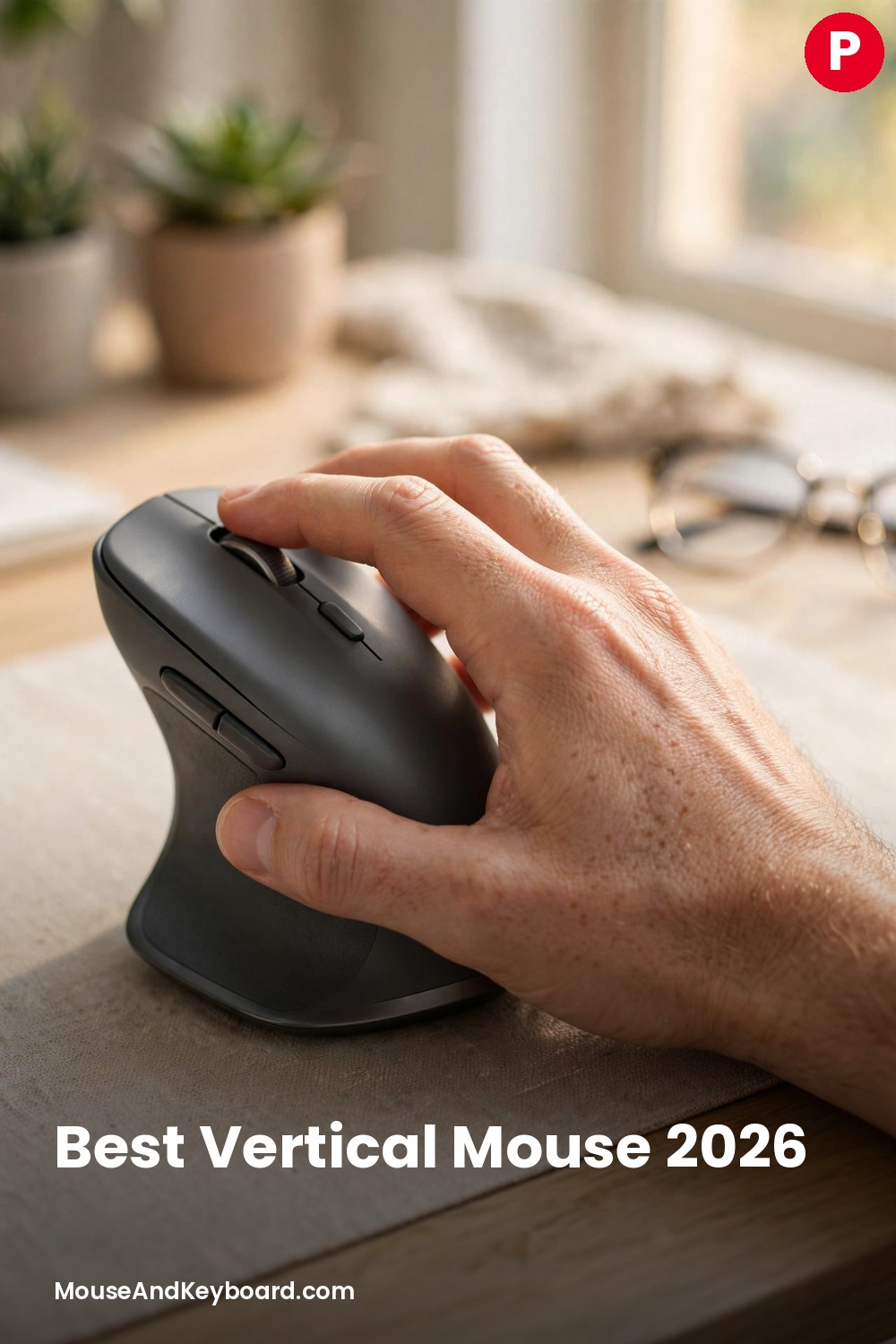

If your wrist aches by the end of the workday, the shape of your mouse is probably part of the problem. A flat mouse forces your forearm into pronation — palm down, wrist twisted — for eight hours at a time. A vertical mouse turns your hand into a natural handshake position instead, and for a lot of people that one change is the difference between sore wrists and a comfortable day.
Vertical mice used to be a niche ergonomic product with one or two decent options. That changed in 2026: Razer entered the category with a gaming-grade vertical mouse, Keychron launched the M5, and the budget end of the market got genuinely good. This guide compares the eight best vertical mice you can buy right now — from the $25 Anker that lets you test the shape for almost nothing to the $120 Razer with a flagship sensor — with each one’s angle, weight, battery life and hand size listed so you can pick the right one the first time.
We compared the current 2026 lineups from Logitech, Razer, Keychron, Contour, Kensington, ProtoArc and Anker, and checked prices, specs and independent reviews for every pick below. Whether you have small hands, large hands, a left hand, or a wrist that already hurts, there is a vertical mouse here that fits.
Last updated: November 2026
Best Vertical Mouse 2026 — Quick Picks
| Mouse | Angle | Best For | Price |
|---|---|---|---|
| Logitech MX Vertical | 57° | Best overall | ~$75 |
| Logitech Lift | 57° | Best for small hands | ~$70 |
| Razer Pro Click V2 Vertical Edition | 71.7° | Best premium | ~$120 |
| Keychron M5 | ~65° | Best value | ~$50 |
| Contour Unimouse | 35–70° | Best adjustable angle | ~$99 |
| Kensington Pro Fit Ergo Vertical Trackball | 45° | Best trackball | ~$74 |
| ProtoArc EM11 NL | ~58° | Best budget rechargeable | ~$25 |
| Anker 2.4G Wireless Vertical | ~60° | Best under $25 | ~$25 |
1. Logitech MX Vertical — Best Overall Vertical Mouse
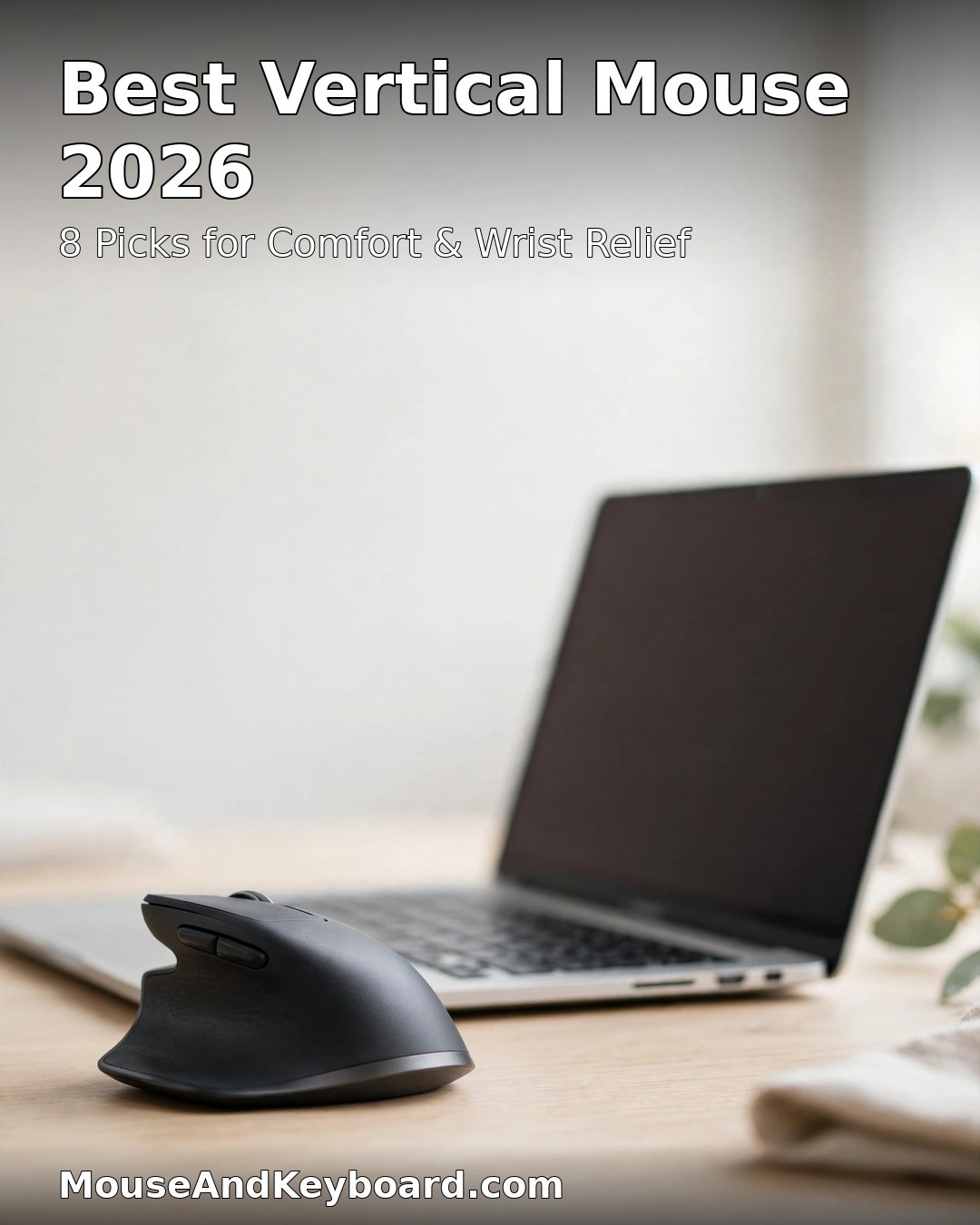
The MX Vertical is the mouse that made vertical mainstream, and it is still the safest recommendation in the category. Its 57-degree angle puts your hand in what Logitech calls the natural handshake position — enough tilt to take the twist out of your wrist, but gentle enough that most people feel comfortable within a day. Logitech’s own tests say the shape cuts muscle activity by about 10 percent compared to a flat mouse.
It is built for medium to large hands, with a sculpted body, a thumb rest, four buttons, a 4,000 DPI sensor and a premium metal scroll wheel. It connects over Bluetooth, the Logi Bolt receiver or USB-C, switches between three devices, and runs for up to four months on a charge. Logitech Flow lets you move your cursor — and copy files — between two computers, which is a genuine productivity win if you work across a laptop and a desktop.
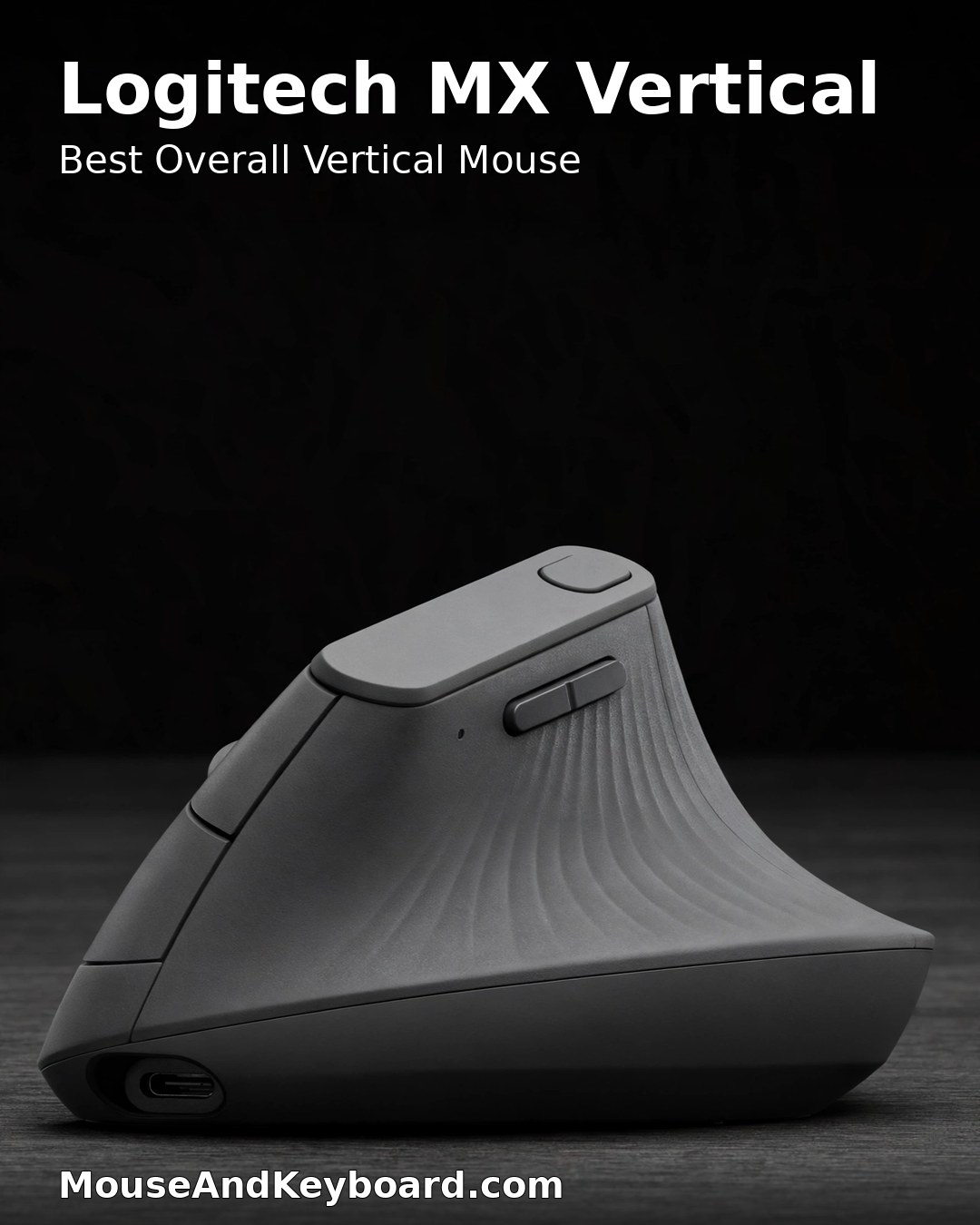
Pros: the most proven 57-degree shape in the category; premium build and scroll wheel; three-device switching with Logitech Flow; up to four months of battery; USB-C charging.
Cons: too large for small hands; the 4,000 DPI sensor is office-grade, not gaming-grade; no left-handed version.
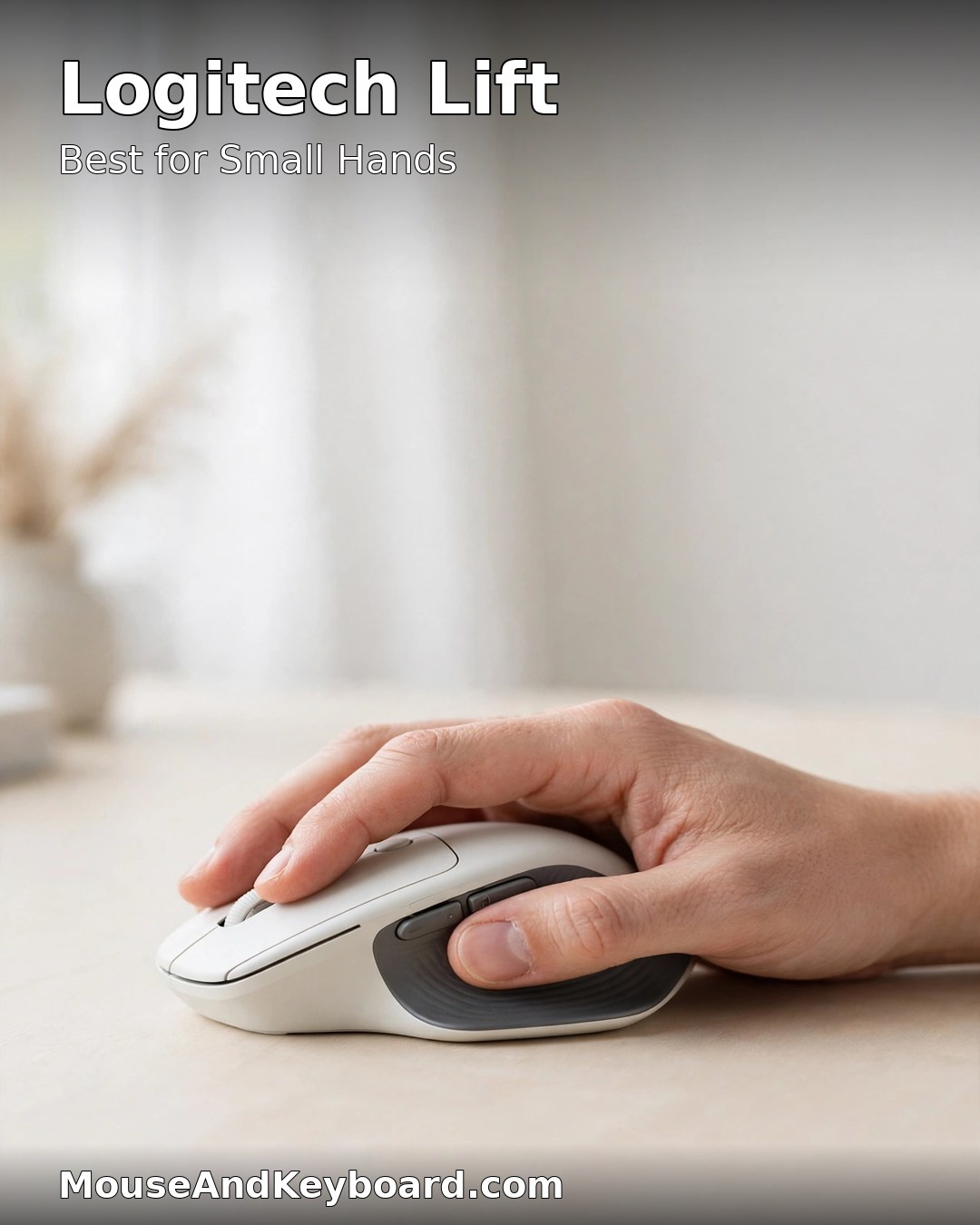
2. Logitech Lift — Best Vertical Mouse for Small Hands
The Lift is the MX Vertical’s smaller sibling: the same 57-degree angle and handshake grip in a shorter, lighter body built for small to medium hands. At 125 g it is noticeably easier to move around than the MX Vertical, and the clicks are quieter — a real plus in a shared office. It is also the only mainstream vertical mouse with a left-handed version, which makes it the default choice for left-handers.
It runs for up to 24 months on a single AA battery, connects over Bluetooth or the Logi Bolt receiver, and switches between three devices. The sensor tops out at 4,000 DPI, which is plenty for office work and browsing. If the MX Vertical feels like holding a brick, the Lift is the one to buy — and it is frequently on sale for around $50.
Pros: the best fit for small and medium hands; left-handed version available; quiet clicks; up to two years of battery life; often on sale near $50.
Cons: too small for large hands; only four buttons; office-grade sensor, not built for gaming.
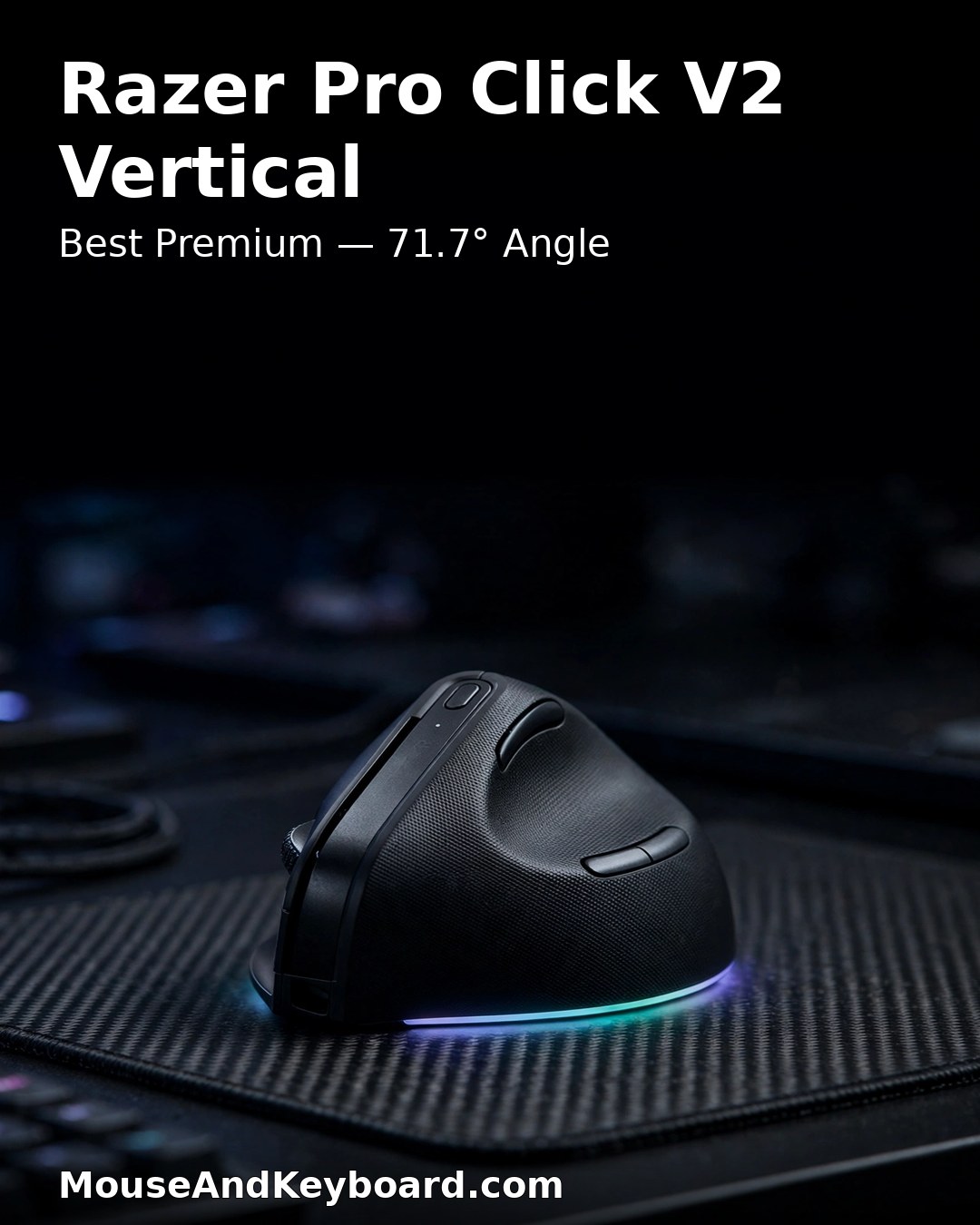
3. Razer Pro Click V2 Vertical Edition — Best Premium Vertical Mouse
Razer’s first wireless vertical mouse is the most ambitious one on this list. It pushes the angle to 71.7 degrees — the steepest here — which puts your wrist closer to a true handshake than any competitor and, for people whose wrist pain is already a daily reality, delivers faster relief. It pairs that shape with a Focus Pro 30K optical sensor, the same class of hardware Razer puts in its gaming flagships, so it tracks on glass and stays precise at high speeds.
You get five-way multi-device connectivity over 2.4 GHz, Bluetooth and USB-C wired, a dedicated button to switch between them, and up to six months of battery life under Razer’s standard test conditions. At 150 g it is the heaviest mouse here, and the steep angle takes longer to adjust to than the Logitech 57-degree shape — give it a full week before judging it. It earned Editor’s Choice from PCMag in May 2026.
Pros: steepest angle on this list for maximum wrist relief; flagship Focus Pro 30K sensor; tracks on glass; five-way multi-device connectivity; up to six months of battery.
Cons: the heaviest mouse here at 150 g; steep angle needs a longer adjustment period; the highest price on this list.
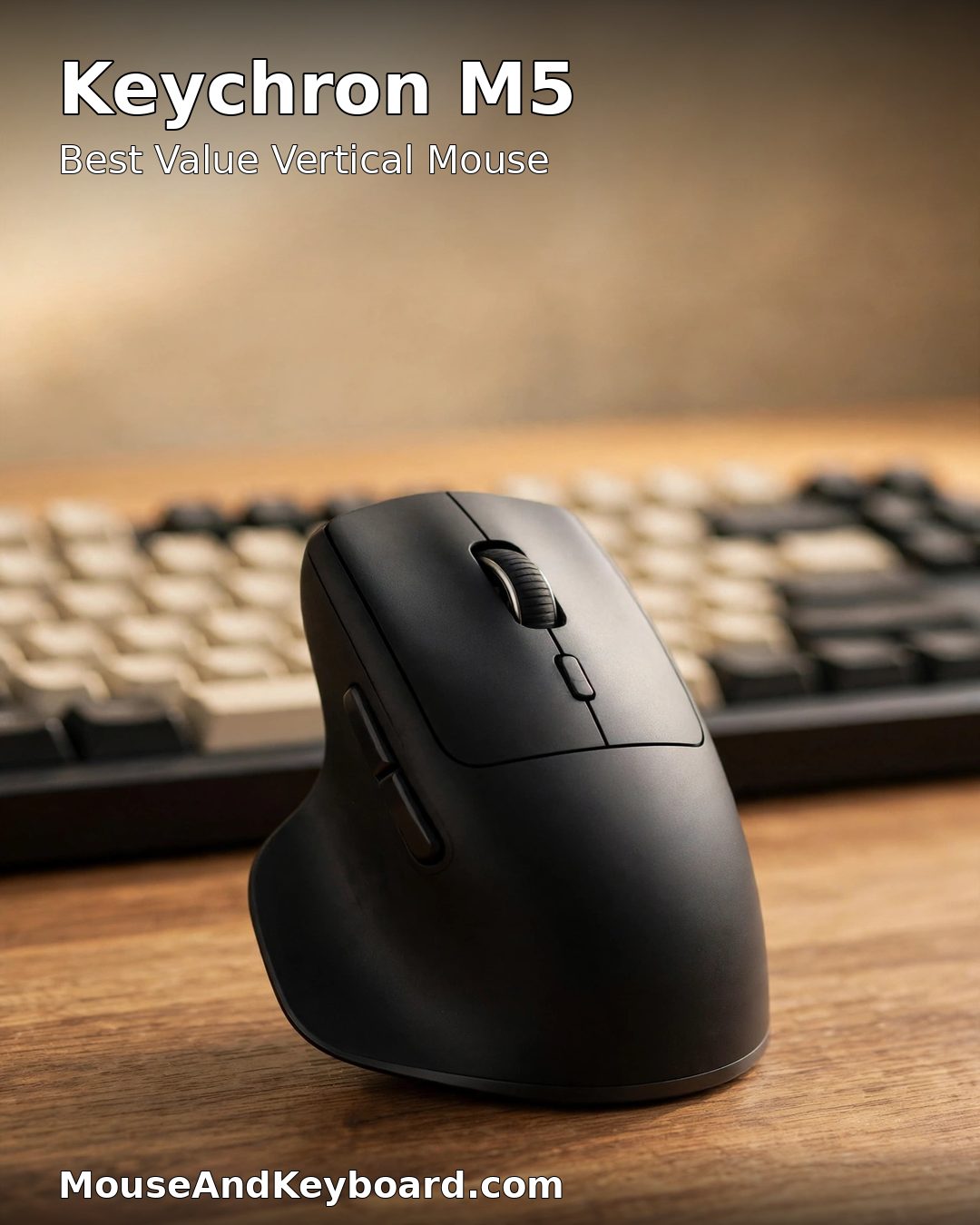
4. Keychron M5 — Best Value Vertical Mouse
Keychron’s first vertical mouse is the value pick of 2026. At around $50 it delivers about 80 percent of the MX Vertical experience for roughly two-thirds of the price: a comfortable ~65-degree split with a thumb rest, dual-mode wireless over 2.4 GHz and Bluetooth 5.1, a PixArt 3311 sensor and a 1,000 Hz polling rate — specs that put it ahead of most office mice at this price.
It is a straightforward, well-built mouse with no software tax: it works out of the box on Windows and Mac. The matte black finish looks the part next to a Keychron keyboard, and the shape is easy to adjust to if you are coming from a flat mouse. If you want a serious vertical mouse without paying flagship money, this is the one.
Pros: the best value in the category at around $50; PixArt 3311 sensor with 1,000 Hz polling; dual-mode wireless; comfortable thumb rest; no software required.
Cons: only five buttons; no multi-device switching as slick as Logitech Flow; fewer colour options.
5. Contour Unimouse — Best Adjustable-Angle Vertical Mouse
The Unimouse is the only vertical mouse here that lets you choose your angle. A mechanical hinge swings the shell from 35 degrees — a shallow tilt, barely different from a flat mouse — all the way to 70 degrees, close to the Razer’s steep handshake. The thumb rest slides and pivots too, so you can tune the fit to your hand instead of hoping a fixed shape happens to suit you.
That adjustability is the whole point: if you do not know which tilt suits you yet, the Unimouse lets you find out without buying and returning two or three mice. It comes in left- and right-handed versions, wired or wireless, at around $89–99. The trade-off is that a hinge is a moving part, and the shape is less sculpted than the Logitech mice — but for anyone who has tried a fixed vertical mouse and found it almost right, this is the fix.
Pros: the only adjustable-angle mouse on this list (35–70 degrees); movable thumb rest; left-handed version available; wired and wireless options.
Cons: less sculpted than the Logitech mice; the hinge adds bulk; costs more than fixed-angle rivals.
6. Kensington Pro Fit Ergo Vertical Wireless Trackball — Best Vertical Trackball
If moving your arm to move the cursor is part of the problem, a trackball removes that motion entirely. Kensington’s Pro Fit Ergo Vertical Wireless Trackball combines a 45-degree vertical tilt with a 34 mm thumb-operated ball, so your hand stays in a neutral position and your thumb does the pointing. It is ergonomist-approved, connects over Bluetooth LE or a 2.4 GHz receiver, and has a 4D scroll wheel for horizontal scrolling.
It costs around $74 and suits people who want the vertical grip without the arm movement — or who share a desk where a mouse has no room to travel. There is a learning curve: give your thumb a few days to get accurate. But for wrist pain that comes from moving the whole arm, this is the most direct fix on the list.
Pros: vertical tilt plus a trackball, so your arm barely moves; ergonomist-approved design; Bluetooth LE and 2.4 GHz; 4D scroll wheel for horizontal scrolling.
Cons: thumb trackballs take a few days to learn; 45-degree tilt is shallower than the Logitech mice; not for gaming.
7. ProtoArc EM11 NL — Best Budget Rechargeable Vertical Mouse
The ProtoArc EM11 NL is the cheapest credible way into vertical mice that does not feel cheap. At around $25 it connects to up to three devices over two Bluetooth channels and a 2.4 GHz receiver, charges over USB-C instead of eating AA batteries, and has silent clicks that will not bother anyone nearby. It weighs just 76 g, comes in six colours, and carries a two-year warranty with 30-day returns.
It is a good travel mouse and a good first vertical mouse: if you are not sure the shape is for you, $25 is a low-risk way to find out. The shape is wide-bodied with a soft-touch coating and an LED accent ring, and independent reviews call it a quality product for the price. It will not match the Logitech mice for build or sensor, but at this price it does not have to.
Pros: around $25 with three-device connectivity; rechargeable over USB-C; silent clicks; very light at 76 g; six colour options; two-year warranty.
Cons: build quality is a step below the Logitech tier; no software for remapping; wide body may not suit very small hands.
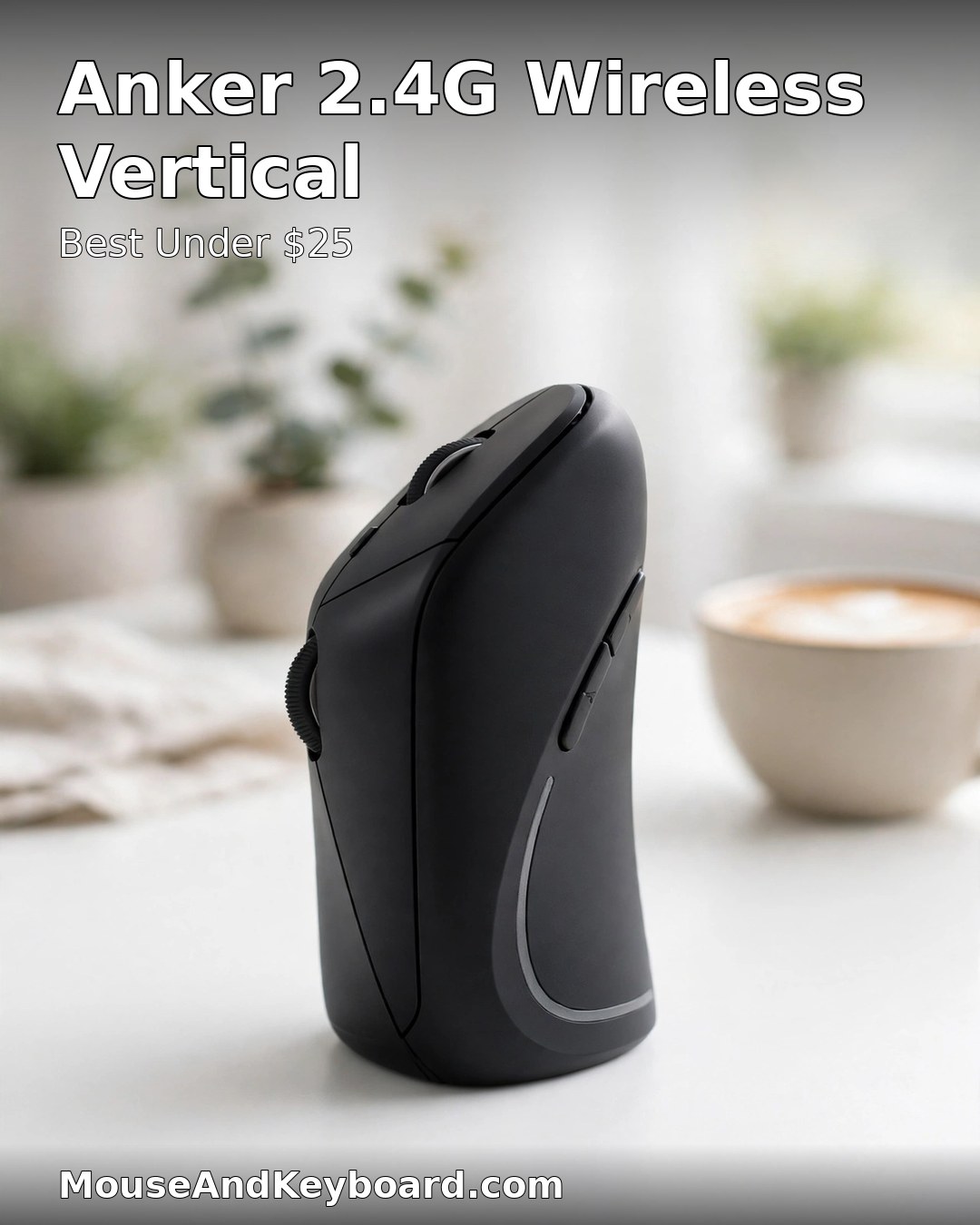
8. Anker 2.4G Wireless Vertical — Best Vertical Mouse Under $25
The Anker 2.4G is the gateway drug of vertical mice. At around $25 it is the cheapest mouse on this list, and it is better than it has any right to be: a comfortable vertical shell, five buttons, 1000/1600 DPI, and a simple 2.4 GHz receiver that just works. There is no Bluetooth and no rechargeable battery — it runs on AAAs — but for a first try at the vertical shape, none of that matters.
Buy it if you want to find out whether a vertical mouse suits you before committing real money, or keep one in a desk drawer as a spare. Many people buy it as an experiment and end up using it every day.
Pros: the cheapest mouse on this list at around $25; simple and reliable; five buttons; comfortable shape for the price; a no-risk way to try vertical.
Cons: 2.4 GHz only, no Bluetooth; runs on AAA batteries; 1000/1600 DPI only; no multi-device switching.
How to Choose a Vertical Mouse
Match the angle to your wrist. A 57-degree mouse like the Logitech MX Vertical or Lift is the easy first step — comfortable within a day for most people. If your wrist already hurts every day, a steeper angle like the Razer’s 71.7 degrees gives more relief, but takes longer to get used to. If you are not sure, the Contour Unimouse lets you try every angle in between.
Match the size to your hand. Small to medium hands belong on the Logitech Lift or the ProtoArc EM11 NL. Medium to large hands fit the MX Vertical, the Razer Pro Click V2 Vertical and the Keychron M5. Left-handers should start with the Lift or the Unimouse — they are the only ones here with left-handed versions.
Decide what you are paying for. Under $25 buys you the shape (Anker, ProtoArc). Around $50 buys you the shape plus a decent sensor and dual-mode wireless (Keychron M5). Around $75–100 buys you the proven Logitech ergonomics and multi-device switching. Around $120 buys you a flagship sensor and the steepest angle (Razer). The shape itself is what fixes your wrist — the extra money buys comfort, build and features on top of it.
Give it a week. Every vertical mouse feels strange for the first day or two. Your accuracy will dip, and you will reach for your old mouse. Stick with it for a full working week before deciding — most people who switch never go back.
FAQs About Vertical Mice
Do vertical mice really help wrist pain?
Yes, for most people. A vertical mouse holds your hand in a handshake position instead of twisting your forearm flat, which reduces the muscle activity in your wrist and forearm. Logitech’s own testing found about 10 percent less muscle activity with the MX Vertical than with a flat mouse. That said, a mouse alone will not fix wrist pain caused by a bad desk setup — keep your wrist straight, your elbow at 90 degrees, and take breaks. If pain persists, see a clinician.
What angle is best — 57 degrees or steeper?
57 degrees is the best starting point: it is the angle Logitech uses on both the MX Vertical and the Lift, and most people adjust to it within a day. Steeper angles like the Razer Pro Click V2 Vertical’s 71.7 degrees put your wrist closer to a true handshake and can give more relief if your wrist already hurts, but they take longer to get used to. If you do not know which you prefer, the Contour Unimouse adjusts from 35 to 70 degrees so you can try them all.
How long does it take to get used to a vertical mouse?
Plan on three to seven days. Your accuracy will drop at first and the shape will feel odd, especially if you switch to a steep angle. Use it for a full working week before judging it — most people who stick with it for a week never go back to a flat mouse.
Are vertical mice good for gaming?
Most vertical mice are built for office work, with office-grade sensors and few buttons. The exception is the Razer Pro Click V2 Vertical, which has a Focus Pro 30K sensor and gaming-grade wireless — it is the only vertical mouse here that is genuinely capable for gaming, though at 150 g it is heavy for fast competitive shooters. For casual gaming, the MX Vertical and Lift are fine.
Can left-handed people use a vertical mouse?
Yes, but the choice is smaller. The Logitech Lift and the Contour Unimouse both come in left-handed versions — the Lift is the better pick for most left-handers, since it is cheaper and easier to find. The MX Vertical, Razer and Keychron mice on this list are right-handed only.
Are vertical mice worth it if my wrist does not hurt yet?
Yes — that is the best time to switch. A vertical mouse is preventive as well as corrective: the handshake position puts less strain on your wrist over thousands of hours of use, so switching before pain starts is cheaper than fixing it later. A $25 Anker or ProtoArc is a low-risk way to find out if the shape suits you.
The bottom line: for most people, the Logitech MX Vertical is the best vertical mouse in 2026 — the most proven shape, the best build, and a price that has settled around $75. If your hands are small, get the Logitech Lift. If your wrist already hurts every day, the Razer Pro Click V2 Vertical’s steep 71.7-degree angle is worth the premium. And if you just want to try the shape, the $25 Anker or ProtoArc EM11 NL will tell you everything you need to know. Whichever you choose, give it a full week — your wrist will thank you.
If wrist pain is already a daily problem, read our best ergonomic mouse for carpal tunnel relief guide for more options, and pair your new mouse with our best wireless mouse for work picks if you want a flat mouse for travel days. For independent takes on the same mice, see The Gadgeteer’s 2026 vertical mouse roundup, AppleInsider’s ProtoArc EM11 NL review and Kensington’s official Pro Fit Ergo Vertical Trackball page.