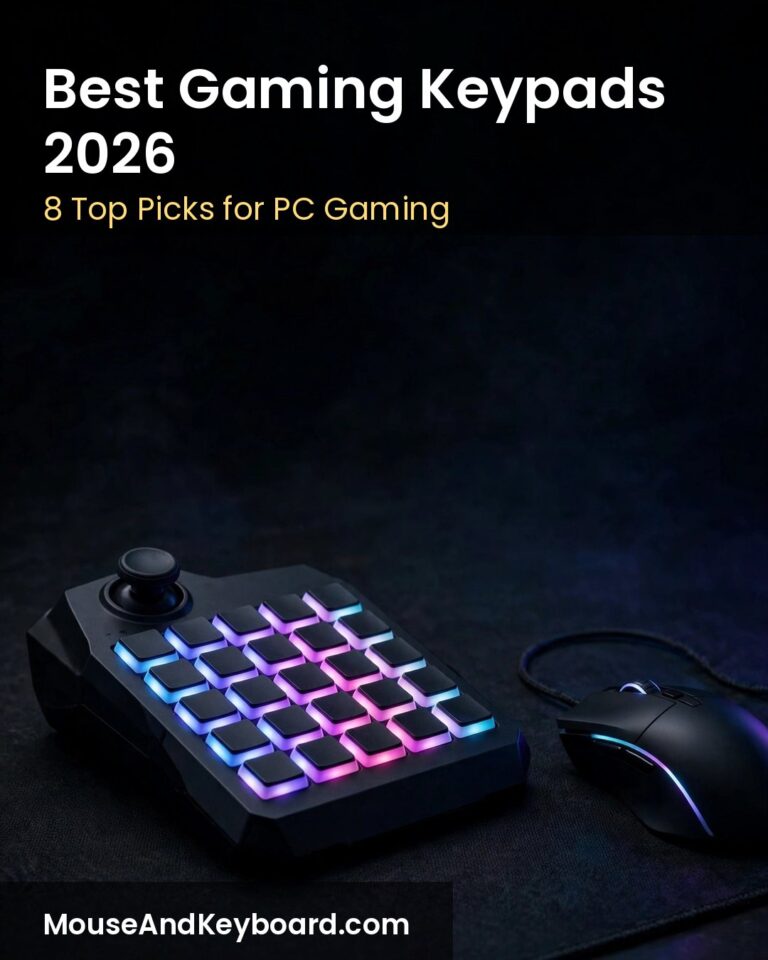

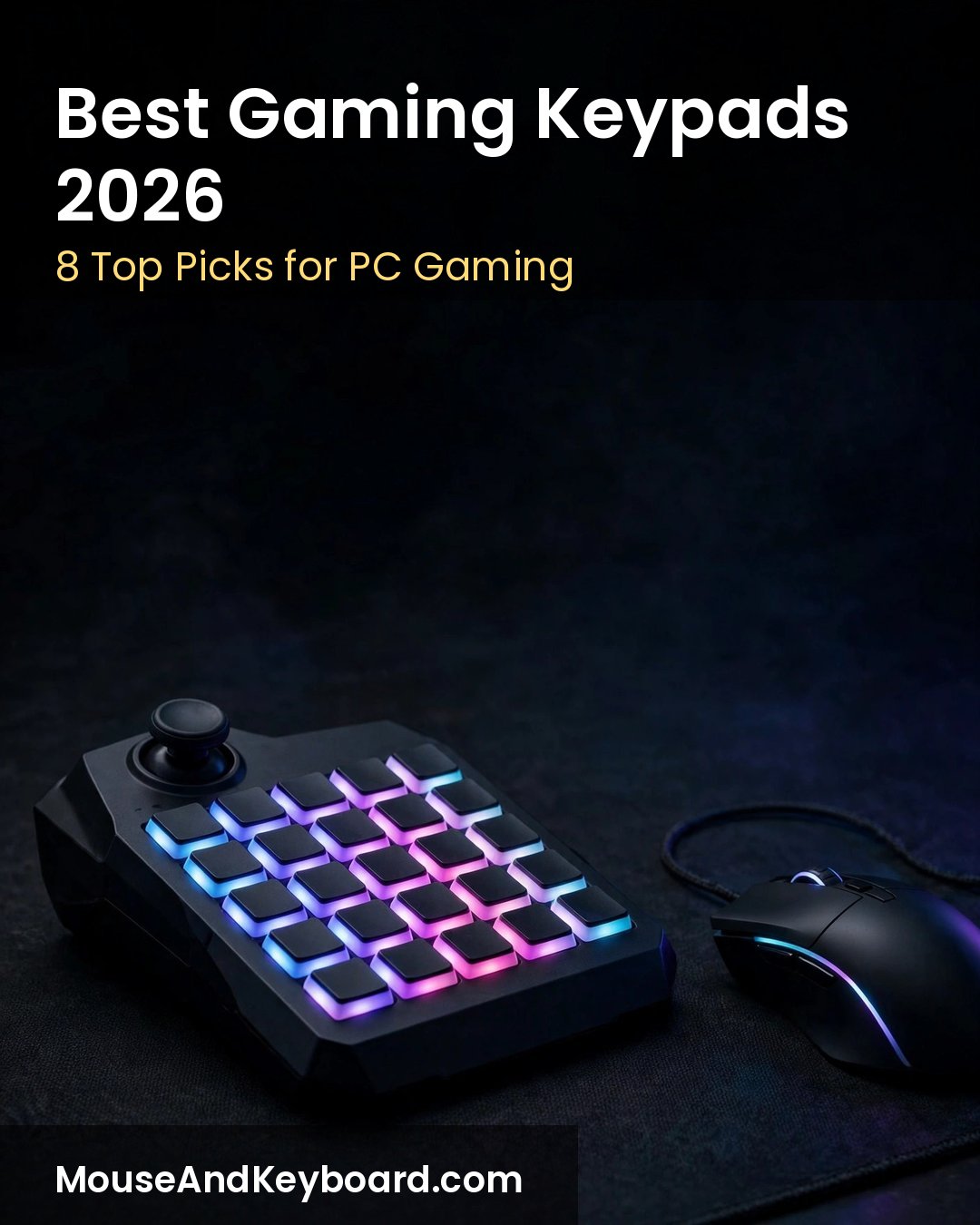
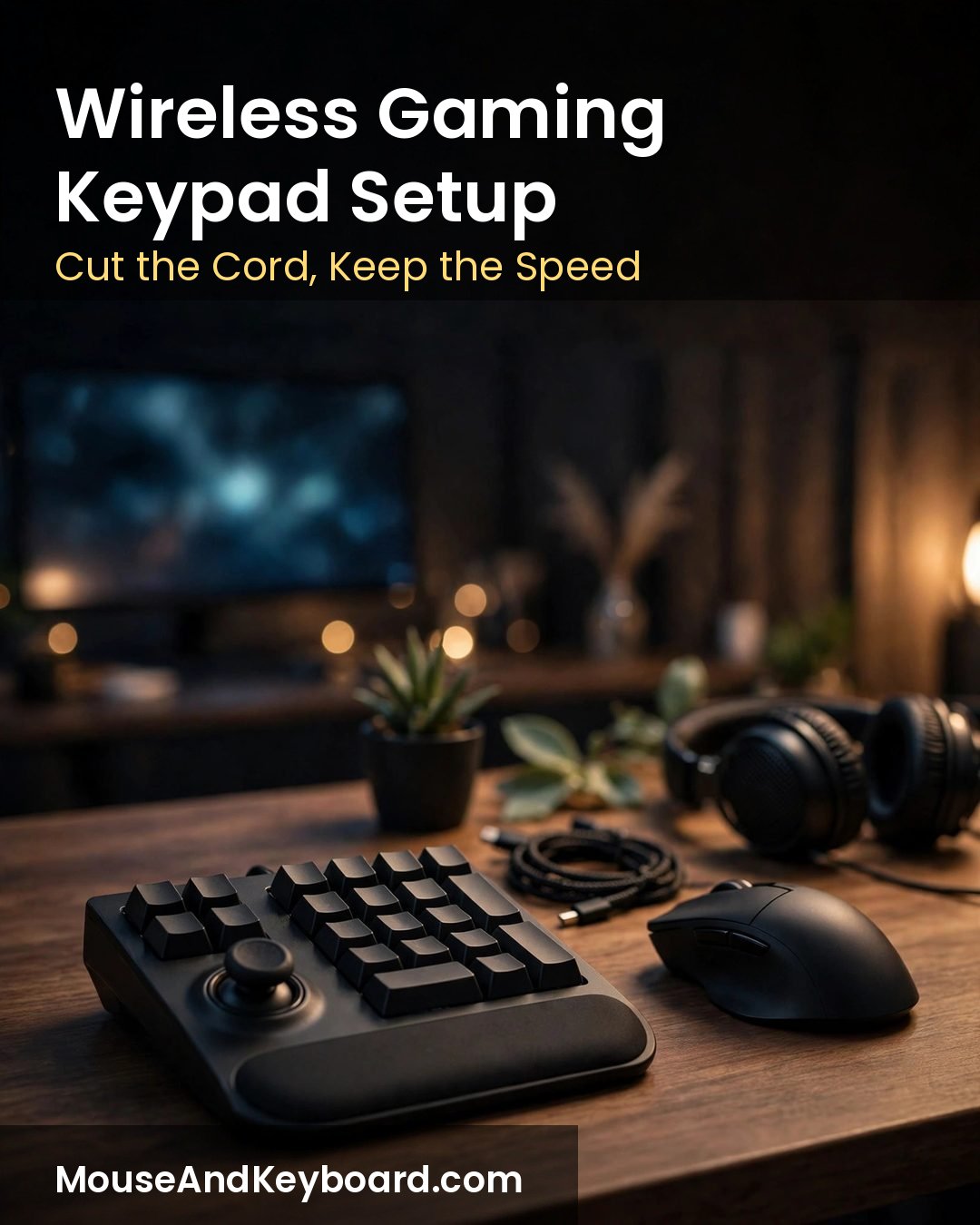
A gaming keypad replaces the left half of your keyboard with a compact, one-handed pad built for gaming: programmable keys, a thumbstick or thumbpad for movement, and a wrist rest that keeps your hand comfortable through long sessions. Your right hand stays on the mouse, and everything you need — movement, abilities, macros — sits under your left fingers.
The category has changed a lot since our old list was written. Analog optical and Hall effect switches now bring adjustable actuation and Rapid Trigger to keypads, thumbsticks have gone properly analog, and wireless options finally exist. Every pick below is a model you can actually buy in 2026 — the seven discontinued models from our previous list (including the Razer Orbweaver Chroma, Razer Nostromo, and Logitech G13) are gone.
Last updated: November 2026
Best Gaming Keypads of 2026 at a Glance
| Keypad | Best For | Switches | Keys | Price |
|---|---|---|---|---|
| Razer Tartarus V2 Pro | Best overall | Analog optical (Gen-2) | 31 | Around $200 |
| Azeron Cyborg II | Best ergonomic | Omron | 30 | From around $292 |
| Razer Tartarus Pro | Best analog mid-range | Analog optical | 32 | Around $130 |
| Razer Tartarus V2 | Best for MMO | Mecha-membrane | 32 | Around $80 |
| Redragon K585 DITI | Best budget | Mechanical (Outemu) | 42 | Around $37 |
| Redragon K585 PRO Wireless | Best wireless | Mechanical, hot-swap | 42 | Around $50 |
| Keychron C0 HE 8K | Best Hall effect value | Hall effect magnetic | 35 | Around $60 |
| Epomaker HE30 | Best compact Hall effect | Hall effect magnetic | 30 | Around $50 |
Prices checked November 2026 and can change — confirm the exact price on the seller’s page before buying.
The 8 Best Gaming Keypads of 2026
1. Razer Tartarus V2 Pro — Best Gaming Keypad Overall
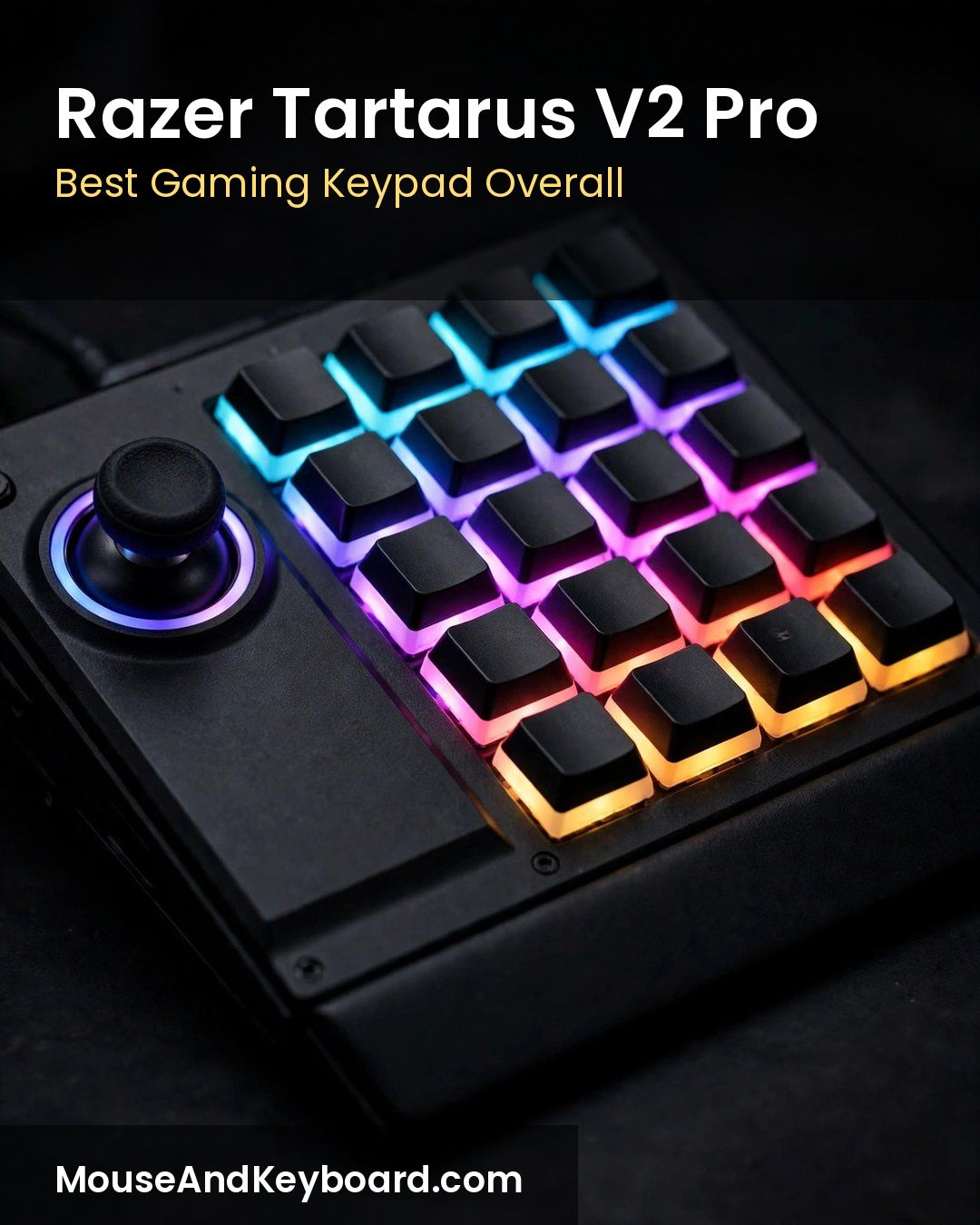
The Razer Tartarus V2 Pro is the best gaming keypad of 2026. Its second-generation analog optical switches let you set actuation anywhere from 0.1 to 4.0 mm per key, and Rapid Trigger resets a key the instant you start lifting it — the same tricks that made Hall effect keyboards the competitive standard, now in keypad form. A full-size TMR analog thumbstick handles movement, up to 8,000 Hz HyperPolling keeps input latency minimal, and Snap Tap prioritizes the most recent directional input for faster counter-strafing. At around $200 it is the priciest Razer keypad, but it is also the only one that does everything a competitive FPS player could ask for. You will need Razer Synapse to configure it, and the wired-only USB-C connection means no wireless option.
2. Azeron Cyborg II — Best Ergonomic Gaming Keypad
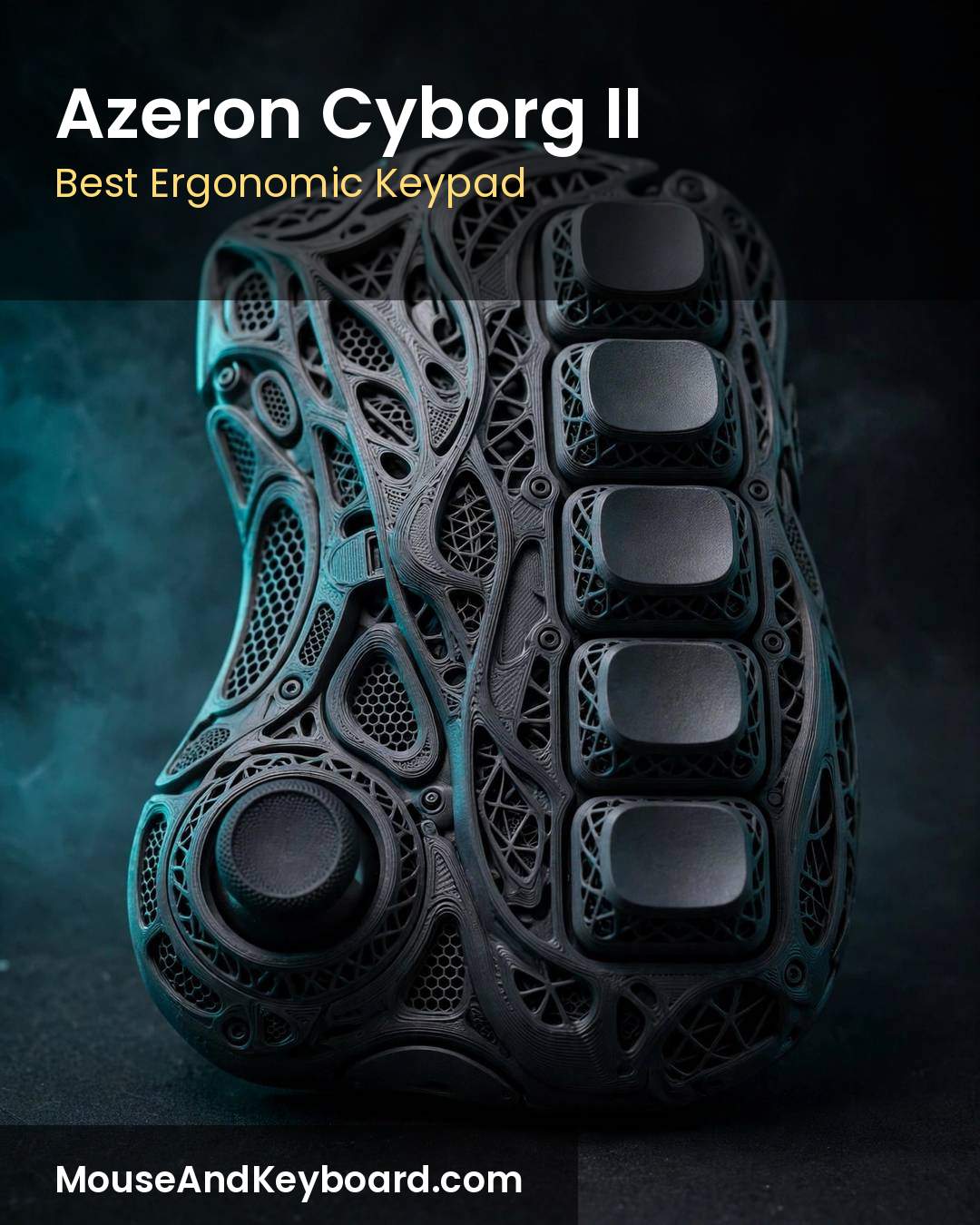
The Azeron Cyborg II takes a completely different approach: instead of a flat slab of keys, it is a sculpted, 3D-printed device whose key modules physically move to match your finger spread and hand size. The result is the most comfortable keypad you can buy for long sessions, with a Hall effect analog thumbstick that gives smooth 360-degree movement with no drift. Its 30 Omron-switch keys are rated for 50 million clicks. The trade-off is a steep learning curve — expect an hour or two of setup and a few days to retrain your muscle memory — and a premium price from around $292 depending on configuration. It is also designed for right-handed mouse users only. If comfort matters more than anything else, nothing else here comes close.
3. Razer Tartarus Pro — Best Analog Gaming Keypad for the Money
The Razer Tartarus Pro brings analog optical switches to a more reasonable price at around $130. Each of its 32 keys has adjustable actuation from 1.5 to 3.6 mm, so you can set movement keys to trigger with a light touch and ability keys to need a deliberate press. A dual-function keypress lets one key do two things depending on how far you press it, and Rapid Trigger support keeps repeated inputs fast. The 8-way thumbpad is a D-pad rather than a true analog stick, so movement is digital, and like all Razer keypads it is wired only and configured through Synapse. For players who want analog control without paying $200, this is the sweet spot.
4. Razer Tartarus V2 — Best Gaming Keypad for MMO Players
The Razer Tartarus V2 is the long-running classic of the category and still the safest first keypad at around $80. Its 32 programmable keys, thumbpad, scroll wheel, and two-position wrist rest cover every MMO hotbar you are likely to need, and Chroma RGB ties it into the rest of a Razer setup. One honest caveat: its mecha-membrane switches are rubber-dome keys with a mechanical click, not true mechanical or analog switches, so it cannot match the Pro models for responsiveness. If your priority is dozens of reachable hotkeys at a fair price rather than analog precision, the V2 remains hard to beat.
5. Redragon K585 DITI — Best Budget Gaming Keypad
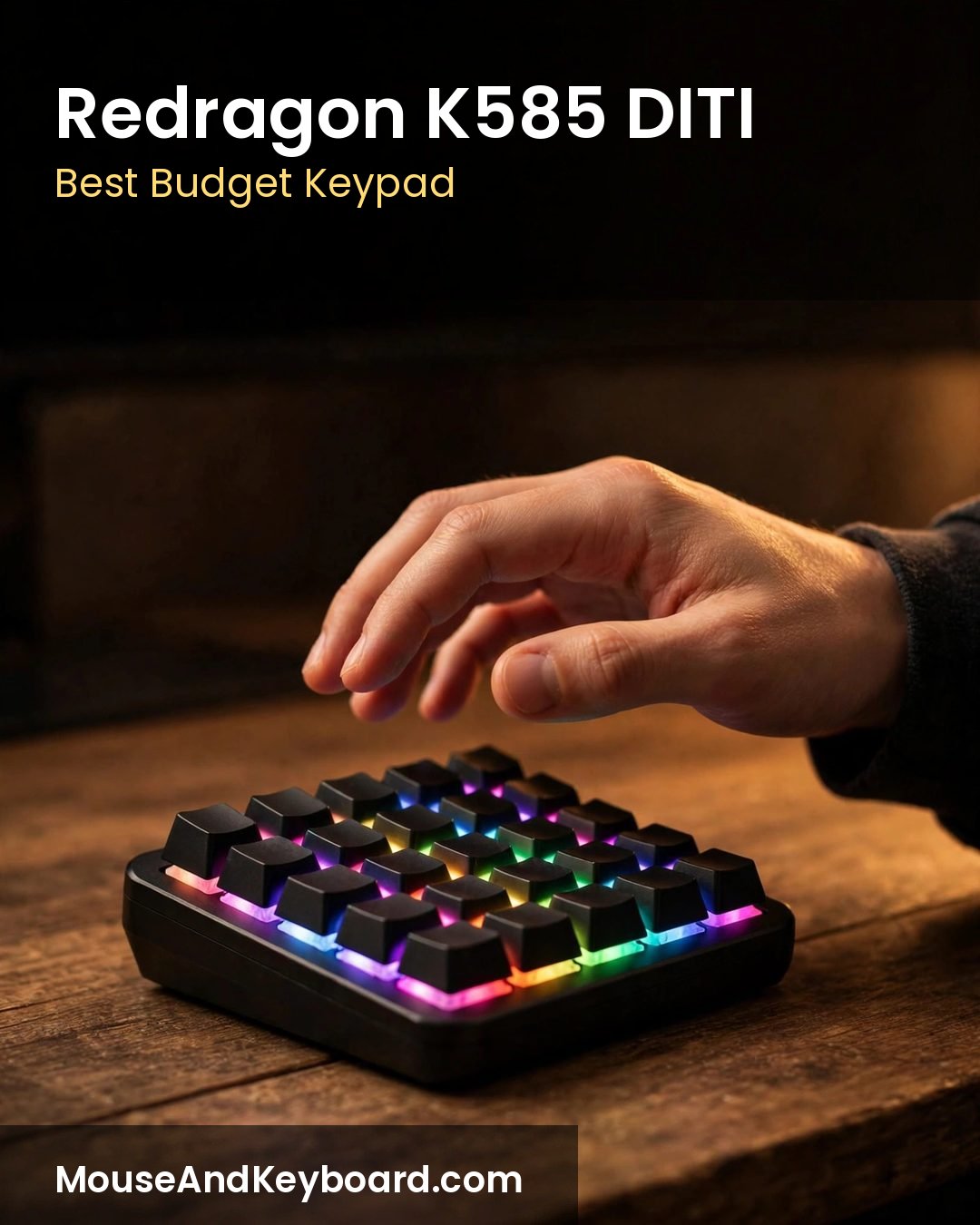
The Redragon K585 DITI is the best gaming keypad under $40, and it is not close. For around $37 you get 42 real Outemu mechanical keys — seven of them dedicated macro keys — hot-swappable sockets, per-key RGB, and a detachable wrist rest. Its familiar WASD-style layout means almost no learning curve: it feels like the left half of a normal keyboard, just smaller. The software is basic compared with Razer Synapse, and there is no thumbstick — movement lives on the keys, with an 8-way D-pad instead. For a first keypad, a second setup, or a tight budget, the K585 DITI is the smart buy.
6. Redragon K585 PRO Wireless — Best Wireless Gaming Keypad
The Redragon K585 PRO Wireless takes the same 42-key layout as the DITI and cuts the cord: 2.4 GHz wireless, Bluetooth, and wired USB-C in one device, with hot-swappable mechanical switches and a rechargeable battery. At around $50 it is the cheapest way to get a wireless keypad, and it solves the one real annoyance of the category — a wired pad tethering your left hand to the desk. Competitive players should still use the wired mode for the lowest latency, and battery life depends heavily on RGB brightness, but for most players the freedom is worth it.
7. Keychron C0 HE 8K — Best Hall Effect Gaming Keypad for the Price
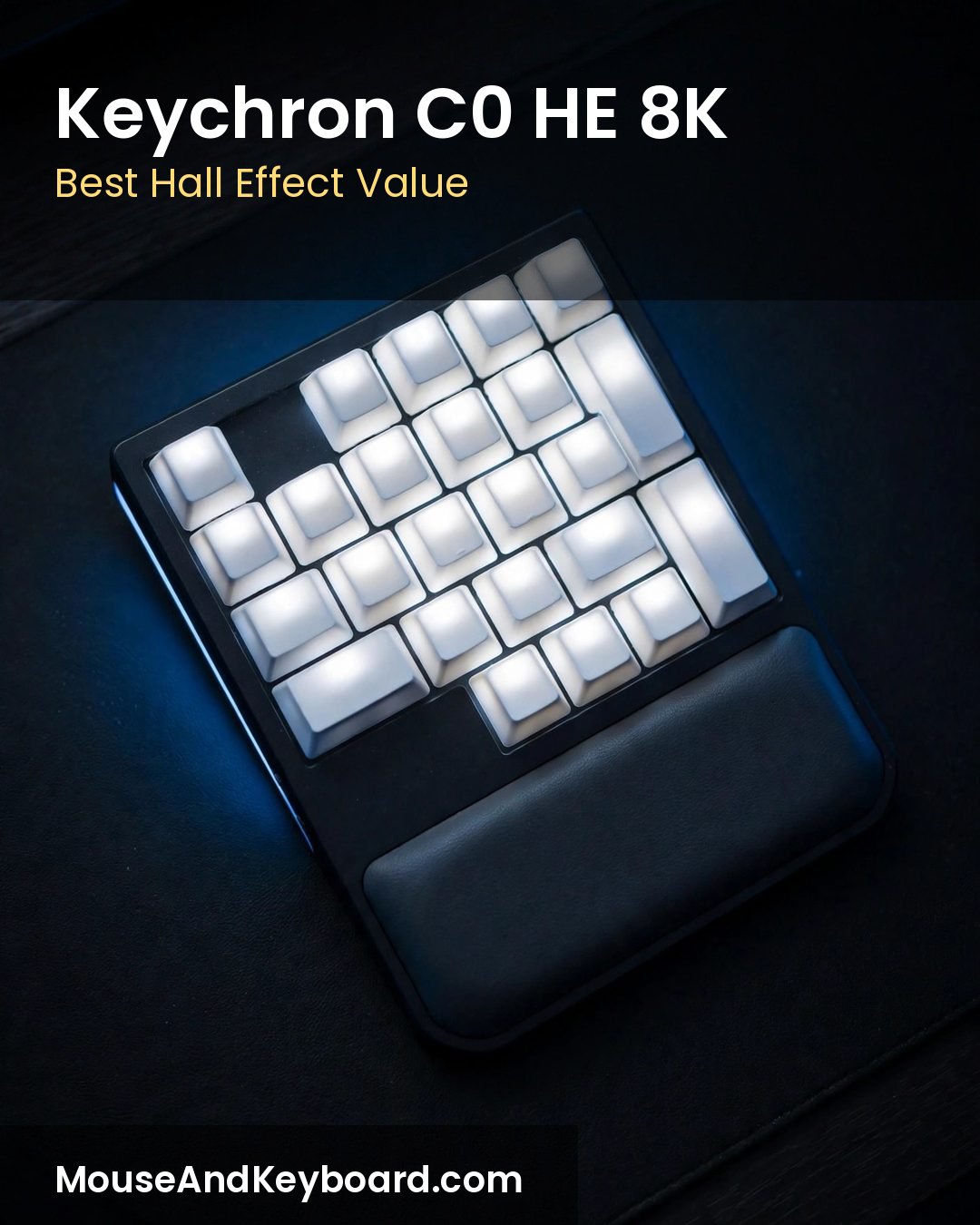
The Keychron C0 HE 8K is a 35-key Hall effect half keyboard that brings magnetic-switch technology down to around $60. Its Keychron Ultra-fast Lime magnetic switches offer adjustable actuation and Rapid Trigger, it polls at 8,000 Hz, and a built-in silicone palm rest is included — a thoughtful touch most keypads charge extra for. There is no thumbstick, so movement stays on the keys, and the switches are proprietary: it only works with Keychron’s own Lime magnetic switches, not other magnetic switch types. Stock can be tight, so check availability. If you want Hall effect performance on a budget and you do not need a stick, this is the pick.
8. Epomaker HE30 — Best Compact Hall Effect Keypad
The Epomaker HE30 rounds out the list as another affordable Hall effect option at around $50. It is a compact 30-key magnetic-switch half keyboard with adjustable actuation and Rapid Trigger support, aimed squarely at FPS players who want the core Hall effect benefits — fast resets, per-key actuation tuning — in the smallest possible footprint. It is a simpler device than the Tartarus V2 Pro, with no thumbstick and no deep software ecosystem, but at this price it is the cheapest route into analog-style key behavior. Pair it with a good mouse and it covers the essentials for competitive play.
How to Choose a Gaming Keypad
Buying a gaming keypad is mostly about matching the device to your games and your hands. Work through these five questions before you order.
Analog, Hall effect, or mechanical?
Switch type is the biggest difference between keypads in 2026. Analog optical and Hall effect (magnetic) switches let you adjust how far a key travels before it triggers, and support Rapid Trigger for faster repeated presses — a real advantage in FPS games. Standard mechanical switches feel great and are cheaper, while mecha-membrane keys (like the Tartarus V2) are the least responsive option. If you play competitive shooters, prioritize analog or Hall effect; for MMO or casual play, mechanical is fine.
Thumbstick or thumbpad?
A true analog thumbstick, like the one on the Tartarus V2 Pro or the Azeron Cyborg II, gives smooth 360-degree movement — the closest a keypad gets to controller-style walking. A D-pad or 8-way thumbpad only registers directions, which is fine for ability keys and menus but less natural for movement. If you plan to move with your thumb, buy a stick; if your thumb will hit abilities, a pad is fine.
How many keys do you need?
MMO and MOBA players should look at 30-plus keys: the Redragon K585 models offer 42, the Tartarus line 31–32. FPS players can get away with fewer, since most actions live on the mouse and a handful of keys. More keys also means a bigger device and a longer adjustment period, so do not overbuy.
Wired or wireless?
Almost every keypad is wired, and wired is still the lowest-latency choice for competitive play. The Redragon K585 PRO is the only genuinely wireless option in this list, and it also works wired when latency matters. If your desk is cramped or you hate cables, wireless is a real quality-of-life win — just keep the RGB brightness down to stretch battery life.
Comfort and software
You will rest your left hand on this device for hours, so a wrist rest matters: the Tartarus models and the Keychron C0 HE include one, and the K585 DITI’s is detachable. Also check the software before you buy — Razer Synapse is powerful but heavy, Redragon’s software is simpler, and the Azeron software takes time to learn. A keypad you cannot easily remap is just an expensive paperweight.
Gaming Keypads: Frequently Asked Questions
Are gaming keypads worth it?
Yes, if you play PC games with a mouse and want faster, more comfortable access to abilities and movement. A keypad puts everything under your left hand, frees desk space for big mouse movements, and reduces wrist strain compared with reaching across a full keyboard. They are least useful for games that need a full keyboard, like typing-heavy strategy games.
What is the best gaming keypad in 2026?
The Razer Tartarus V2 Pro is the best gaming keypad overall in 2026, with second-generation analog optical switches, a TMR analog thumbstick, Rapid Trigger, and 8,000 Hz polling. The Azeron Cyborg II is the best ergonomic option, and the Redragon K585 DITI is the best budget pick at around $37.
Is a gaming keypad better than a keyboard for FPS games?
For many FPS players, yes. Analog and Hall effect keypads offer adjustable actuation and Rapid Trigger, which a standard keyboard cannot match, and the thumbstick gives analog movement. A full keyboard still wins for games that need many keys at once, and some players simply prefer the familiar layout — it comes down to what you have trained on.
Do gaming keypads work on consoles?
Most gaming keypads are designed for PC and are not officially supported on PlayStation or Xbox. Some players use adapters to connect them, but results vary and competitive console games may flag adapter use. If you mainly play on console, check compatibility for your specific model before buying.
What is the difference between a gaming keypad and a one-handed keyboard?
They are mostly the same idea with different shapes. A gaming keypad is a purpose-built device with a thumbstick or thumbpad, programmable keys, and a wrist rest. A one-handed keyboard, like the Keychron C0 HE 8K, is literally the left half of a keyboard with a familiar WASD layout. Keypads are more ergonomic and game-focused; one-handed keyboards are easier to learn because the layout is familiar.
How many keys do I need on a gaming keypad?
For FPS games, 20 to 30 keys is plenty. For MMO and MOBA games, look for 30 to 42 keys so your abilities, macros, and inventory shortcuts all fit. More keys help only if you actually bind them — an unbound key is just desk clutter.
Still building your setup? Our best Hall effect keyboards of 2026 explains the analog and magnetic switch technology behind the top keypads here, and our best wireless gaming mouse guide will help you pick the right mouse to pair with your new keypad.